LogoTopAIHubs
icon of ChatPPT

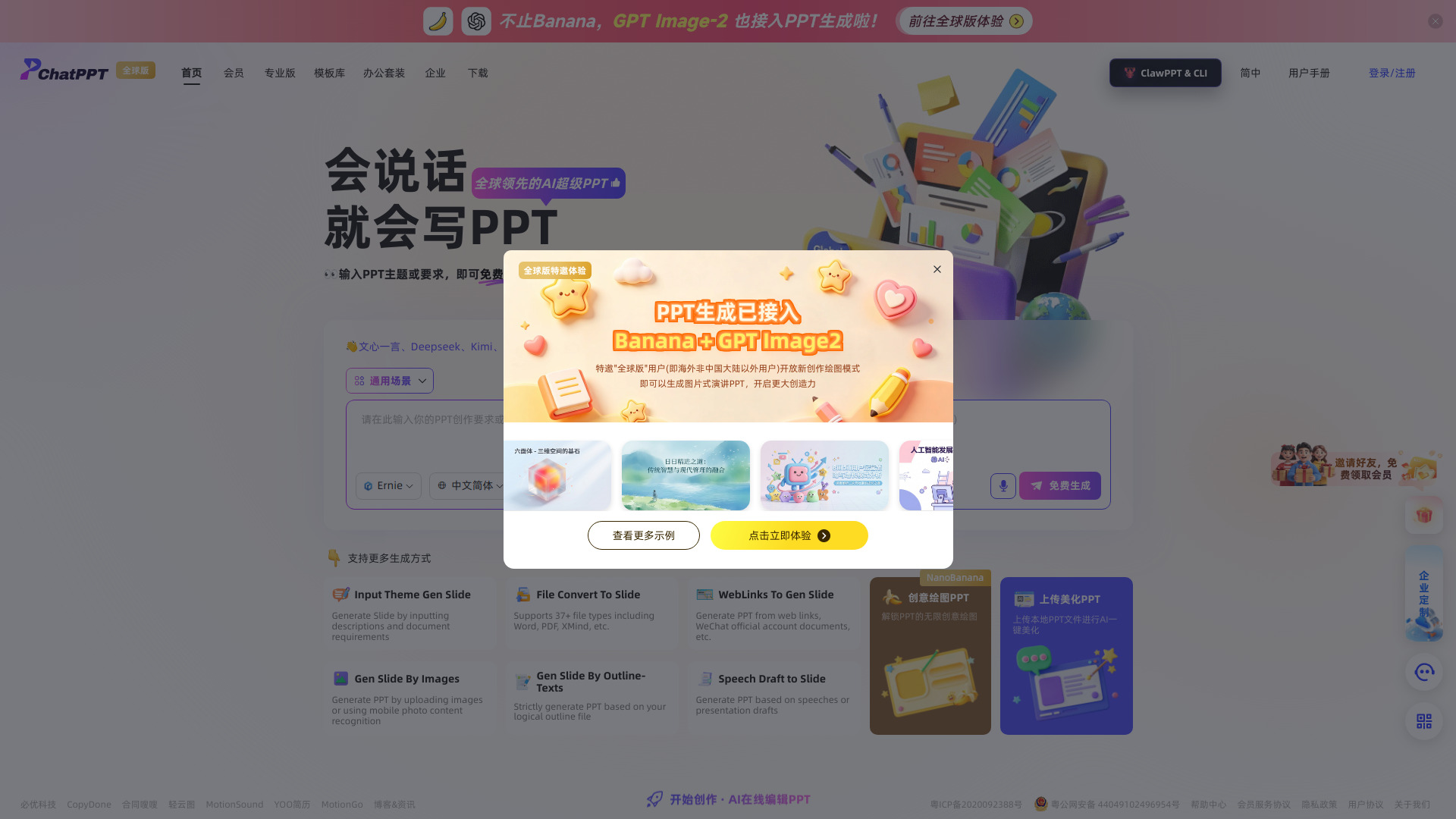
ChatPPT

AI tool for automatically creating, designing, and formatting PowerPoint presentations

Introduction

What is ChatPPT

ChatPPT is an AI-powered online tool that automatically generates, designs, and formats PowerPoint presentations. It supports creating presentations from a single sentence or an outline, and includes features for intelligent layout, beautification, template application, and AI-assisted presentations. It is designed to help users complete reports, defenses, teaching, and business presentations more efficiently.

How to use ChatPPT
  1. Visit the ChatPPT website.
  2. Enter a single sentence or an outline describing your presentation topic.
  3. ChatPPT uses its AI to generate a complete presentation, including design and layout, within about one minute.
  4. Review and edit the generated slides as needed.
  5. Use the intelligent presentation features to practice or deliver your presentation.
Features of ChatPPT
  • One-sentence generation: Create a full presentation from a single sentence.
  • Outline generation: Generate slides from an outline.
  • Intelligent layout: Automatically arrange content for optimal visual appeal.
  • Beautification and polishing: Enhance the design and wording of slides.
  • Template application: Apply various templates to customize the look.
  • AI presentation: Features to assist with delivering the presentation.
  • AI roadshow: Tools for business pitches and demos.
  • Over 2500 command sets: Extensive capabilities for diverse presentation needs.
  • Fast generation: Complete a full presentation in under a minute.
Use Cases of ChatPPT
  • Work reports: Quickly create professional presentations for business updates.
  • Academic defenses: Prepare slides for thesis or project defenses.
  • Teaching: Generate educational materials for lessons.
  • Business presentations: Create pitches and demos for clients or investors.
FAQ

No frequently asked questions are listed on the webpage.
Newsletter

Join the Community

Subscribe to our newsletter for the latest news and updates