What is QwenWork
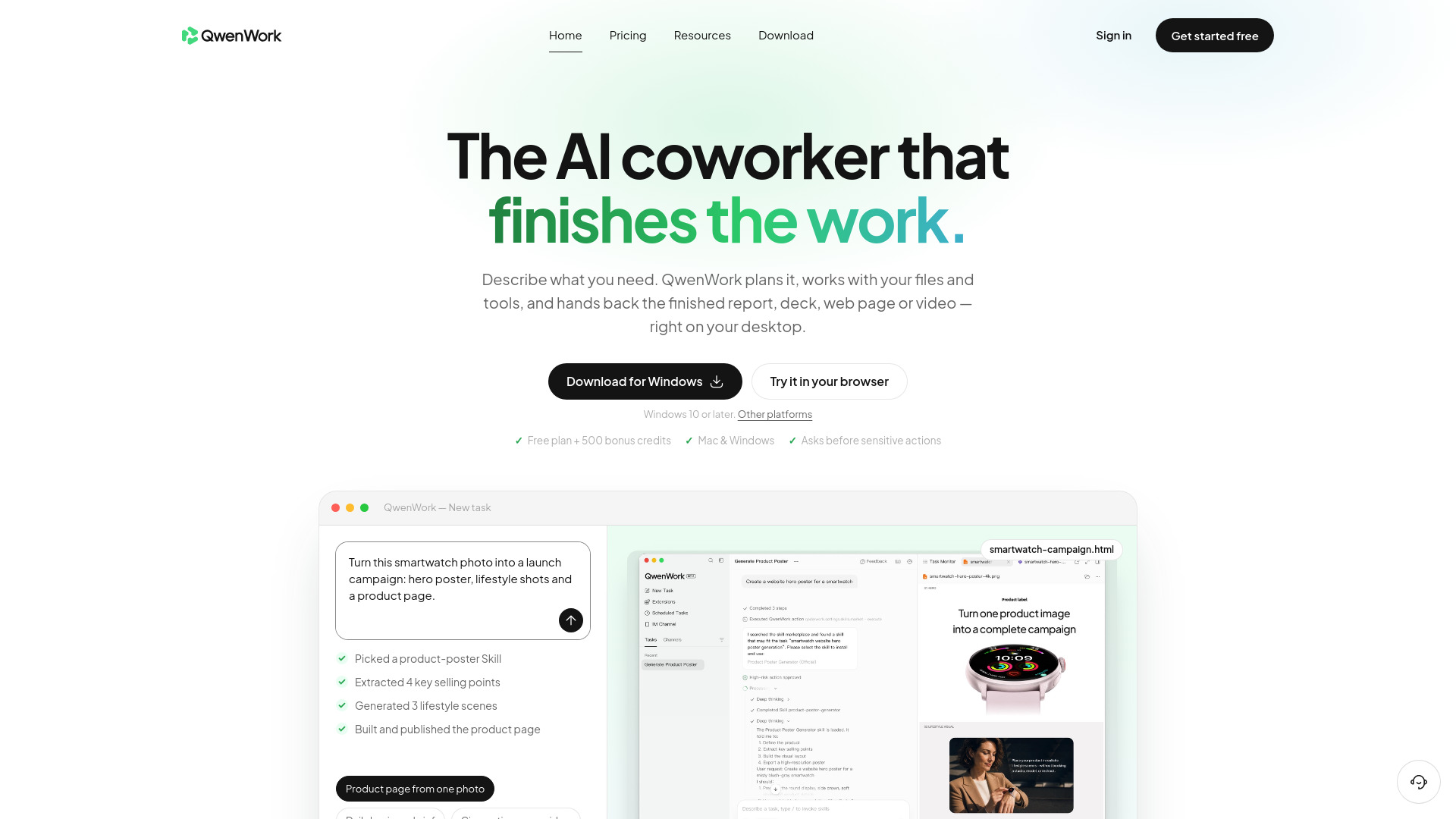
QwenWork is an AI productivity platform developed by Alibaba that functions as an AI coworker. It plans and executes tasks, working with your files and tools to produce finished reports, decks, web pages, images, and videos directly on your desktop. Unlike chatbots that provide drafts, QwenWork completes the entire job and shows every step.
How to use QwenWork
- Describe the outcome: Type a goal in plain English, or point it at a folder, product photo, or spreadsheet. No prompt engineering required.
- It plans and executes: QwenWork breaks the task into steps, loads the right Skills, and works across your files and tools, asking before anything sensitive.
- Review, tweak, publish: Get a real file—a doc, deck, video, or live web page. Ask for changes in a sentence, or publish a page in one click.
Features of QwenWork
- Lives on your desktop: Native apps for Mac and Windows that work with the files and folders you choose.
- Plans and executes tasks: Breaks down goals into steps and works across your files and tools.
- Asks before sensitive actions: Ensures you approve any sensitive operations.
- Multiple output formats: Produces docs & reports, slide decks, live web pages, images & GIFs, voice & music, and video.
- Works with local files: Sorts, renames, summarizes, and converts files with your approval.
- Scheduled briefs: Can schedule daily business briefs with insights and next steps.
- Skills system: Loads appropriate Skills for tasks like product-poster creation or video production.
Use Cases of QwenWork
- E-commerce: Turn a single product photo into a conversion-ready product page with lifestyle visuals and benefit-led copy.
- Business insights: Schedule a daily brief that pulls numbers, spots changes, and provides prioritized next steps.
- Content & video: Produce cinematic promo videos, social cuts, posters, and on-brand imagery from a brief or reference image.
- File busywork: Organize Downloads, invoices, or research; batch-convert and summarize documents.
- Web page creation: Build interactive web pages like luxury fragrance sites, art-history portals, or playable games from a single prompt.
- Video generation: Create film trailers, product promos, and social videos with script, visuals, voice-over, and music.
FAQ
What platforms does QwenWork support?
QwenWork is available as a web app and as native desktop apps for macOS (14 or later) and Windows (10 or later).
Does QwenWork ask for permission before taking actions?
Yes, QwenWork asks before sensitive actions, ensuring you approve any critical operations.
Can QwenWork work with my local files?
Yes, QwenWork works directly with files on your computer, but only the ones you choose, and sensitive actions always wait for your OK.
What output formats can QwenWork produce?
QwenWork can generate docs & reports, slide decks, live web pages, images & GIFs, voice & music, and video.
Is there a free trial?
Yes, there is a free plan that includes 500 bonus credits.