What is Clawd Bot
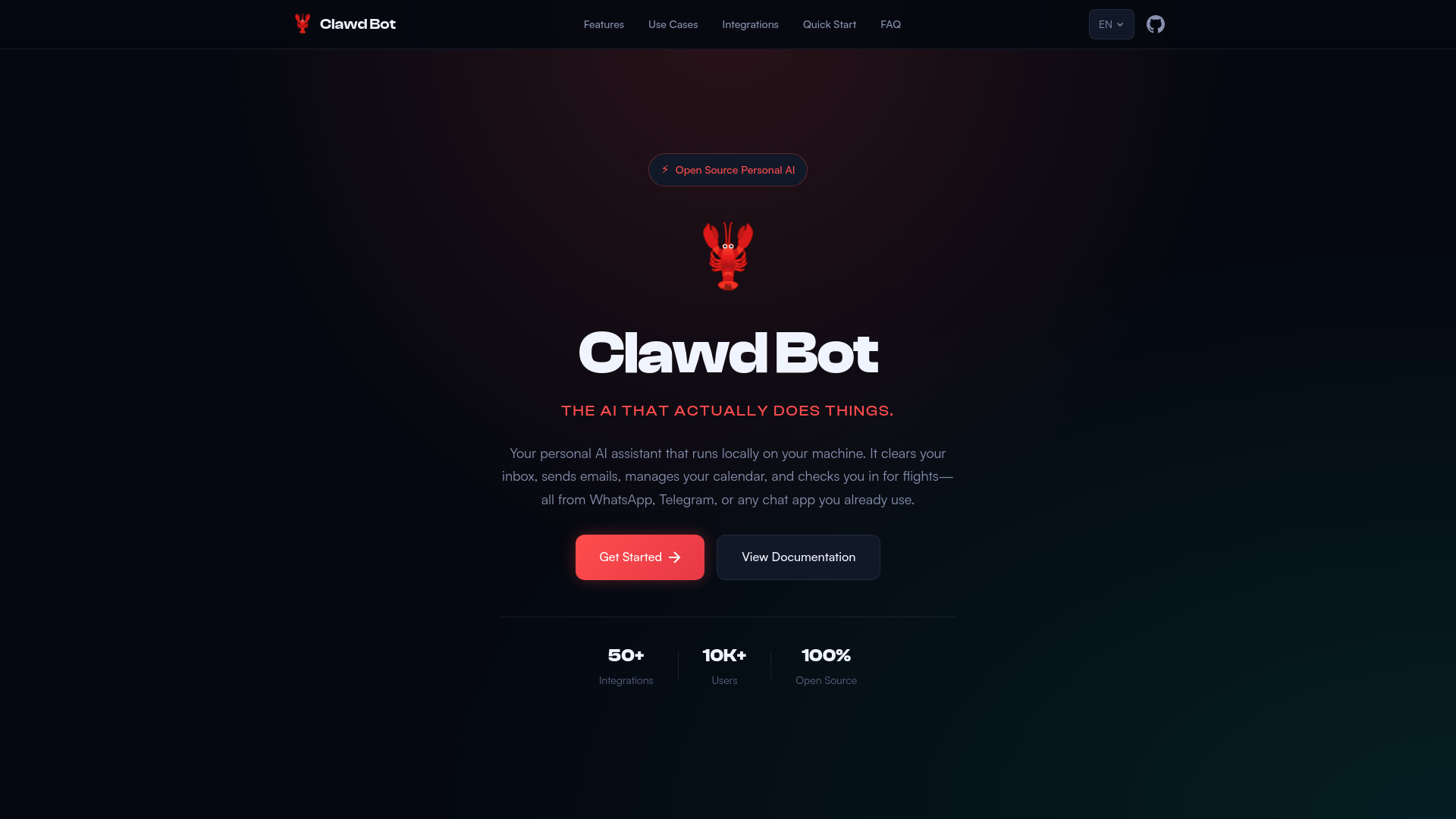
Clawd Bot is an open-source personal AI assistant that runs locally on your machine. It automates tasks such as clearing your inbox, sending emails, managing your calendar, and checking you in for flights, all controllable through popular chat applications like WhatsApp, Telegram, and Discord.
How to use Clawd Bot
- One-liner Installation: Execute
curl -fsSL https://openclaw.ai/install.sh | bashin your terminal. This method works on macOS, Windows, and Linux and installs Node.js and all necessary components. - npm Installation: If you have Node.js installed, run
npm i -g openclawto install ClawdBot globally. Then, runopenclaw onboardto set it up. - Hackable Installation: Clone the source code by running
curl -fsSL https://openclaw.ai/install.sh | bash -s -- --install-method git. - macOS Download: Download the dedicated macOS application from the releases page.
Features of Clawd Bot
- Multi-Platform Chat: Control via WhatsApp, Telegram, Discord, Slack, Signal, or iMessage.
- Persistent Memory: Remembers preferences, past conversations, and context.
- Browser Control: Auto-fills forms, extracts data, and navigates websites.
- System Access: Reads and writes files, executes shell commands, and interacts with your local environment.
- Skills & Plugins: Extend functionality with community skills or build your own.
- Privacy First: Runs 100% on your machine, with data staying local unless explicitly sent out.
Use Cases of Clawd Bot
- Email Management: Automatically sorts, summarizes, and drafts email responses.
- Calendar & Scheduling: Books meetings, sends invites, and handles rescheduling.
- Flight Check-in: Automatically checks you in for flights and secures the best seats.
- Research & Summaries: Browses the web, reads articles, and provides concise summaries.
- Home Automation: Controls smart home devices and sets routines through natural conversation.
- Personal Finance: Tracks expenses, categorizes spending, and provides financial insights.
Pricing
Clawd Bot is open source and free to use. Costs may apply for AI model API usage if cloud models are utilized. Local models are free.
FAQ
- Is it free? Yes, it's open source and free to use. You only pay for AI model API costs (Claude, GPT, etc.) if you use cloud models. Local models are completely free.
- Does my data leave my computer? By default, your data stays on your machine. Data is only sent to external services when you explicitly request it (e.g., sending an email or using a cloud AI model).
- Which AI models are supported? Claude, GPT-4, GPT-3.5, Gemini, Llama, Mistral, and most other popular models. You can also run local LLMs using Ollama or LM Studio.
- Can I use it without technical knowledge? Yes! It's designed to be user-friendly. Basic setup takes just a few clicks. Advanced features are available for power users who want more customization.
- How do I connect WhatsApp/Telegram? Simply scan a QR code or enter your phone number. The app will guide you through the setup process. No API keys required for personal messaging apps.
- Is it safe to give system access? Permission is requested before performing any system actions. You can configure granular permissions and always see what will happen before execution.