Newsletter
Join the Community
Subscribe to our newsletter for the latest news and updates

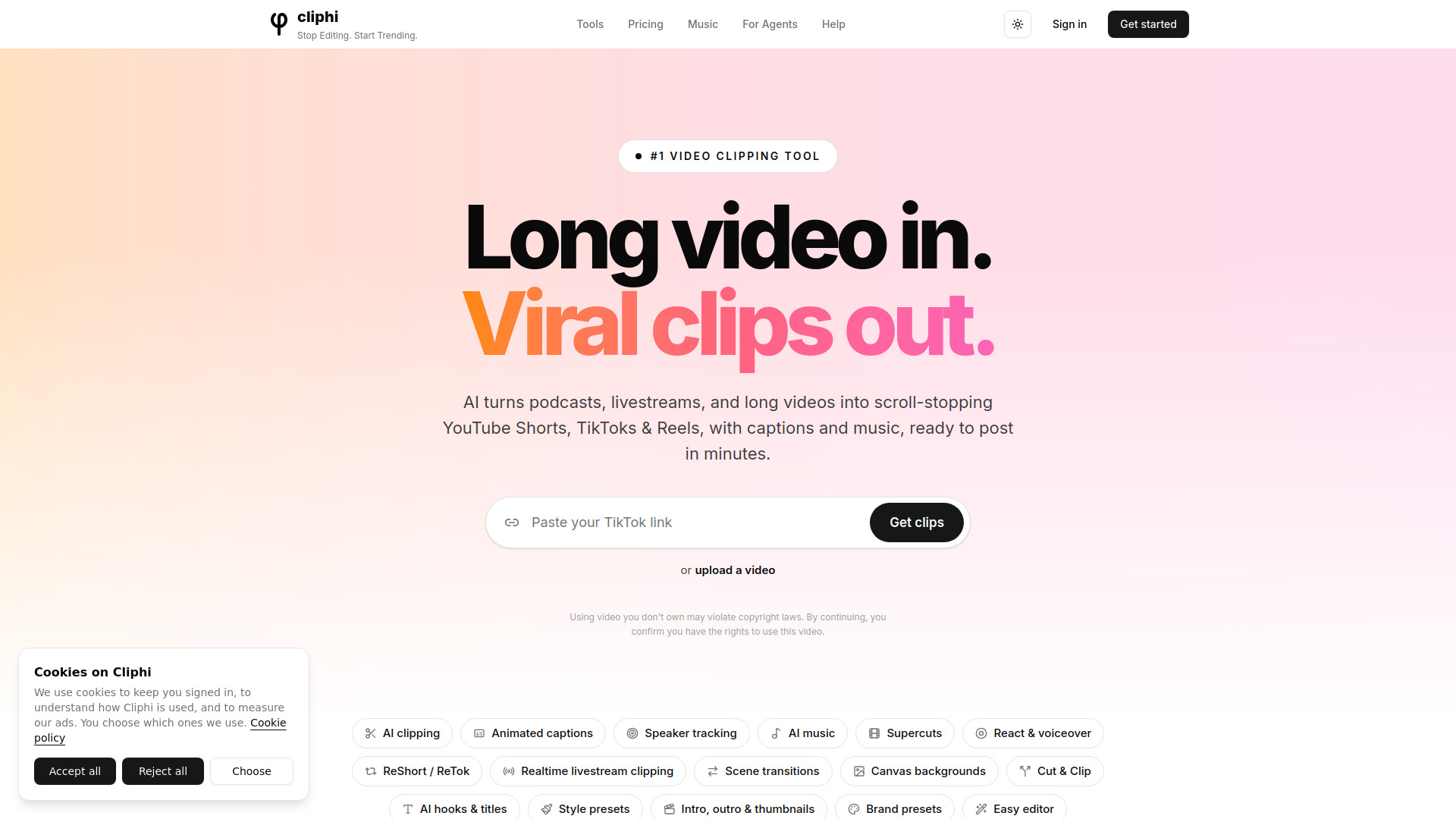
AI tool that turns long videos into ready-to-post social media clips
Cliphi is an AI-powered tool that turns long videos, podcasts, and livestreams into ready-to-post vertical clips for social media platforms like YouTube Shorts, TikTok, and Instagram Reels. It automatically detects engaging moments, adds animated captions and music, and formats clips for each platform.
Is Cliphi an app I can download, or an APK? Yes, on Android: get the Cliphi app on Google Play. Cliphi also works in any browser at cliphi.com, on your phone or computer, with nothing to install. Install the app only from Google Play: we don't publish an APK anywhere else, so a "Cliphi APK" from another site is not from us and we can't vouch for what it does.
Can I use Cliphi on my phone? Yes. On Android, use the Cliphi app on Google Play or your browser. On iPhone, use Safari or any other browser. Paste a link, get clips, then download or post them, all from the phone. A bigger screen is more comfortable for long editing sessions, but nothing is desktop-only.
How do I download Cliphi, or my clips? Use Cliphi in any browser at cliphi.com, or on Android get the Cliphi app on Google Play. Your clips are ordinary video files. Download any finished clip from its Download button, or post it directly to a connected YouTube, TikTok, Instagram, Facebook, Threads or X account.
How do I turn my podcast or long video into clips? Paste any YouTube link: a podcast episode, gaming stream, interview, tutorial, or any long video. Cliphi's AI scans it, finds the most engaging moments, and turns each into a ready-to-post vertical clip with animated captions, AI background music, and active speaker tracking. Livestreams work too. Processing starts while the stream is still live.
Can I turn my podcast into TikToks, Reels, and Shorts? Yes. Paste your podcast's YouTube URL (or any long-form video) and Cliphi generates vertical 9:16 clips optimized for TikTok, Instagram Reels, and YouTube Shorts. Every clip includes word-by-word captions, background music, and speaker framing, ideal for podcasts, gaming content, interviews, tutorials, and reviews.
How does the AI find the best moments? Cliphi scans the whole video and analyzes speech, energy, and engagement signals. It surfaces moments most likely to go viral: punchlines in podcasts, hype plays in gaming, insight drops in interviews, emotional peaks in any content. Each moment gets a viral-potential score so you know what's worth posting first. Custom prompts let you hunt for specific kinds of moments too.
Can I post directly to social media? Yes. Connect your social account to post clips directly from Cliphi or schedule them for later. You can also download each clip ready to post anywhere, with the right aspect ratio, captions, and post descriptions generated for you.
Do I need to edit the clips manually? No. Every clip comes ready to post: animated captions, background music, speaker framing, and post descriptions are all generated for you. You can polish in our editor if you want (trim timing, swap music, add your logo), but most creators post clips exactly as generated.
Can I add my own voice or face to the clips? Yes. Open any clip and tap the record button to react over it, with your camera in a draggable bubble or voice only. The original audio ducks under you and your words become the captions.
How long does clip generation take? Most individual clips render in 2 to 5 minutes. Long videos (a 2-hour podcast, for example) take proportionally longer overall, but clips become available as they finish. You don't have to wait for the full batch. Track live progress in your dashboard and post as soon as each clip is ready.
What aspect ratios are supported? Cliphi generates clips in three aspect ratios: 9:16 (vertical, for TikTok, Reels, Shorts), 1:1 (square, for Instagram feed), and 16:9 (horizontal, for YouTube). All clips include smart cropping, auto-generated captions, and platform-optimized formatting.