Newsletter
Join the Community
Subscribe to our newsletter for the latest news and updates

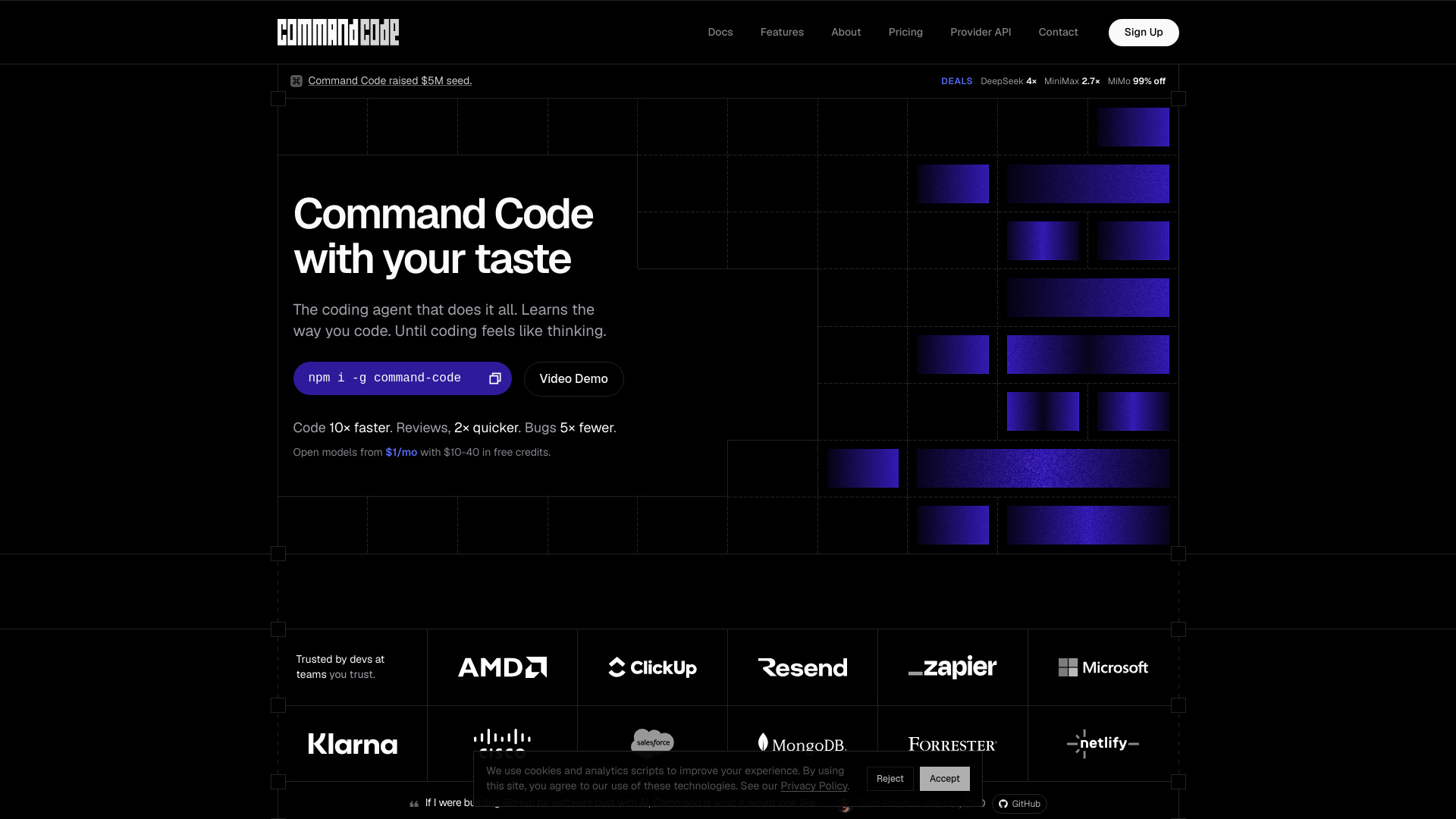
AI coding agent that learns your coding taste
Command Code is an AI coding agent that learns your coding taste. It is powered by taste-1, a meta neuro-symbolic model that pairs LLMs with your coding preferences. It continuously learns from your accepts, rejects, and edits to generate project-level skills.
Install globally via npm:
npm i -g command-code
Use the interactive CLI for real-time coding assistance, or run headless commands with -p or --yolo flags. You can also use background sandbox mode.
-p/--yolo, and background sandbox./agents and /memory carried across every session./skills, /commands, /mcp servers, and plugins./share sessions and npx taste push/pull for team taste sharing.Open models start from $1/month with $10–$40 in free credits. Special deals include DeepSeek V4 Pro at 4×, MiniMax M3 at 2.7×, and MiMo V2.5 Pro at 99% off.
What makes Command Code different from other AI coding agents? It learns your coding taste continuously, not just from a single session. It uses a meta neuro-symbolic model (taste-1) to adapt to your patterns.
Can I use open models with Command Code? Yes, Command Code is built to work with open models, closing the gap between open and closed models.
How does the learning work? Every accept, reject, and edit is a signal that auto-generates into project-level skills, so the agent gets better over time.