What is Council Chat
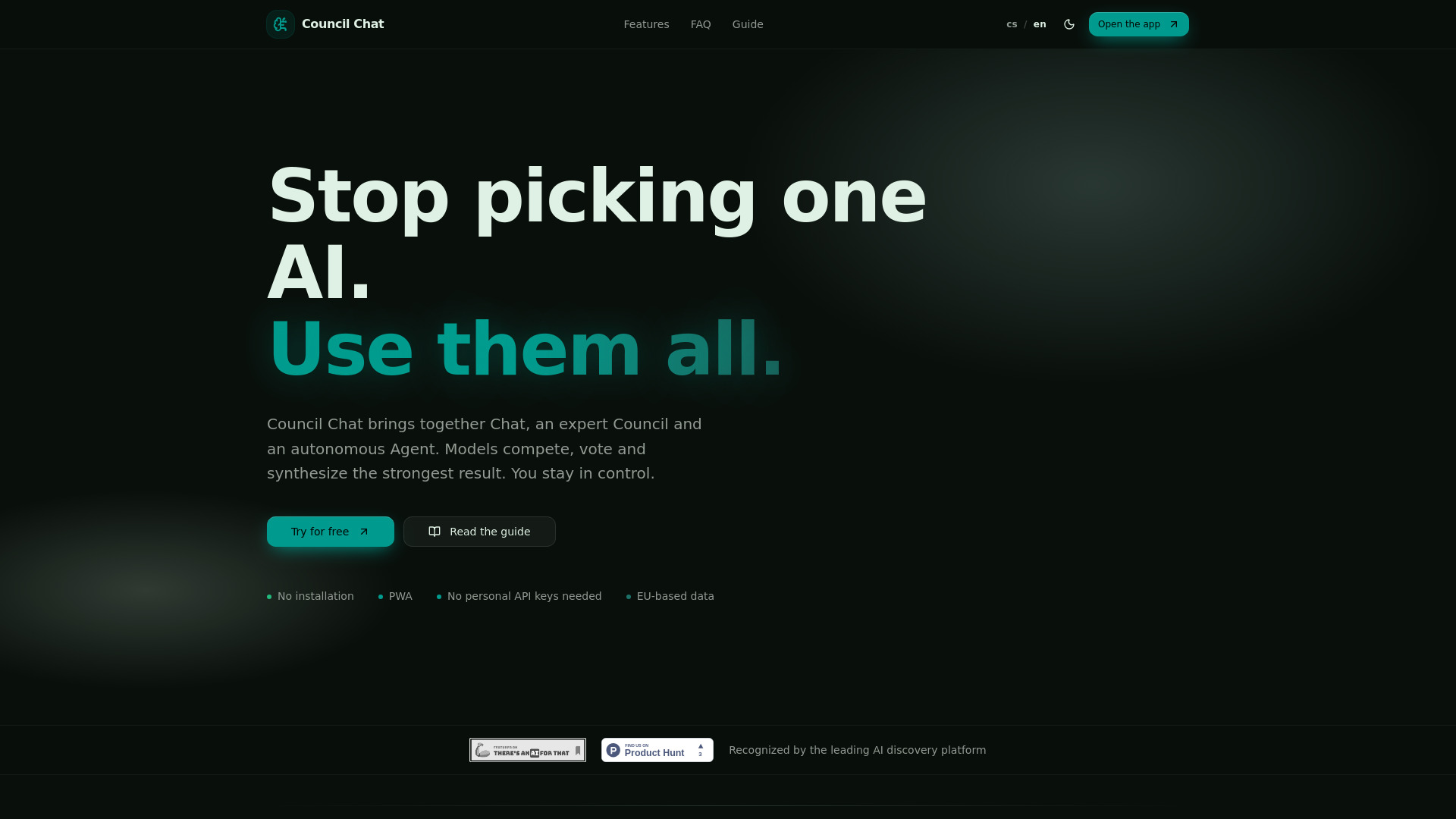
Council Chat is a PWA tool that allows users to interact with multiple AI models simultaneously. It offers a unified interface for AI Chat, model Council debates, and autonomous Agents, eliminating the need to switch between different AI platforms or manage personal API keys.
How to use Council Chat
- Start a New Chat: Open the application and select a fast model like Gemini Flash or GPT mini for direct interaction.
- Compare Models: Send the same prompt to the Council feature with multiple models to compare their responses and identify differences.
- Utilize Workspace: For document-based tasks, upload PDFs, spreadsheets, or texts to the Workspace module to chat with your documents.
- Explore Media Studio: Generate and edit images, short videos, and music.
- Engage the Agent: Assign complex goals to the autonomous Agent, which can plan steps, search the web, process data, and deliver solutions.
- Create Presentations/Portals: Convert AI outputs into presentations or interactive websites for clients.
Features of Council Chat
- Unified AI Interface: Access and use various AI models (OpenAI, Anthropic, Google, xAI, Mistral, Perplexity, TogetherAI) within a single platform.
- Multi-Model Chat & Debate: Engage in direct chats with individual models or use the Council feature where 2-5 models debate, vote, and synthesize answers.
- Autonomous Agent: Assign complex tasks to an Agent that can plan, search, process data, and deliver results.
- Data Workspace: Upload and interact with documents (PDFs, spreadsheets, texts) using AI.
- Media Studio: Create and edit images, short videos, and music.
- Presentation & Portal Generation: Convert AI outputs into shareable presentations or client portals.
- No API Keys Required: All models are accessible through the app's infrastructure.
- PWA Functionality: Runs in the browser, on mobile and desktop, without installation.
- EU Data Storage: Data is stored on GDPR-compliant servers within the European Union, with an option to use EU-native models.
- Credit System: A unified currency for all model usage, image/video generation, and Agent tasks, with monthly bundles and top-up options.
Use Cases of Council Chat
- Business & Strategy: SWOT analyses, competitor research, sales proposals, strategic reviews.
- Documents & Legal: Summarizing contracts, extracting key facts, flagging clauses.
- Content & Marketing: Generating articles, newsletters, ad copy, social media content.
- Research & Learning: Investigating topics using the Research Council, explaining complex subjects, building study materials.
- Creative Work: Creating campaign visuals, background music, storyboards, moodboards.
- Automation: Automating web research, report generation, email/Telegram outputs, scheduling, and follow-ups.
Pricing
Council Chat offers several plans:
- Free: $0/month, includes 1,000 credits/month, basic Council features, and free text models.
- Spark: $9/month, includes 4,000 credits/month, full Council features (Expert & Research), and all premium text models.
- Nexus: $29/month, includes 18,000 credits/month, all Spark features, plus Media Studio and Data Workspace.
- Quantum: $69/month, includes 50,000 credits/month, all Nexus features, plus Autonomous Agent and Web Automation.
Additional credits can be purchased via Stripe in packages: 1,200 for $5, 5,000 for $15, 25,000 for $49, or 100,000 for $149. Topped-up credits do not expire.
FAQ
- What is Council Chat? A PWA tool for working with text, image, and audio AI models in one interface. It runs in the browser without installation.
- Do I need to install anything? No, it can be used directly in the browser or added to the home screen as a PWA.
- What is the difference between Chat and Council? Chat uses a single AI model for a quick answer, while Council uses 2-5 models simultaneously to compare answers and build consensus.
- How do Expert and Research Council work? Expert Council is for complex topics where models debate for the best conclusion. Research Council also uses the internet and current sources.
- What is the Agent for? The Agent is a work mode with tools for web searches, drafting emails, generating images, working with forms, scheduling meetings, and interacting with the Council.
- What can Workspace and Media Studio do? Workspace processes PDFs, recordings, video, and Excel files. Media Studio creates and edits images, short videos, and music.
- Do I need my own API keys? No, all models run through the app's infrastructure, and credits cover access.
- Is my data safe? The app is designed for professional work. Sensitive material should be handled with care, and Agents can be started in proposal mode.
- How do credits work? Credits are a unified currency for all models and modules. Usage deducts credits based on complexity. Cheaper models cost fewer credits, while premium models and media generation cost more.
- What does the monthly credit bundle mean? Each paid plan includes a monthly allotment of credits that refreshes. Unused credits do not roll over.
- How is Council Chat different from Poe? Council Chat offers parallel multi-model responses, voting/consensus, autonomous Agents, Media Studio, Workspace, and presentation generation, unlike Poe which focuses on switching between models one at a time.
- Where should I start after signing up? Begin with a New Chat using a fast model, then try the Council with multiple models. Explore Workspace for files and Media Studio for images. A guide is available.
- Do I need my own API keys? No, everything is included in the subscription, covering access to various model providers without needing personal accounts or key management.