Newsletter
Join the Community
Subscribe to our newsletter for the latest news and updates

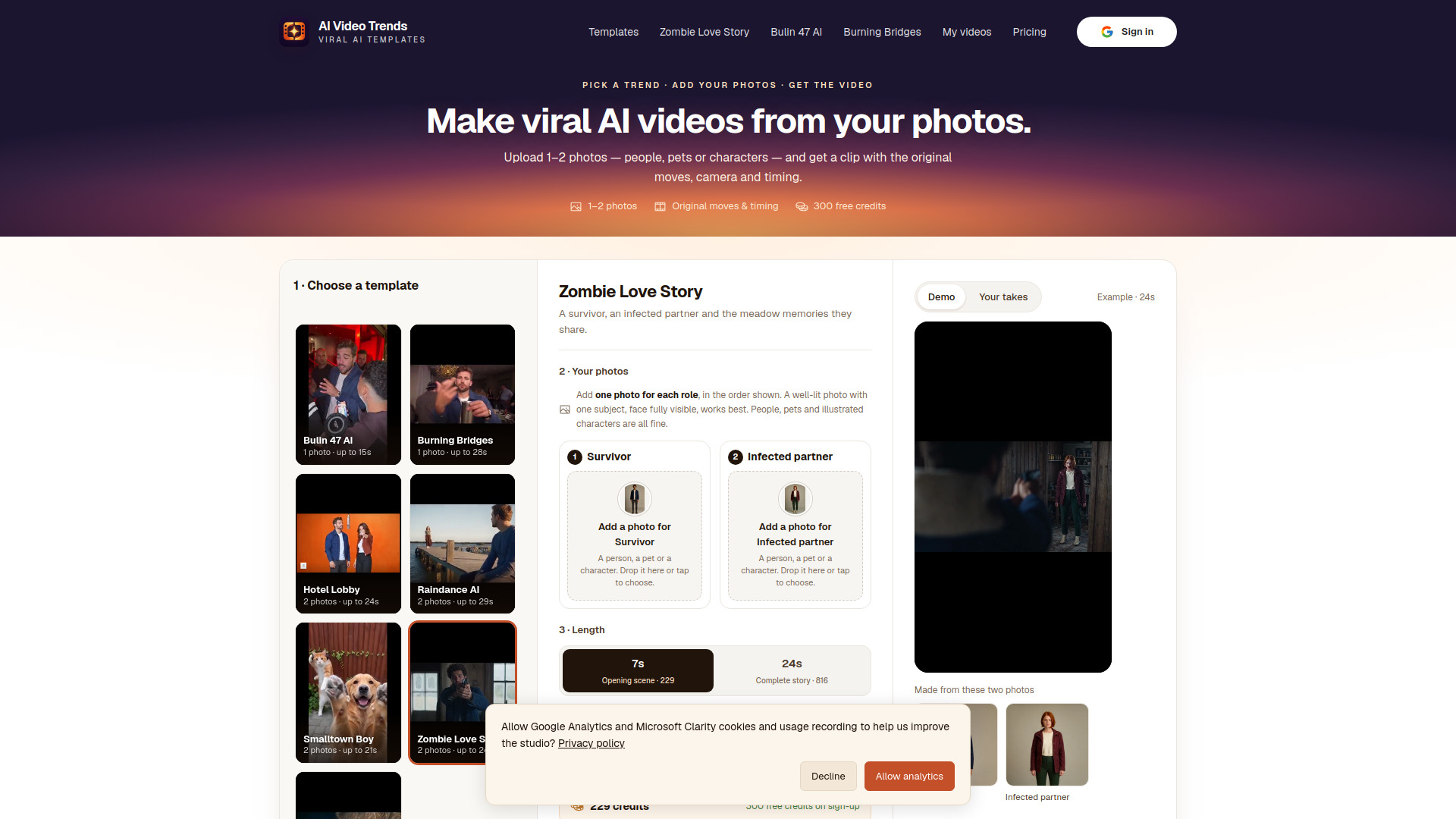
Turn 1–2 photos of people, pets or characters into short videos based on trending formats, with the original moves, camera work and timing.
AI Video Trends is a web-based tool that turns one or two photos of people, pets, or characters into short videos based on trending formats. It recreates the original moves, camera work, and timing from viral TikTok trends, allowing users to cast their own photos in place of the original subjects. The service offers a variety of templates, each inspired by a specific viral video, and generates silent clips that can be paired with trending sounds when posted.
AI Video Trends uses a credit-based system with one-time credit packs (no subscription):
New accounts receive 300 free credits upon signing in with Google, enough for one Standard (480p) short opening on most templates. Purchased credits are valid for 12 months; free credits expire after 30 days. The cost per video varies by template and length: a short opening costs up to 229 credits in Standard, while a complete video costs up to 980 credits. HD quality costs about twice as much. Exact pricing is shown before generation.
How much does a video cost?
The price depends on the template and its length. A short opening costs up to 229 credits in Standard (480p); a complete video costs up to 980 credits. HD (720p) costs about twice as much. Credits come in one-time packs, no subscription. New accounts get 300 free credits.
How long does it take?
Usually 3–8 minutes for a short opening and 6–25 minutes for a complete video, depending on length. HD adds a few minutes, and busy periods can take longer. You can close the tab; the video keeps rendering and is saved to your account.
What happens if a generation fails?
Credits are only held while your video renders. If it fails for any reason, including technical error or content moderation, the held credits go straight back to your balance.
Can I use photos of other people?
Only with their permission, and never images of anyone under 18. Don’t present generated videos of real people as genuine footage or as an endorsement.
Do I need an account?
You can browse every template without one. To generate or buy credits, sign in with Google. It keeps your videos and credits in one place across devices.