What is DHTMLX Planning Engine
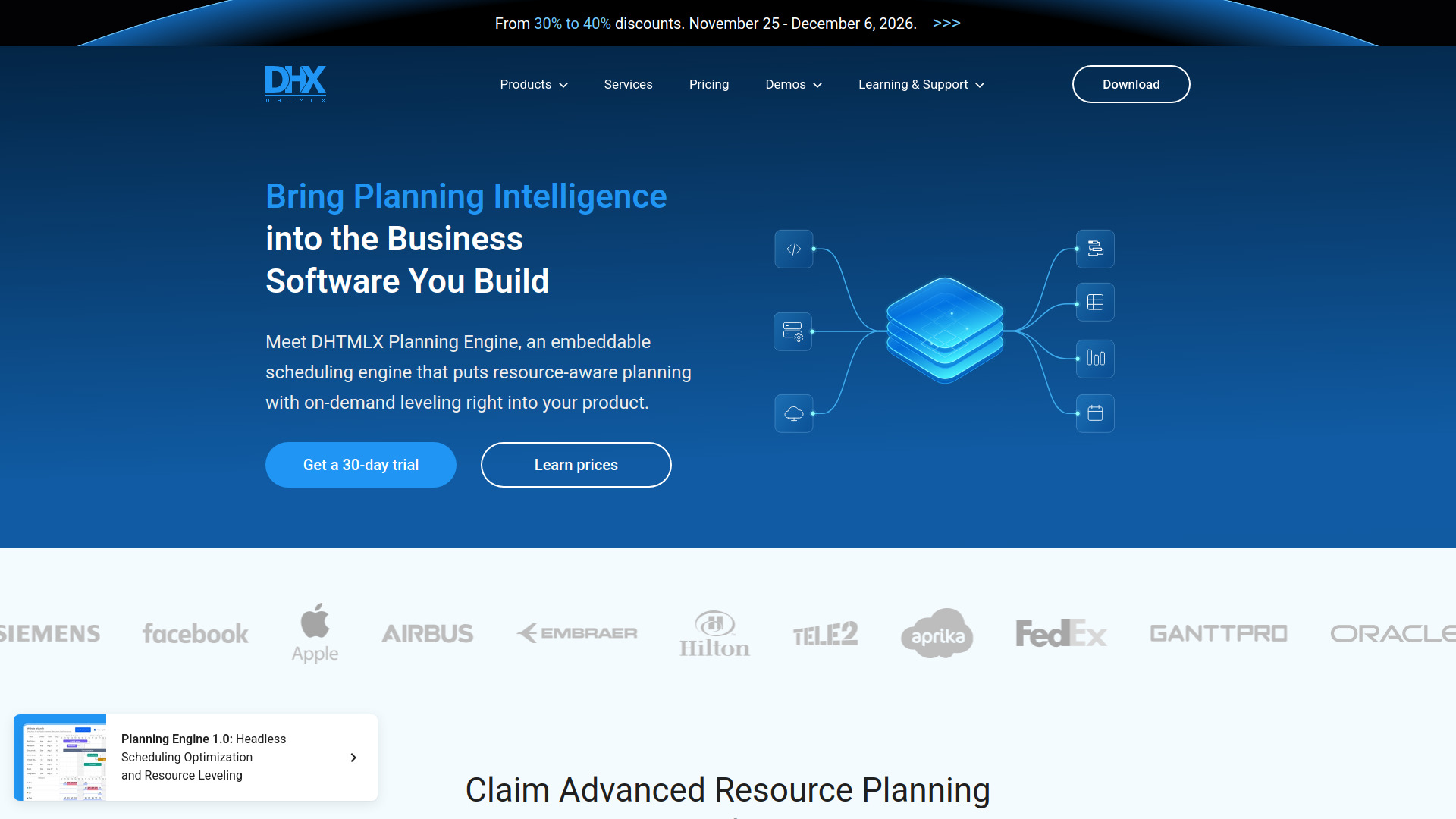
DHTMLX Planning Engine is a headless engine for resource-aware scheduling, leveling, and scenario planning. It calculates schedules, detects resource overloads, runs leveling, and compares what-if scenarios. It is designed to be integrated with DHTMLX Gantt or a custom UI, returning scheduling results and diagnostics for your application to display.
How to use DHTMLX Planning Engine
- Integrate the engine with DHTMLX Gantt or a custom UI.
- Provide input data including tasks, resources, calendars, dependencies, and constraints.
- Configure leveling rules such as priorities, locks, and deadline rules.
- Run scheduling calculations to generate dates and schedule changes.
- Analyze results including feasibility status, conflicts, warnings, and analytics like slack, critical-path data, and resource overloads.
- Apply leveling to resolve overloads; the engine returns unresolved conflicts and their causes.
- Use scenario planning to compare alternatives by calculating dates, deadline risks, and overloads for each scenario.
- Your application controls how results are displayed, applied, and saved.
Features of DHTMLX Planning Engine
- Headless scheduling engine with no embedded UI.
- Resource capacity analysis and overload detection.
- Deterministic heuristic leveling to delay, resequence, pause, or split work.
- Configurable priorities, locks, dependencies, calendars, and deadline rules.
- Returns calculated dates, schedule changes, feasibility status, conflicts, warnings, and analytics.
- Supports what-if scenario planning with independent scenarios.
- Provides structured planning diagnostics.
- APIs available for Rust, TypeScript, .NET, and Java.
- TypeScript implementation runs in browsers and on the server via Node.js, producing consistent results.
Use Cases of DHTMLX Planning Engine
- Build resource planning tools that require scheduling and leveling.
- Integrate with DHTMLX Gantt to extend its scheduling capabilities with resource capacity analysis and scenario planning.
- Develop custom UIs that leverage the engine's scheduling results and diagnostics.
- Run server-side scheduling calculations using Node.js, .NET, Java, or Rust.
- Compare multiple planning scenarios to assess deadline risks and resource overloads.
FAQ
Does DHTMLX Planning Engine have an embedded UI?
No, it is a headless scheduling engine that can be integrated with DHTMLX Gantt or a custom UI. It returns scheduling results and diagnostics for your application to display, while your application controls the interface, data storage, and workflows.
How does DHTMLX Planning Engine differ from DHTMLX Gantt?
DHTMLX Gantt combines an interactive planning UI with built-in scheduling features, including dependencies, working calendars, and date constraints. DHTMLX Planning Engine extends these capabilities with resource capacity analysis, on-demand leveling, independent what-if scenarios, and structured planning diagnostics. Unlike Gantt, it has no built-in UI: your application presents the results and controls how changes are applied.
How does resource leveling work?
DHTMLX Planning Engine compares resource demand with available capacity over working time. On request, it runs deterministic heuristic leveling to delay, resequence, pause, or split eligible work according to configured priorities, locks, dependencies, calendars, and deadline rules. If an overload cannot be resolved within those rules, it returns the remaining conflict and its cause. Your application decides which changes to apply.
Are the calculations available on the server?
Yes, DHTMLX Planning Engine provides Rust, TypeScript, .NET, and Java APIs for building resource scheduling tools. Its TypeScript implementation runs in browsers and on the server via Node.js, producing the same results for the same inputs, configuration, and engine version.
What does the API return?
DHTMLX Planning Engine returns calculated dates and schedule changes, feasibility status, conflicts, warnings, and requested analytics such as slack, critical-path data, and resource overloads. Leveling results include unresolved overloads and their causes. Scenario calculations provide dates, deadline risks, and overloads for comparing alternatives. Your application controls how results are displayed, applied, and saved.