What is DocstoAudio
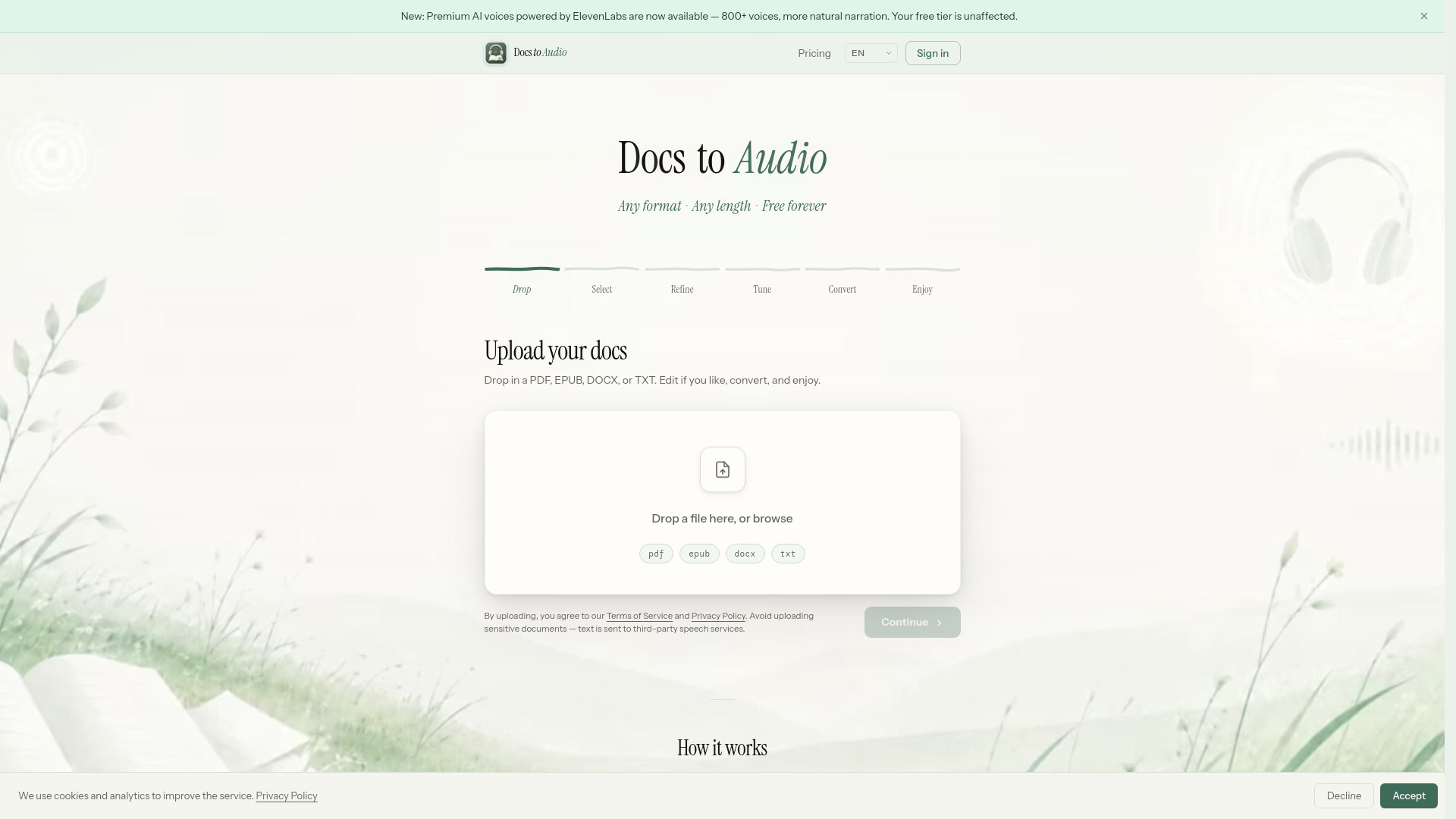
DocstoAudio is a free online tool that converts EPUB, PDF, DOCX, and TXT files into MP3 or M4B audiobooks. It offers a free Standard tier with 300+ voices and no sign-up required, and a Premium tier with 800+ ElevenLabs AI voices for more natural narration. There are no file size limits.
How to use DocstoAudio
- Drop in your file – Upload a PDF, EPUB, DOCX, or TXT file. The document is parsed instantly in your browser; the file itself is never uploaded to a server.
- Choose your chapters – Select which chapters to include. Each shows a word count and estimated listening time.
- Clean up the text – Preview the extracted text and trim anything you don't want read aloud.
- Pick a voice – Free Standard tier: choose from 300+ voices across 30+ languages. Premium tier: unlock 800+ ElevenLabs AI voices across 50+ languages (requires account and credits).
- Watch it happen – Each chapter is converted in sequence with a live progress view.
- Download and listen – Download a ZIP of individual MP3 files or a single M4B audiobook with chapter marks.
Features of DocstoAudio
- Input formats: EPUB, PDF, DOCX, TXT
- Output formats: MP3 (ZIP of individual chapter files) or M4B (single file with chapter marks)
- Free Standard tier: 300+ AI voices, 30+ languages, no sign-up required, no usage limits, free forever
- Premium tier: 800+ ElevenLabs AI voices, 50+ languages, credit-based (no subscription)
- No file size limits (very large files may slow down browser)
- Document parsing runs in your browser – the original file is never uploaded to servers
- Text preview and editing before conversion
- Chapter selection with estimated listening time
- Live progress view during conversion
Use Cases of DocstoAudio
- Converting ebooks (EPUB, PDF) to audiobooks for personal listening
- Turning documents (DOCX, TXT) into spoken audio for accessibility (e.g., for dyslexia)
- Creating audiobooks from any text file without needing special software
- Listening to long documents while commuting, exercising, or multitasking
Pricing
- Standard (Free): $0 – 300+ voices, 30+ languages, no account required, no hidden fees, free forever.
- Premium (Paid): from $15 – 800+ ElevenLabs AI voices, more natural narration, credit-based (credits valid for 1 year). No subscription.
FAQ
Is it free to use? Yes, the Standard tier is completely free with no account, no usage limits, and no hidden fees. Premium uses ElevenLabs AI voices and requires an account and credits.
What input and output formats are supported? Input: PDF, EPUB, DOCX, TXT. Output: ZIP of MP3 files (one per chapter) or single M4B audiobook with chapter marks.
Do I need to create an account? No, not for the Standard tier. An account is required only for the Premium tier.
Do you store my files or generated audio? No. Your document is parsed in your browser and never uploaded. Only the selected text of each chapter is sent to generate audio. Files are not stored.
What languages and voices are supported? Standard: 300+ voices in 30+ languages. Premium: 800+ voices in 30+ languages via ElevenLabs.
Is there a file size limit? No hard limit, but very large files may slow down your browser.
Can I close the browser tab during conversion? No. Conversion runs live in your browser tab; closing or refreshing will interrupt it.
What if conversion fails? For Standard, refreshing and retrying is safe and free. For Premium, a small number of credits may be consumed if a chapter was already processed.
Can I use the converted audio commercially? Commercial use depends on your rights to the source text and the terms of the speech service. You are responsible for ensuring compliance.