Newsletter
Join the Community
Subscribe to our newsletter for the latest news and updates

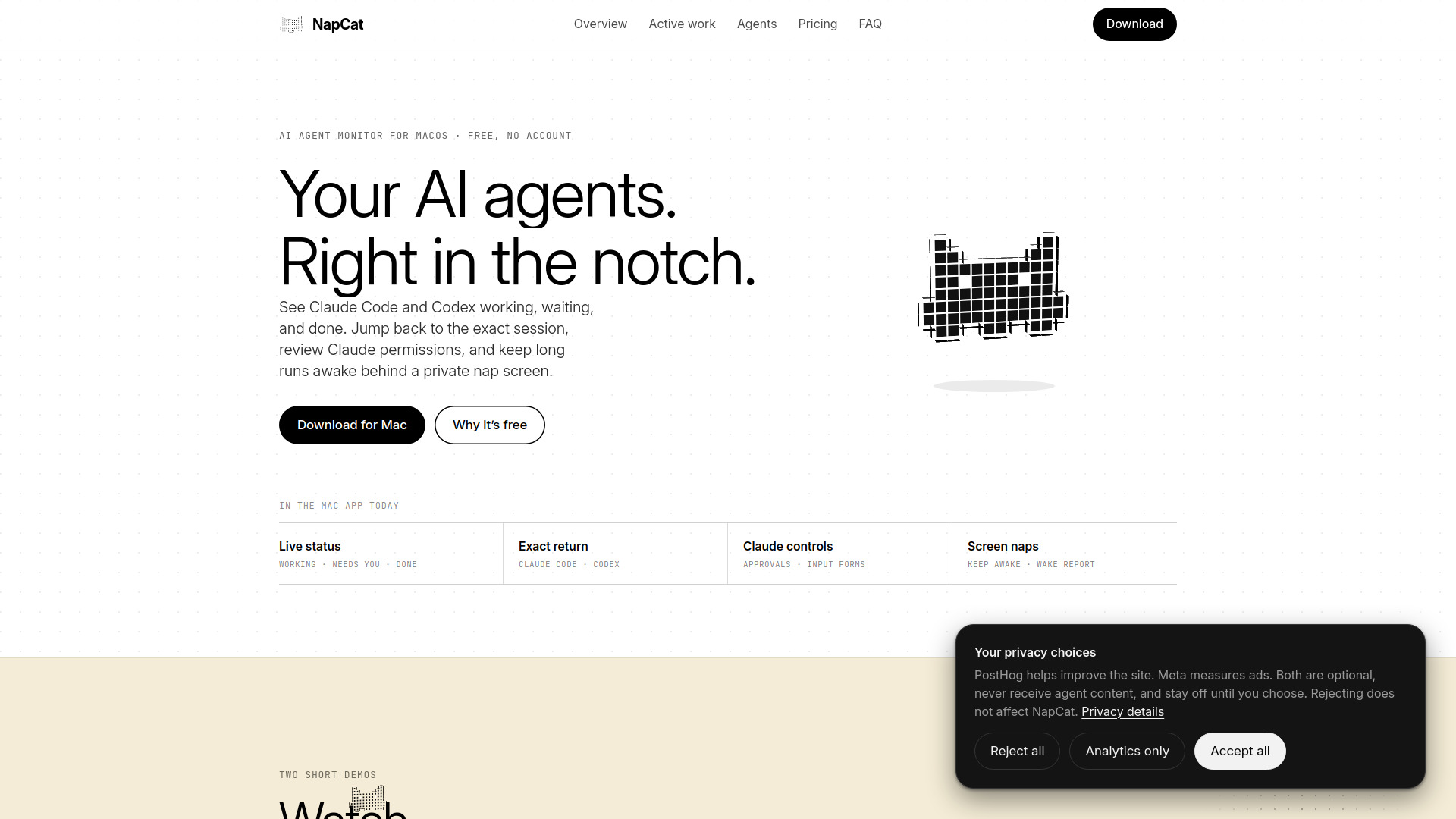
Free Mac notch app for monitoring AI coding agents and managing active work
NapCat is completely free. There is no license check, no trial clock, no account, and no paid tier. Every feature is included in the download. The app is a side project with nothing to sell, and it will remain free. Updates are delivered automatically via Sparkle.
Does the work really keep running while it looks asleep?
Yes. The nap is a screen over your displays, not a sleep. Builds, agents, and downloads keep going, and keep-awake holds off display sleep, system sleep, and the lock timer.
Is my code or terminal being read by a server?
No. Mac monitoring and Activity stay local. The optional Claude usage meter talks directly to Anthropic using Claude Code's existing login. Optional product analytics is off by default and never contains prompts, responses, project names, or paths.
Which AI coding agents does NapCat support?
Claude Code and Codex have the richest session context. NapCat also recognizes popular local agent CLIs at the process level.
Does NapCat track Codex Desktop as well as Codex CLI?
Yes. NapCat reads local Codex thread activity from the Desktop app and follows Codex CLI processes. Clicking a Desktop session opens that exact Codex thread.
Can NapCat answer Claude Code questions from the notch?
It can answer permission prompts and structured MCP input forms exposed through Claude Code's Elicitation hook. Simple choices stay in the notch; typed or secret fields open a native form after you click. For terminal-only questions, NapCat marks the exact session Needs you and jumps back to it.
Can my own scripts or unsupported agents appear in the notch?
Yes. NapCat includes a local-only Live Activity CLI. A script can publish Working, Needs you, or Done cards, attach project context, and remove them when finished.
Does NapCat include a focus timer?
Yes. Start a 25- or 50-minute focus session from the island or menu bar. The timer survives an app relaunch, and the island also shows battery and power-source status.
Does NapCat track my AI coding activity?
Yes. The Activity view stores a private 53-week contribution map on your Mac, with daily agent time, session, prompt, and finished-work totals. Keep up to two years of history or clear it whenever you want.
Does NapCat work without a MacBook notch?
Yes. On a Mac without a physical notch, you can enable a small floating black island and tune its width, thickness, and corner radius.
Can I customize what appears in the island?
Yes. Island Studio controls all four corners, width, lift, density, accent, opacity, and motion. You can open it by click, hover, or both, hide or reorder modules, change roster details, pin or hide sessions, and export the island setup.
Can I stop old or closed sessions from staying in the notch?
Yes. Done and idle rows expire on a timer you choose, while working and Needs you rows stay visible. You can also hide one session, a whole project, or a provider, and restore hidden items later.
Can NapCat stay quiet overnight?
Yes. Quiet hours work across midnight and silence sounds and macOS notifications while the island continues updating. Each Needs you, Done, and focus alert can also be enabled separately.
Why is NapCat free?
It's a side project, so there's nothing to sell. Every feature is in the download, and nothing in the app pays for itself with your work: agent monitoring stays on your Mac, and product analytics stays off unless you turn it on.
Will it stay free?
Yes. The license check wasn't switched off in the app, it was deleted, and there's no Pro version to upgrade to. Updates keep arriving the way they always have, through Sparkle.
Do I need an account or a license key?
No. Download it, open it, and it works. There's nothing to sign in to, activate, or renew.
Is NapCat related to NapCatQQ?
No. NapCat for Mac (napcat.app) is a free macOS menu-bar app for monitoring coding agents. It has nothing to do with NapCatQQ, the unrelated QQ bot framework of a similar name.