What is Eigent AI
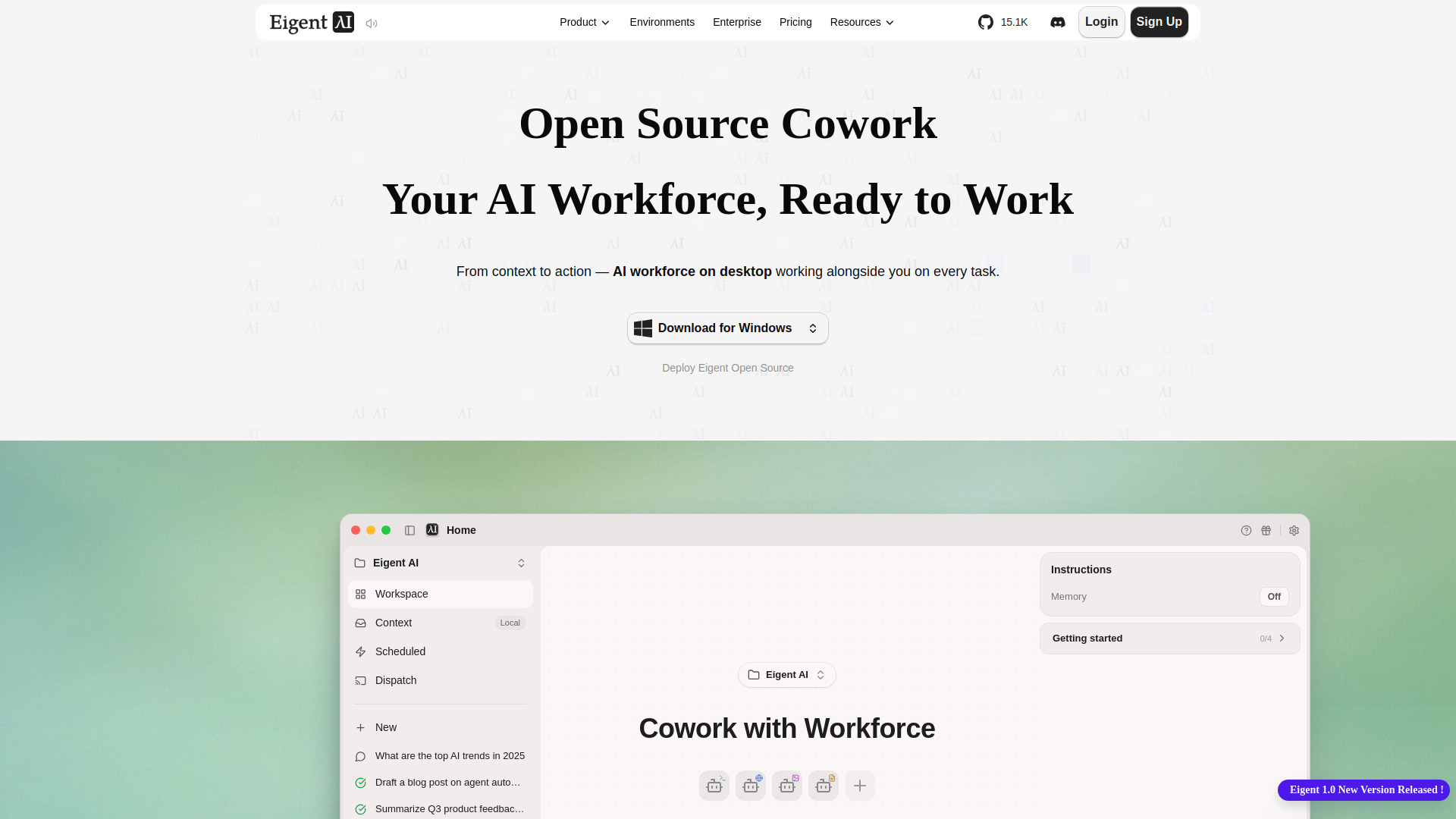
Eigent AI is an open-source desktop AI workforce designed to automate tasks across browsers, applications, and files. It operates locally on your desktop, providing a personal AI team that can handle repetitive digital workflows.
How to use Eigent AI
To use Eigent AI, you would typically install the desktop application, configure your AI agents, and then assign tasks to them. The agents can interact with your browser, apps, and files to execute the tasks you define. The exact steps may involve setting up the environment, defining workflows, and monitoring agent execution.
Features of Eigent AI
- Open-source: The software is open-source, allowing for customization and community contributions.
- Desktop-based: Runs locally on your desktop, ensuring data privacy and offline capabilities.
- Automation of browser tasks: Can automate actions in web browsers, such as form filling, data extraction, or navigation.
- Automation of app tasks: Can interact with desktop applications to perform repetitive actions.
- File management: Can handle file-based operations like organizing, renaming, or processing files.
- AI workforce: Employs AI agents that can be assigned to different tasks, functioning as a team.
Use Cases of Eigent AI
- Data entry automation: Automatically fill forms or transfer data between applications.
- Web scraping: Extract information from websites on a schedule.
- File organization: Sort and rename files based on rules.
- Report generation: Compile data from multiple sources into reports.
- Testing: Automate UI testing for web or desktop applications.
FAQ
Is Eigent AI free? As an open-source project, Eigent AI is generally free to use, but you may need to check the official repository for any paid tiers or support options.
What platforms does Eigent AI support? The webpage does not specify, but as a desktop application, it likely supports Windows, macOS, and Linux.
Can I customize Eigent AI? Yes, being open-source, you can modify the code to suit your needs.
Does Eigent AI require an internet connection? Since it runs locally, it may work offline, but some features might require internet access for certain tasks.