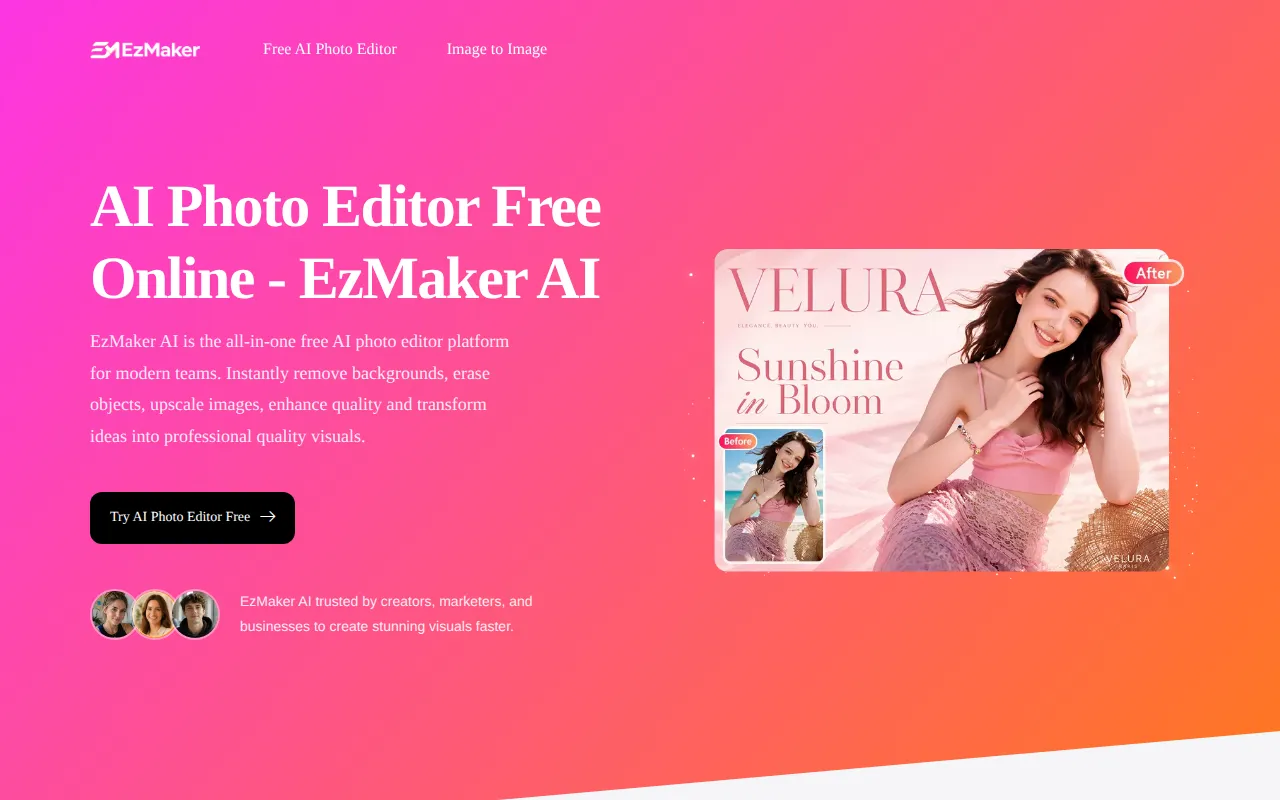
What is EzMaker AI - Online Free AI Photo Editor
EzMaker AI is a free online AI-powered photo editor that allows users to remove backgrounds, erase objects, enhance image quality, and upscale images instantly. It requires no sign-up and offers unlimited premium features. The tool is designed for creators, marketers, and businesses to create stunning visuals quickly.
How to use EzMaker AI - Online Free AI Photo Editor
- Upload Image: Upload any image to the AI photo editor. Supported formats include JPG, PNG, and WebP. You can select a photo from your device or drag and drop it directly into the editor.
- Enter Editing Instructions: Describe what you'd like to change using simple prompts such as "remove background," "erase objects," or "enhance image quality." The AI editor will understand your request and apply the edits automatically.
- Download and Share: In just a few seconds, your enhanced image will be ready to download. You get high-quality results ready for product listings, marketing materials, or social media content.
Features of EzMaker AI - Online Free AI Photo Editor
- Magic Eraser: Remove unwanted objects, people, or watermarks by painting over them. The AI seamlessly fills in the background.
- AI Background Remover: Precisely extract subjects, including fine hair or transparent objects, and replace backgrounds with a solid color or custom scene.
- Image Expander: Intelligently expand images to different dimensions without stretching or cropping, transforming square photos into widescreen banners or vertical posters.
- Image Enhancer: Transform blurry or low-resolution photos into high-definition images by restoring details, removing noise, and sharpening textures.
- 4K Upscaler: Enlarge images by 2x, 4x, or 8x while maintaining quality, perfect for printing or large displays.
- Unlimited Premium Features: No sign-up required, and all features are free with no hidden paywalls.
- 100% Privacy Guaranteed: Uploaded photos are permanently deleted within 24 hours and not used for third-party training.
- Lightning-Fast Processing: Powered by high-performance GPU and AI models, delivering results in seconds.
Use Cases of EzMaker AI - Online Free AI Photo Editor
- E-commerce: Batch-process product shots to remove backgrounds and enhance quality for listings.
- Content Creation: Quickly erase photobombers or clutter from travel photos and social media visuals.
- Marketing: Fix old banners by updating text or replacing backgrounds without complex software.
- Design: Upscale images to 4K for printing or large-screen displays, and expand images to fit different formats.
Pricing
EzMaker AI is completely free to use with unlimited premium features. No sign-up is required.
FAQ
Q: Is EzMaker AI really free?
A: Yes, it is 100% free with unlimited premium features and no sign-up required.
Q: What image formats are supported?
A: The tool supports JPG, PNG, and WebP formats.
Q: How long are my images stored?
A: Uploaded photos are permanently deleted within 24 hours and are not used for third-party training.
Q: Can I remove objects from photos?
A: Yes, the Magic Eraser feature lets you paint over unwanted objects, and the AI removes them seamlessly.
Q: Can I upscale images?
A: Yes, you can upscale images by 2x, 4x, or 8x with the AI upscaler.