Newsletter
Join the Community
Subscribe to our newsletter for the latest news and updates

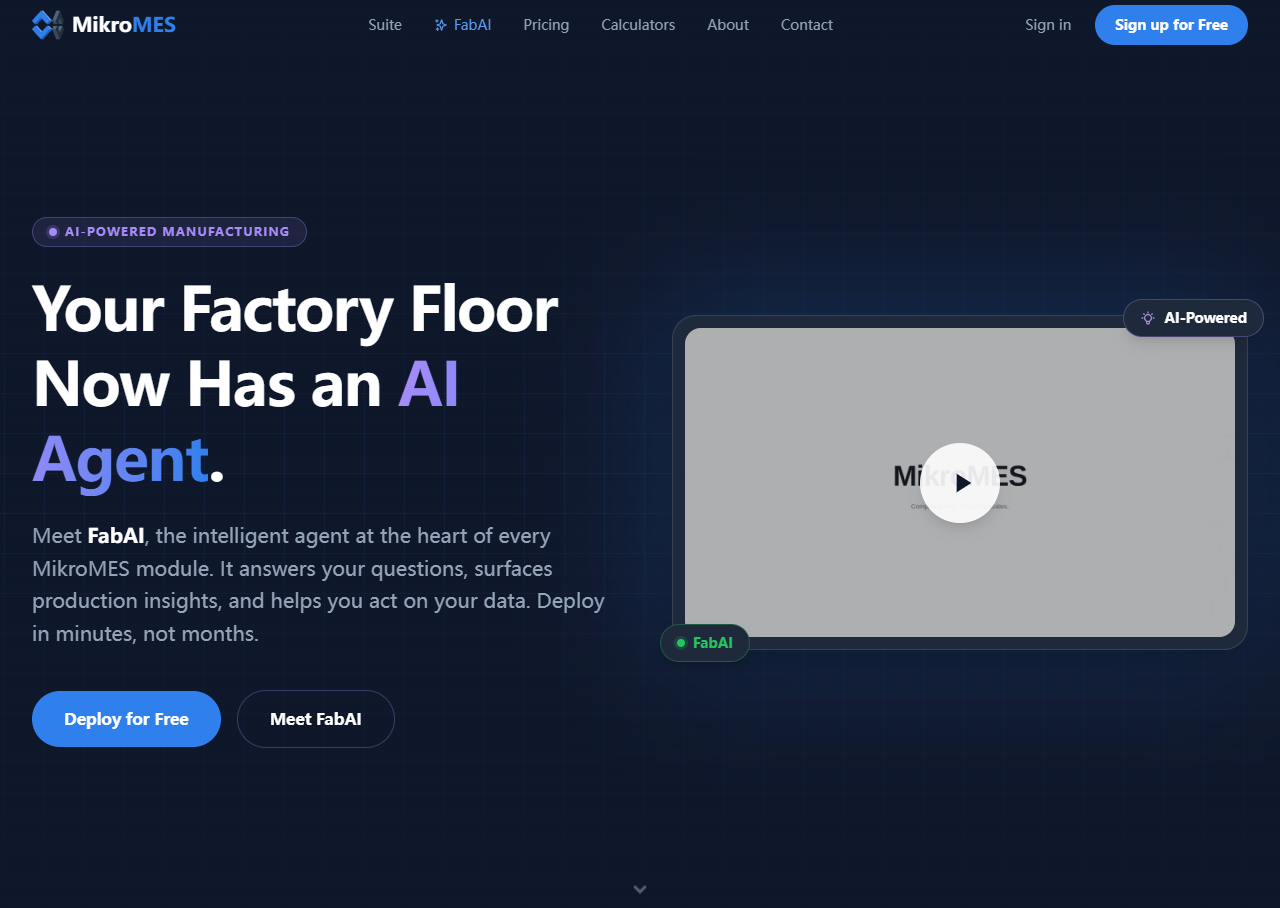
Talk to your shop floor — an AI agent that acts, not just answers
FabAI is the built-in AI agent at the heart of every MikroMES module. It answers natural-language questions, surfaces production insights, and helps users act on their data. FabAI works across all MikroMES apps—SnapTrack (downtime tracking), Pace (production pacing), BinTrack (inventory tracking), and RequestRepair (maintenance ticketing)—to provide a conversational interface to shop floor data.
MikroMES offers four pricing tiers based on the number of stations (each station is a device or location using the app). All tiers include FabAI, real-time data sync, and multi-device interface.
| Plan | Stations | Price |
|---|---|---|
| Free | Up to 5 | Free |
| Basic | Up to 25 | $50/month ($2.00/station) |
| Pro | Up to 50 | $95/month ($1.90/station) |
| Enterprise | Up to 100+ | Custom pricing |
Pro plan includes priority support. Enterprise adds dedicated account manager and custom integrations.
Q: Do I need any IT infrastructure to use FabAI? A: No. MikroMES is cloud-native with zero infrastructure required. Sign up and deploy in the same afternoon.
Q: Which modules does FabAI work with? A: FabAI works across all MikroMES modules: SnapTrack, Pace, BinTrack, and RequestRepair.
Q: Can FabAI take actions, or does it only answer questions? A: FabAI can both answer questions and take actions, such as creating maintenance tickets or logging events.
Q: Is my production data secure? A: Yes. MikroMES uses a privacy-first architecture. Your production data stays yours.
Q: How long does it take to deploy? A: Deployment takes minutes, not months. No IT department required.