Newsletter
Join the Community
Subscribe to our newsletter for the latest news and updates

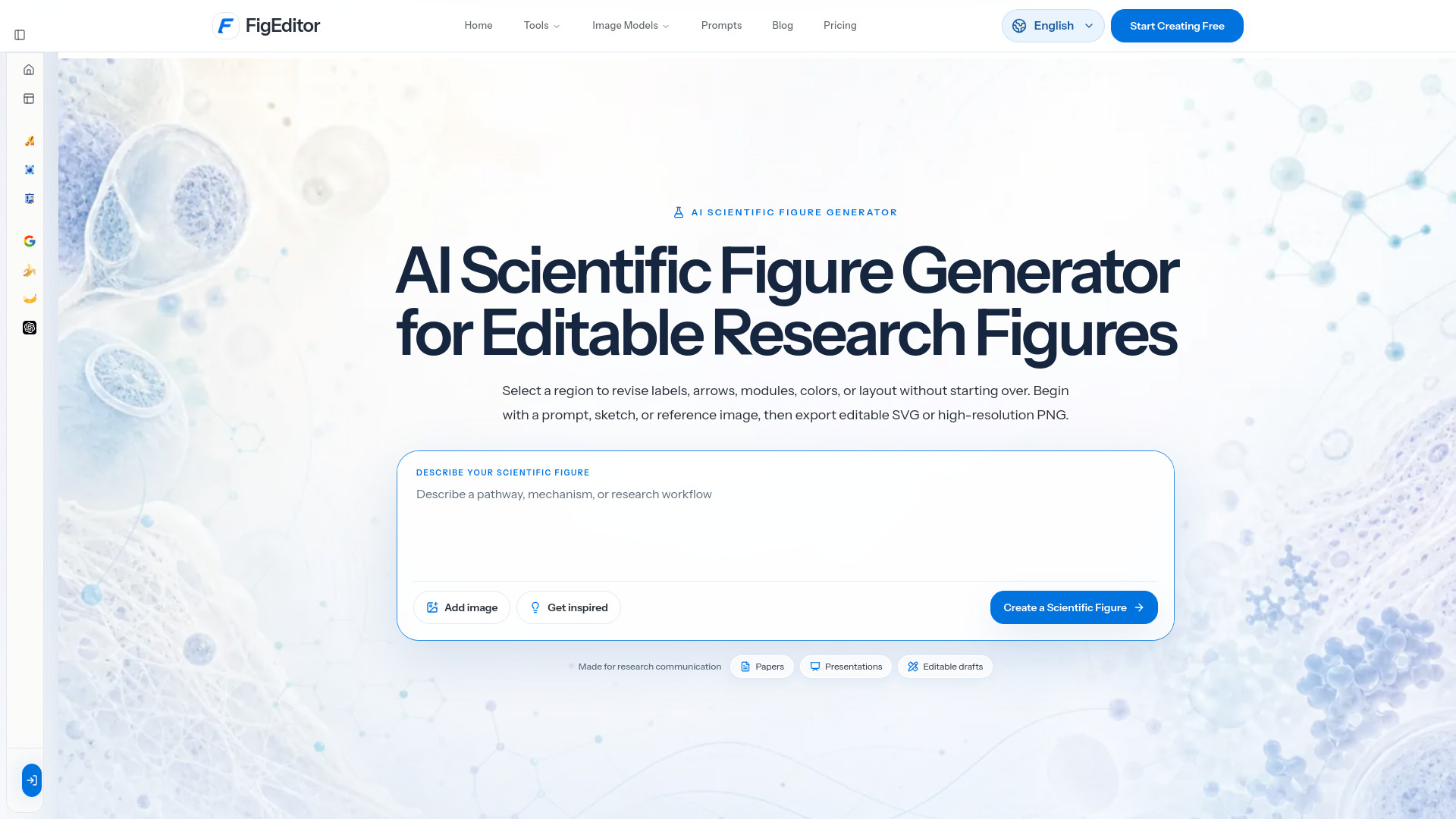
AI tool for creating editable scientific research figures
FigEditor is an AI-powered tool designed to create editable scientific research figures. It allows users to generate publication-ready figures from text prompts, sketches, or reference images, and then refine every detail before exporting as editable SVG or high-resolution PNG.
What is an AI scientific figure generator? An AI scientific figure generator turns a text prompt, sketch, or reference image into a visual draft for research communication. FigEditor combines generation, refinement, vectorization, and export in one browser-based workspace.
Are my papers, prompts, and uploaded images used for training? Uploaded material is processed to provide the service and may pass through third-party providers used for generation, file storage, or analytics. The current policy permits the use needed to provide and improve the service; it does not state a blanket no-training guarantee. Do not upload confidential or unpublished material unless you have permission.
How should I verify the scientific accuracy of an AI-generated figure? Treat every result as an editable draft. Check labels, values, arrows, citations, anatomy, scale bars, panel relationships, and scientific claims against your source material. The researcher remains responsible for the final scientific review.
Who owns the uploaded material and generated output? You retain rights to content you submit. Rights and permitted uses for generated output can depend on your jurisdiction, source material, and third-party model terms. Confirm that you have permission to use every upload and review the applicable policies before publishing or commercial use.
Are credits returned when a generation fails? When a tracked generation reaches a technical failed state, its deducted credits are automatically returned once and recorded in your credit history. A completed result that does not match your preference is not treated as a technical failure. Contact support if the task status and credit balance do not match.
Can I match a journal's size, resolution, and file requirements? FigEditor supports editable SVG, high-resolution PNG and JPG, multiple aspect ratios, and model-dependent 1K, 2K, or 4K output. These options do not guarantee compliance with every journal. Check the target width, DPI, color mode, file format, and AI disclosure policy, then revise the export as required.
What kinds of scientific figures can I create? You can create mechanism diagrams, experimental workflows, pathway figures, graphical abstracts, microstructure visuals, study schematics, and other figures for papers, posters, and presentations.
Can FigEditor turn my sketch into a finished figure? Yes. Upload a hand-drawn sketch, flowchart, or low-fidelity layout. FigEditor uses the structure as a guide and creates a cleaner draft that you can refine before export.