What is Flexnote
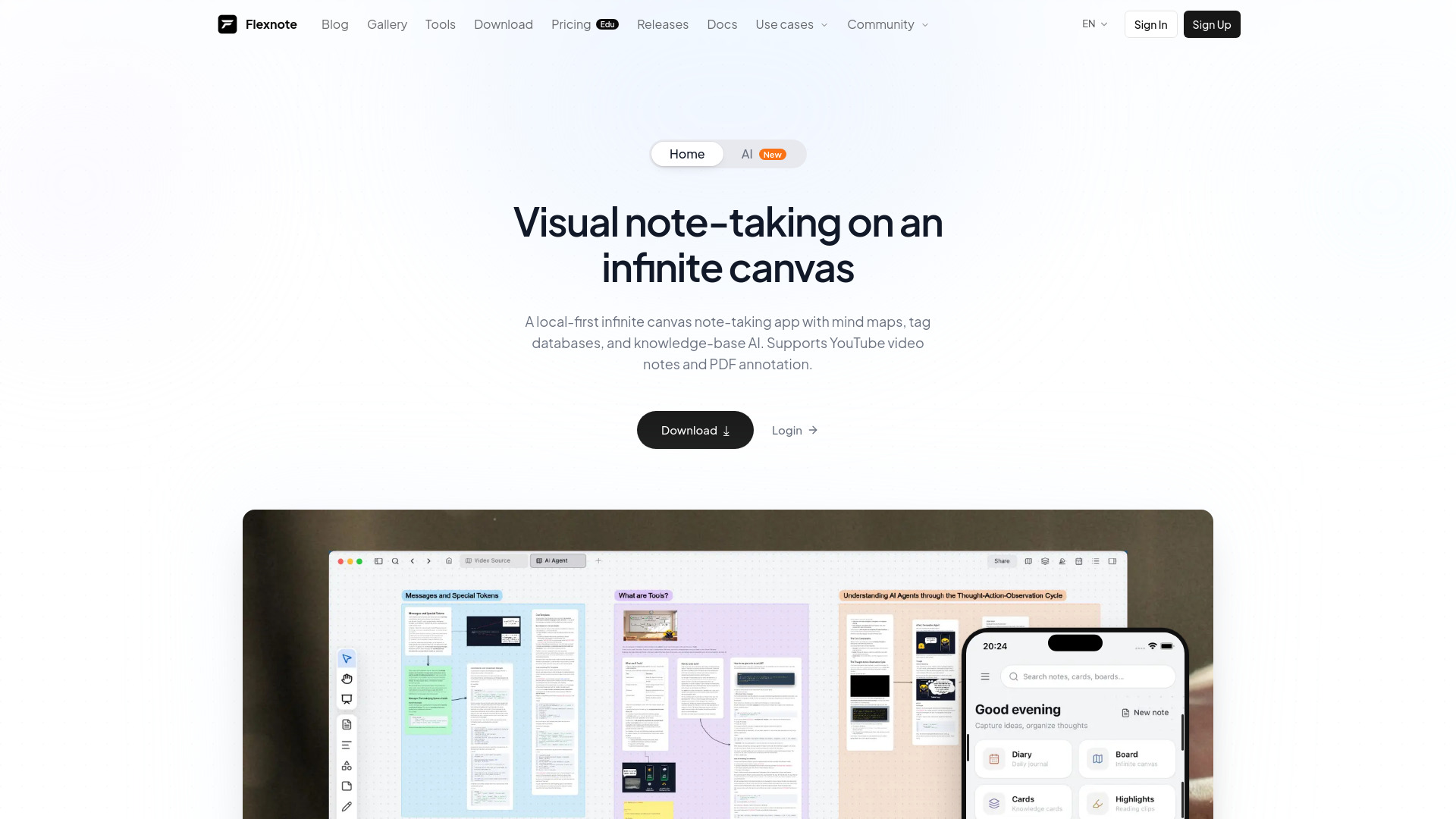
Flexnote is a local-first visual note-taking app designed for deep learning and research. It allows users to capture ideas as cards, arrange them on an infinite canvas, and connect them with mind maps and bidirectional links. The app supports annotating PDFs and YouTube videos, and includes Flexnote AI to search, summarize, and organize a personal knowledge base. Notes are stored locally by default, with optional sync through OneDrive, S3, or WebDAV. Flexnote is available on Windows, macOS, and Android, and is free to start.
How to use Flexnote
- Download and install Flexnote on your Windows, macOS, or Android device.
- Create a new canvas or open an existing one.
- Add cards to the canvas by typing or pasting content; cards can contain text, images, or embedded files.
- Arrange cards freely on the infinite canvas by dragging and zooming.
- Connect related cards using bidirectional links (type
@ to link) or switch to mind map view for a structured overview.
- Import PDFs or YouTube videos onto the canvas to annotate them; highlights become reference cards.
- Use tags to organize cards into databases for easy retrieval.
- Optionally, set up sync by connecting your own WebDAV, S3, or OneDrive account to access notes across devices.
- Leverage Flexnote AI to search, summarize, and organize your knowledge base.
Features of Flexnote
- Infinite Canvas & Mind Maps: Place cards freely on an infinite canvas; zoom, drag, and organize structure, or view the board as a mind map.
- Tag-Based Database: Organize cards using tags to create a searchable database.
- Card Library: Access a library of all cards for quick reference.
- Todos: Manage tasks with todo cards.
- Web Clipper: Clip web content directly into Flexnote.
- PDF Annotation: Read multi-page PDFs on the canvas; highlights become reference cards.
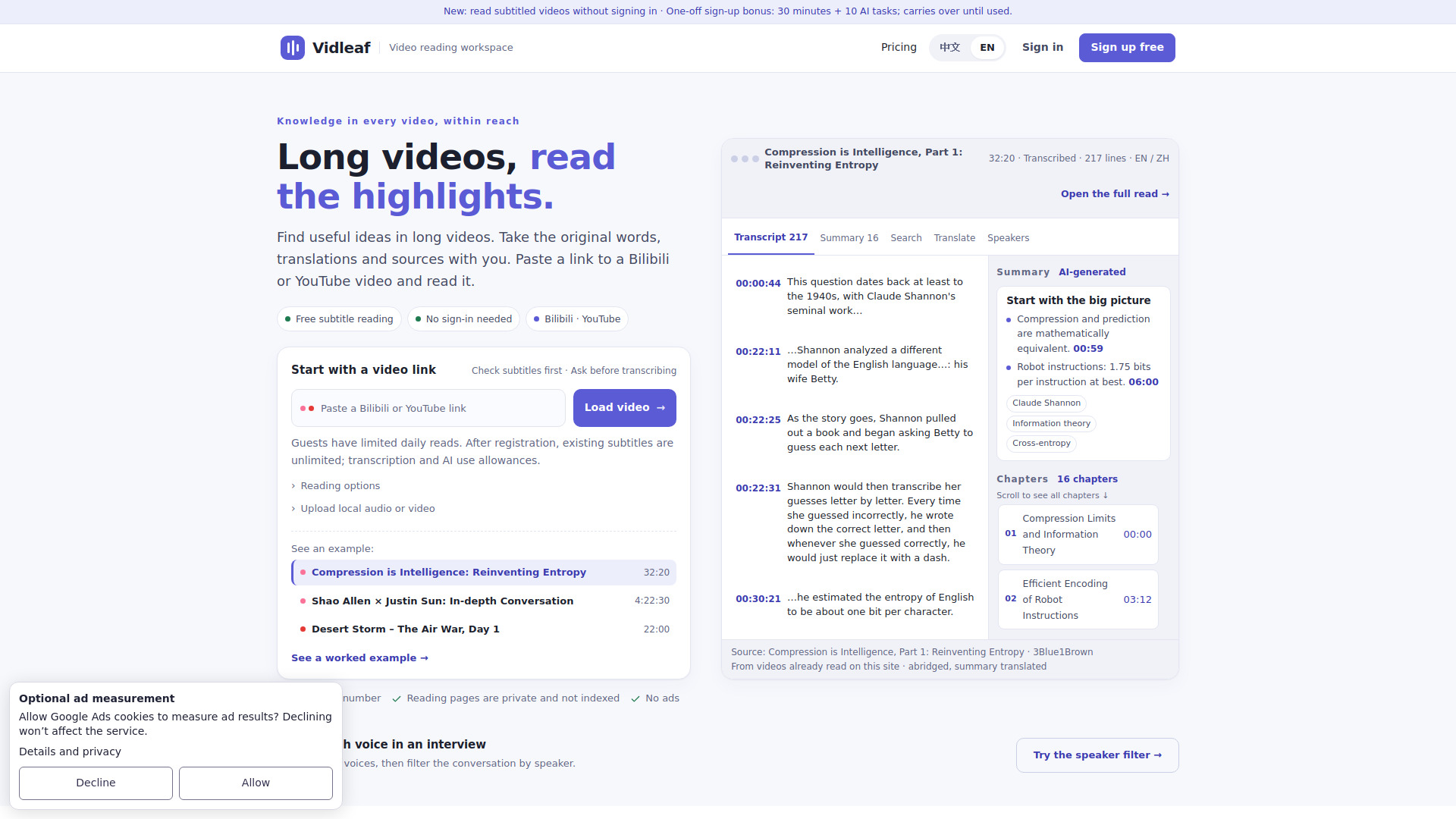
- Video Annotation: Annotate YouTube and other major video platforms with timestamped notes that link back to the canvas.
- Note Study: Read, highlight, and learn on the canvas with multi-column cards; highlights sync to a side panel.
- Markdown & Bidirectional Links: Native Markdown editing; type
@ to create bidirectional links that connect cards automatically.
- Local-First Storage: Files are stored on your device by default; no dependency on an official cloud.
- Optional Sync: Connect your own WebDAV (e.g., Nextcloud, ownCloud), Amazon S3, OneDrive, or Baidu cloud for cross-device sync.
- Flexnote AI: Search, summarize, and organize your personal knowledge base.
Use Cases of Flexnote
- Deep Learning & Research: Students and researchers can annotate PDFs, highlight key points, and connect ideas visually to build a comprehensive knowledge base.
- Video Learning: Take timestamped notes while watching YouTube videos, linking directly to specific moments for easy review.
- Personal Knowledge Management (PKM): Organize notes, clippings, and highlights into a networked system using tags, bidirectional links, and mind maps.
- Project Planning: Use todos and cards to outline projects, track tasks, and visualize workflows on the canvas.
- Content Creation: Writers and bloggers can draft, organize, and link research materials in a flexible visual space.
FAQ
Is Flexnote available on my device?
Flexnote is available on Windows, macOS, and Android.
Where is my data stored?
By default, all notes and files are stored locally on your device. You control the data.
Can I sync my notes across devices?
Yes, you can optionally connect your own WebDAV, S3, OneDrive, or Baidu cloud account to sync across devices.
Does Flexnote require an internet connection?
No, Flexnote is local-first and works offline. Internet is only needed for optional sync or accessing online content like YouTube videos.
What video platforms are supported for annotation?
Flexnote supports major video platforms, including YouTube and Bilibili.
Is there a free version?
Yes, Flexnote is free to start.