What is Floatboat
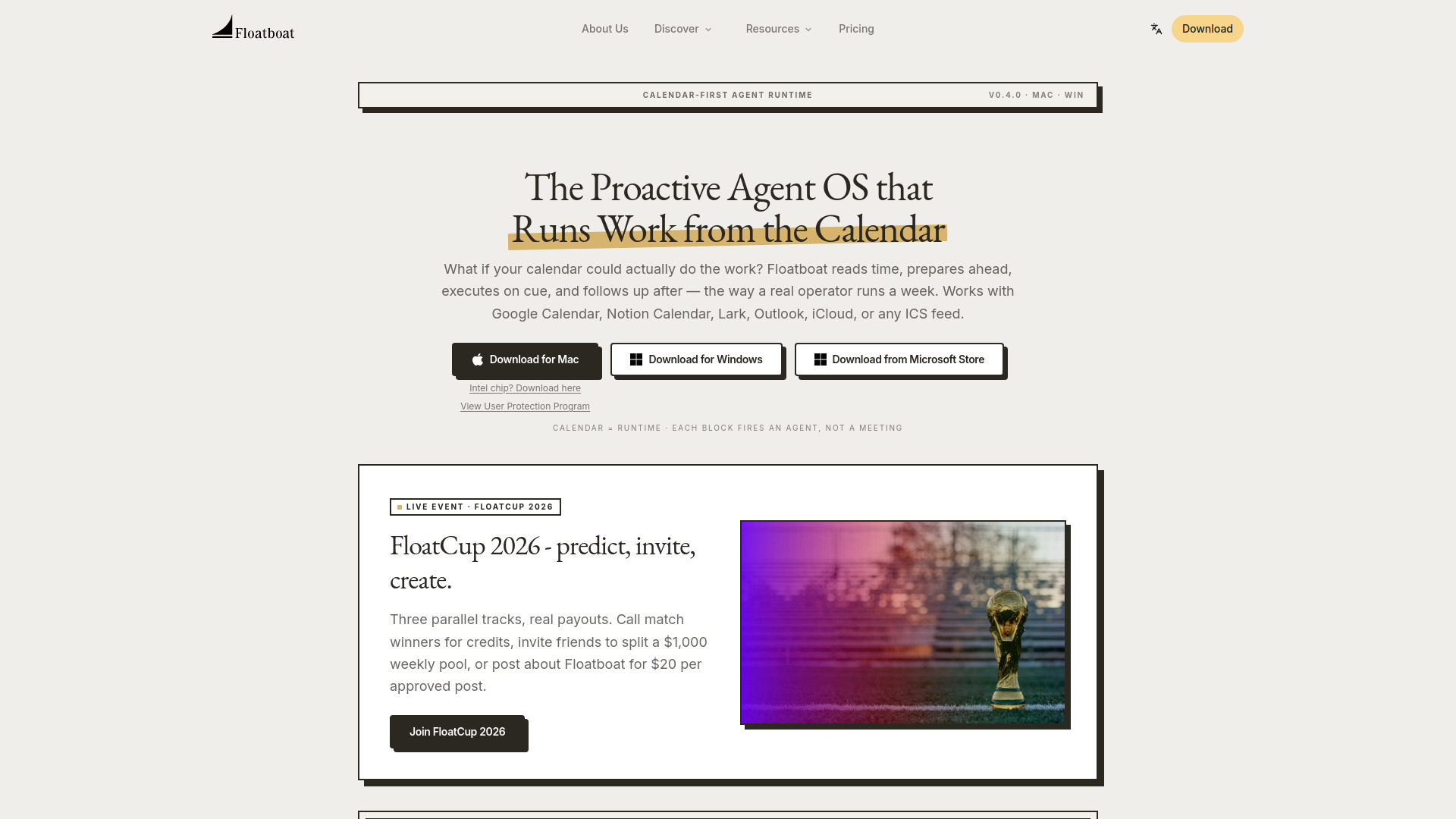
Floatboat is a proactive agent operating system that runs work from your calendar. It reads time, prepares ahead, executes on cue, and follows up after — the way a real operator runs a week. Works with Google Calendar, Notion Calendar, Lark, Outlook, iCloud, or any ICS feed.
How to use Floatboat
- Connect your calendar — Floatboat treats your calendar as the agent's clock. Every event becomes a trigger with context.
- Floatboat reads the rhythm — Meetings, deadlines, routines, and plans get classified into the kind of work each one needs.
- Agents prep and execute — Briefs before calls, drafts before deadlines, follow-ups after. Combo Skills turn messy input into finished deliverables on autopilot.
- You stay in the loop — Every event opens its own Agent Workspace with run history, files, and decisions. Tweak prompts, swap models, re-run a step anytime.
Features of Floatboat
- Calendar-driven AI — Not a chat box. Work runs on your schedule: prep fires before the meeting, draft fires before the deadline, follow-up fires after.
- 3,500+ integrations — Plugs into Notion, Slack, GitHub, Linear, Google Drive, Gmail, Figma, local Word/PDF/PPT, and any MCP server. No re-uploading.
- Every frontier model, zero setup — DeepSeek, MiniMax, GLM, Kimi, GPT-5, Claude, Gemini built in. No API key, no VPN. Auto Mode routes per step and falls back when rate-limited.
- Combo Skills — Pre-built agent recipes from the Combo Store turn voice notes into decks, sales calls into follow-up emails, Linear tickets into PR drafts. One-click install, editable, runs on calendar triggers.
- FloatIM — Group chat where every member is an AI agent running locally on your Mac. Agents self-organize into roles, hand off work, and reply with finished artifacts.
- Agent Workspace — Every calendar event has a persistent workspace with files, run history, model choice, and decisions. Coordinates across devices and teammates.
- Local-first & private — Processes files locally. Only interacts with external LLMs when strictly necessary and authorized.
Use Cases of Floatboat
- Solopreneurs — Replace a stack of disconnected AI subscriptions. Plan, execute, and follow up so one person ships like five.
- Creators — Turn voice notes into decks, sales calls into follow-up emails, and ideas into finished content.
- Small teams (2-5 people) — Workspaces hand off cleanly to teammates over IACT. Coordinate across Mac and Windows.
- One-person companies — Desktop AI workspace that plans, executes, and follows up — replacing multiple tools.
Pricing
Floatboat is currently in beta. It will offer both free and premium tiers upon official launch. Limited beta access is available now.
FAQ
What is Floatboat? Floatboat is a native OS-level AI agent that helps you manage workflows and process local files without uploading data to the cloud.
Which calendars does Floatboat work with? Google Calendar, Notion Calendar, Lark, Outlook, iCloud, or any ICS feed.
How is Floatboat different from ChatGPT or other chat-based AI agents? Chat-based AI waits for a prompt. Floatboat runs with your calendar — prep fires before the meeting, draft fires before the deadline, follow-up fires after. Every event has a persistent Agent Workspace.
What is an Agent Workspace? Every calendar event gets its own workspace with files, run history, model choice, and decisions. You can tweak prompts, swap models, or re-run a step anytime.
Can Floatboat work with my existing tools like Slack or Google Drive? Yes. Floatboat plugs into 3,500+ tools via native MCP + IACT, including Notion, Slack, GitHub, Linear, Google Drive, Gmail, Figma, and local files.
Is Floatboat free to download and use? Floatboat is currently in beta. Free and premium tiers will be offered upon official launch.
Is Floatboat a web app or desktop app? Floatboat is a desktop app for macOS 13+ and Windows 10+. Linux support is on the roadmap.