What is Foneo
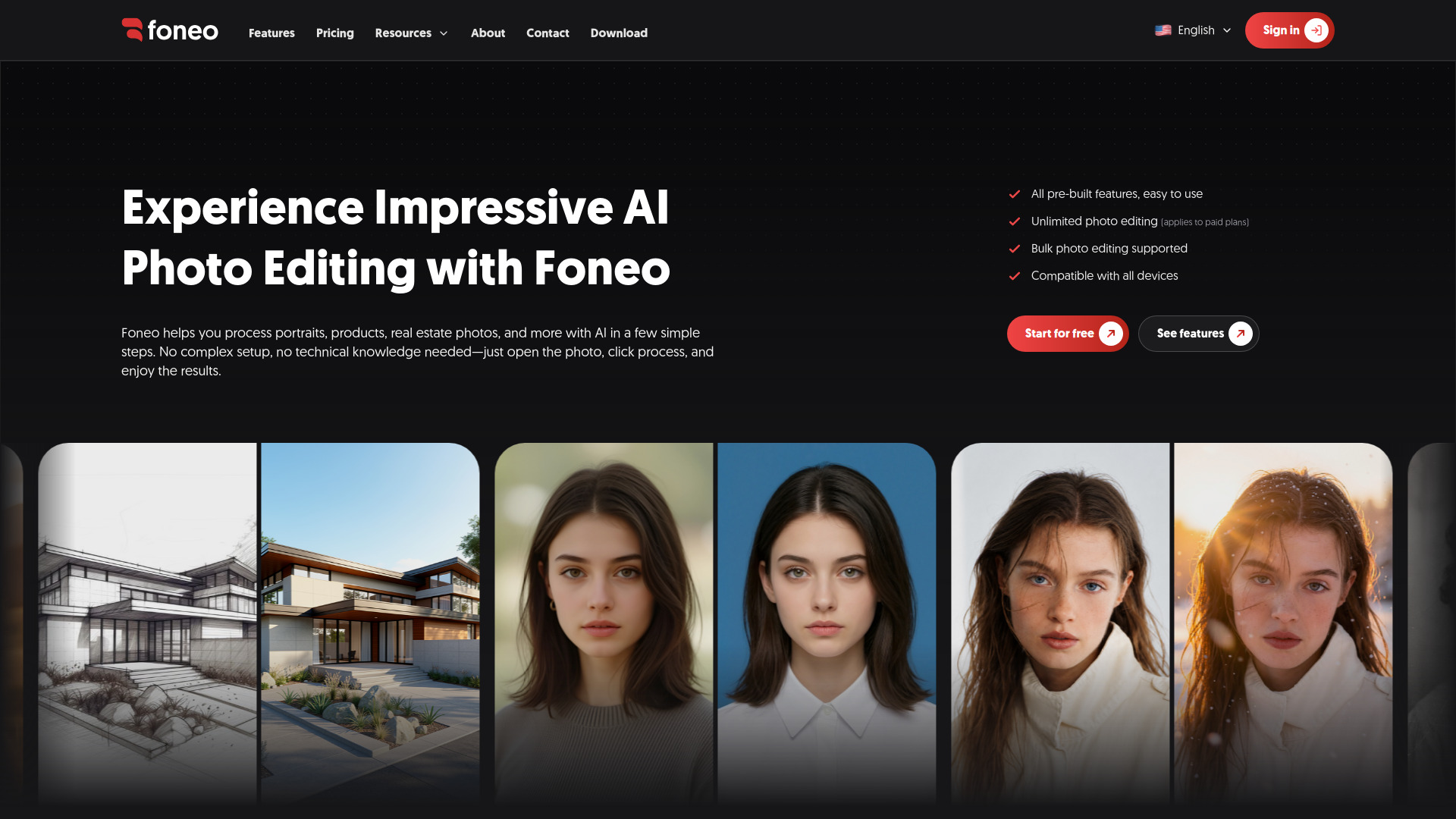
Foneo is an AI-powered photo editing tool designed to process portraits, products, and real estate images. It offers a range of pre-built features that require no complex setup or technical knowledge, making it accessible for both professionals and casual users.
How to use Foneo
- Install Foneo and log in.
- Open the photo you want to edit.
- Choose the desired AI tool from the available features.
- Click the process button and wait for the result.
Features of Foneo
- Weather Effects: Create realistic weather effects using built-in templates or custom prompts.
- Lighting Effects: Add professional lighting effects with templates or custom prompts.
- Surface Transform: Transform surfaces using templates or custom prompts.
- Prompt Edit: Edit images using any text prompt.
- Architecture Enhancer: Enhance interior and architectural images with professional quality.
- ID Photo: Create ID photos with customizable templates, sizes, and clothing colors.
- Portrait Effects: Apply stunning portrait effects using templates or custom prompts.
- Restore & Colorize: Restore, enhance, and colorize old or blurry photos.
- Face Swap: Swap faces naturally between multiple people in images.
- Product Enhancer: Clean, enhance, and highlight product details.
- Product Background: Create or replace product backgrounds using templates, images, or prompts.
- Background Replace: Remove and replace backgrounds with uploaded images, templates, or prompts.
- Fashion Try-on: Change outfits using templates, uploaded images, or prompts.
- Upscale: Increase image resolution.
- Enhance Face: Improve facial details.
- Object Removal: Remove unwanted objects from images.
- Object Addition: Add objects to images.
- Detail Enhance: Add more detail to images.
- Style Transfer: Apply artistic styles to images.
- Face Retouch: Retouch facial features.
- Makeup AI: Apply makeup effects.
- Skin Retouch: Smooth and enhance skin.
- Reflection Removal: Remove reflections from images.
Use Cases of Foneo
- Portrait Photography: Enhance portraits with effects, retouching, and background changes.
- Product Photography: Improve product images with background replacement, enhancement, and object removal.
- Real Estate Photography: Enhance architectural and interior photos for listings.
- Old Photo Restoration: Restore and colorize old or damaged photos.
- Creative Editing: Use prompt-based editing for custom effects.
Pricing
Foneo offers paid plans that include unlimited photo editing. The webpage does not specify exact pricing tiers, but it mentions that paid plans allow unlimited editing and that there is no charge per export.
FAQ
Q: Do I need technical knowledge to use Foneo? A: No, Foneo is designed to be easy to use with pre-built tools and no complex setup.
Q: Can I edit multiple photos at once? A: Yes, Foneo supports bulk photo editing.
Q: Is Foneo compatible with all devices? A: Yes, Foneo is compatible with all devices.
Q: Do I need to manage my own infrastructure? A: No, Foneo is fully optimized, so you don't need to rent servers or manage GPUs.