What is Free PDF to PPTX Converter by Wonderslide
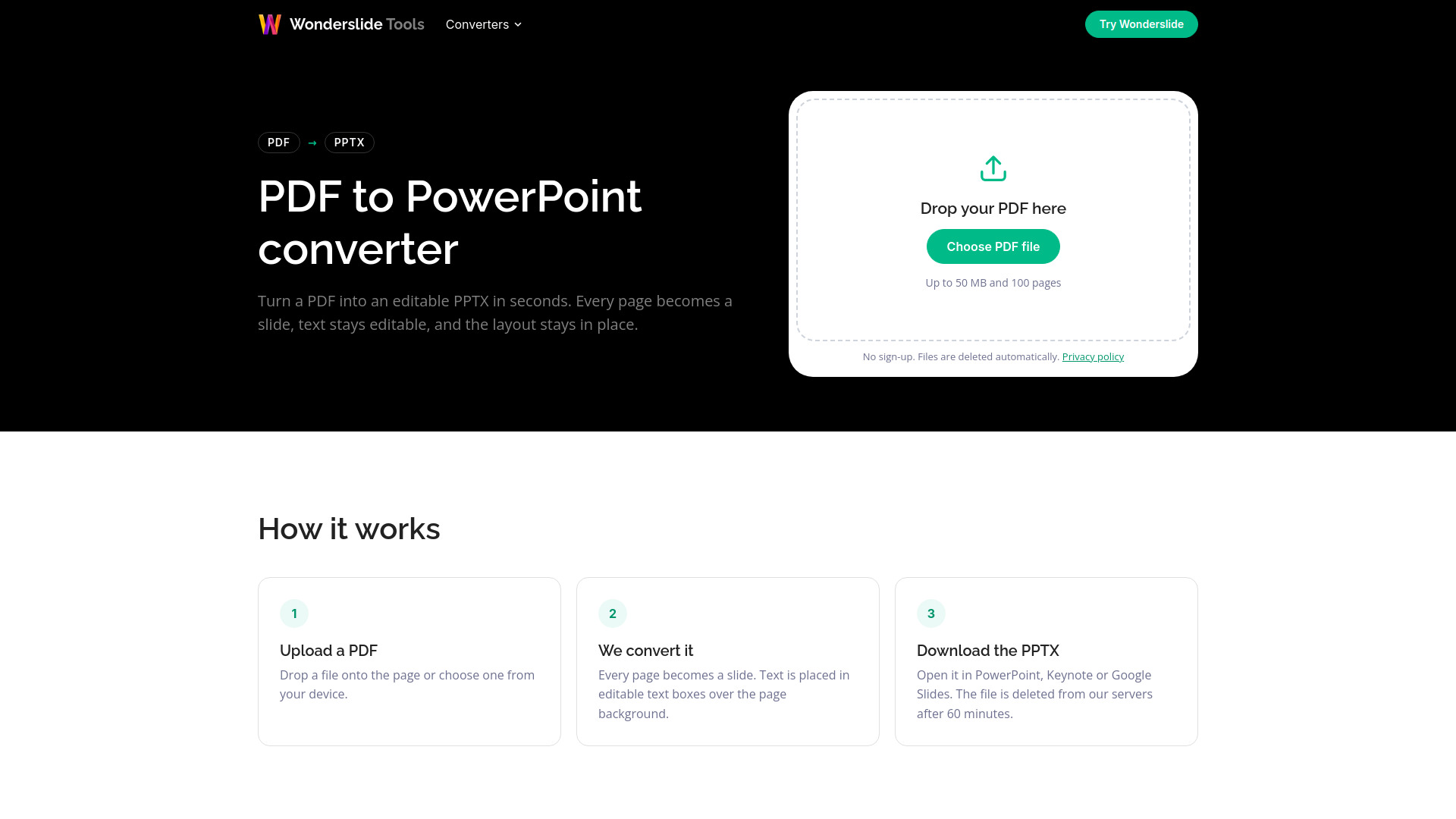
Free PDF to PPTX Converter by Wonderslide is an online tool that converts PDF files into editable PowerPoint (PPTX) presentations. It is part of Wonderslide Tools and requires no sign-up, email, or watermark. The converter turns each PDF page into a slide, preserving the original layout and keeping text editable where possible.
How to use Free PDF to PPTX Converter by Wonderslide
- Upload a PDF: Drop a file onto the page or choose one from your device. The file must be up to 50 MB and 100 pages.
- The conversion runs automatically: Every page becomes a slide. Text is placed in editable text boxes over the page background.
- Download the PPTX: Open it in PowerPoint, Keynote, or Google Slides. The file is deleted from the servers after 60 minutes.
Features of Free PDF to PPTX Converter by Wonderslide
- Converts each PDF page into a slide with the same proportions.
- Keeps text editable with original size, color, and bold or italic style.
- Preserves images, charts, and shapes as part of the slide background (not editable).
- Scanned pages and text not stored as characters come out as images.
- Matches fonts by name; if a font isn't installed, PowerPoint uses a similar one.
- No sign-up, no email, and no watermark.
- Files are deleted automatically: PDF immediately after conversion, PPTX after 60 minutes.
- Supports files up to 50 MB and 100 pages.
- Does not support password-protected PDFs.
Use Cases of Free PDF to PPTX Converter by Wonderslide
- Converting PDF reports or documents into editable PowerPoint presentations for further customization.
- Turning scanned documents into image-based slides for inclusion in presentations.
- Quickly creating slide decks from PDF handouts or materials without manual retyping.
- Preparing presentations for editing in PowerPoint, Keynote, or Google Slides.
Pricing
Free. No sign-up, no email, and no watermark.
FAQ
Is the PDF to PowerPoint converter free?
Yes. No sign-up, no email and no watermark.
Will I be able to edit the text?
Yes, wherever the PDF stores text as characters. Scanned documents contain only pictures of text, so those pages come out as images.
Can I edit images and charts?
No. They are kept exactly as they look in the PDF, as part of the slide background. You can add new images and shapes on top.
What happens to my files?
The PDF is deleted as soon as the conversion finishes, and the PowerPoint file is deleted after 60 minutes. Nobody looks at the content of your files.
Is there a size limit?
Yes, 50 MB and 100 pages per file. Split larger documents before converting.
Can I convert a password-protected PDF?
Not yet. Remove the password first, then upload the file.