Newsletter
Join the Community
Subscribe to our newsletter for the latest news and updates

Chrome extension for bulk WhatsApp number checking and Excel export
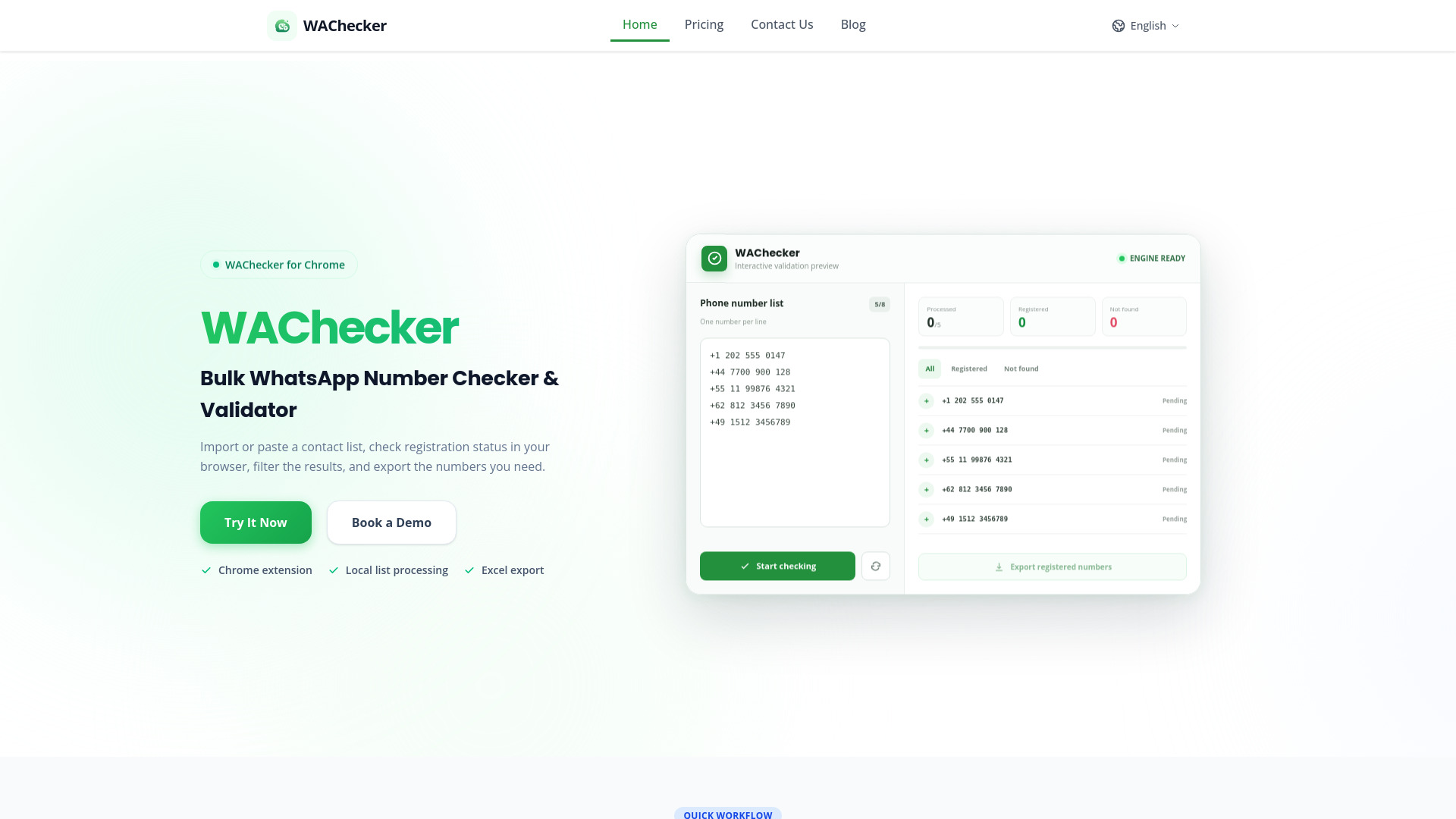
WAChecker is a Chrome extension designed for bulk WhatsApp number checking and validation. It allows users to import or paste a contact list, check the registration status of each number in the browser, filter the results, and export the numbers they need. The tool processes data locally within the browser extension, ensuring privacy and security.
WAChecker offers two plans:
Can number checking prevent account restrictions? No tool can guarantee that an account will not be restricted. WAChecker provides pacing controls for checking tasks, but you must use the extension responsibly and follow WhatsApp's terms and applicable laws.
Is WAChecker a secure WhatsApp number validation tool? WAChecker processes number lists and task results in the browser extension's local storage. Review the Privacy Policy and Security page for the exact permissions, retention behavior, deletion options, and known limitations.
What is the difference between a WhatsApp Checker and a Validator? The terms checker and validator are often used for the same workflow. WAChecker checks the registration indicator available through the current WhatsApp Web session, lets you filter the resulting statuses, and exports the selected rows. It does not validate ownership, message delivery, or future account status.
Can I filter invalid WhatsApp contacts in bulk? Yes. WAChecker accepts supported Excel (XLSX) and pasted text inputs. After a checking task completes, you can filter by the returned status and export the selected rows; review uncertain or malformed entries before using the file.
Why should businesses verify phone numbers before WhatsApp marketing campaigns? Sending bulk WhatsApp messages to invalid or dead phone numbers wastes marketing budget, triggers spam blocks, and harms your domain and account reputation. Verifying numbers before launching campaigns ensures your outreach targets active buyers, dramatically reduces bounce rates, and boosts overall campaign ROI.
How many WhatsApp numbers can I check at once? You can import a list and process it as a paced task. Completion time varies with list size, interval settings, number format, browser performance, network conditions, and the current WhatsApp Web session. Start with a small batch to confirm your setup.
Can I export valid WhatsApp numbers to Excel? Yes, after completing the bulk verification process, WAChecker allows you to export verified active numbers directly to Excel. You can customize export fields to include valid status, original numbers, and formatted international numbers for easy CRM integration.