Newsletter
Join the Community
Subscribe to our newsletter for the latest news and updates

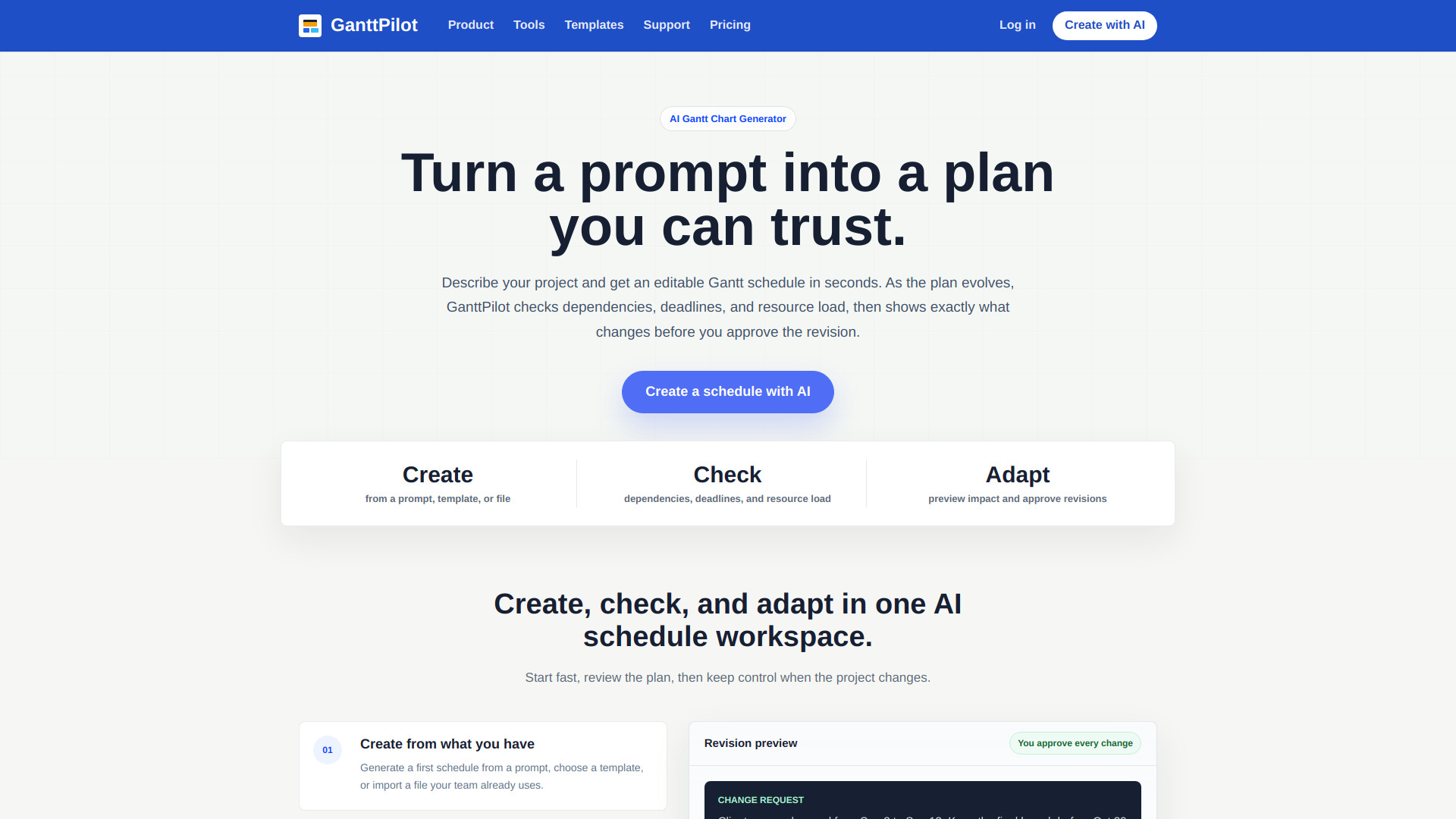
GanttPilot is an AI Gantt Chart Generator that helps teams create, edit, and optimize project schedules online. Generate Gantt charts from prompts, Excel, CSV, or Microsoft Project XML, analyze dependencies, critical paths, and resource allocation, then export back to PDF, Excel, or Project XML.
GanttPilot is an AI Gantt schedule workspace for project teams. It helps you create a schedule from a prompt, check the plan for logic and risk, and adapt the schedule when dates, scope, or resources change. The AI output becomes editable schedule data: tasks, dates, dependencies, milestones, and a Gantt timeline.
GanttPilot offers a Free plan and a Pro plan at $19/month (USD).
What is GanttPilot? GanttPilot is an AI Gantt schedule workspace for project teams. It helps you create a schedule from a prompt, check the plan for logic and risk, and adapt the schedule when dates, scope, or resources change.
Is GanttPilot just an AI Gantt chart generator? No. GanttPilot can generate a Gantt chart from a prompt, but the schedule stays editable. You can review dependencies, preview changes, and approve revisions before the plan is updated.
Can I import Excel, Microsoft Project XML, or MPP files? Yes. You can start from Excel, CSV, XLSX, Microsoft Project XML, or MPP schedules, then continue editing and reviewing the plan in GanttPilot.
Does AI update my schedule automatically? No. GanttPilot shows a revision preview first. AI suggests the update, but you choose what gets applied.
What types of projects can I plan with GanttPilot? GanttPilot works for project schedules with tasks, dates, dependencies, and revisions, including product launches, client delivery, marketing campaigns, events, construction, installation, and operations work.
Does GanttPilot replace Microsoft Project or Primavera P6? Not exactly. GanttPilot can work alongside traditional planning tools: import or review schedule files, use AI checks and revision previews, then export Project XML when a handoff is needed.
Can I export my schedule? Yes. You can keep the schedule editable in GanttPilot, then export Project XML or share the plan when it is ready.