What is Gemini Omni AI Video
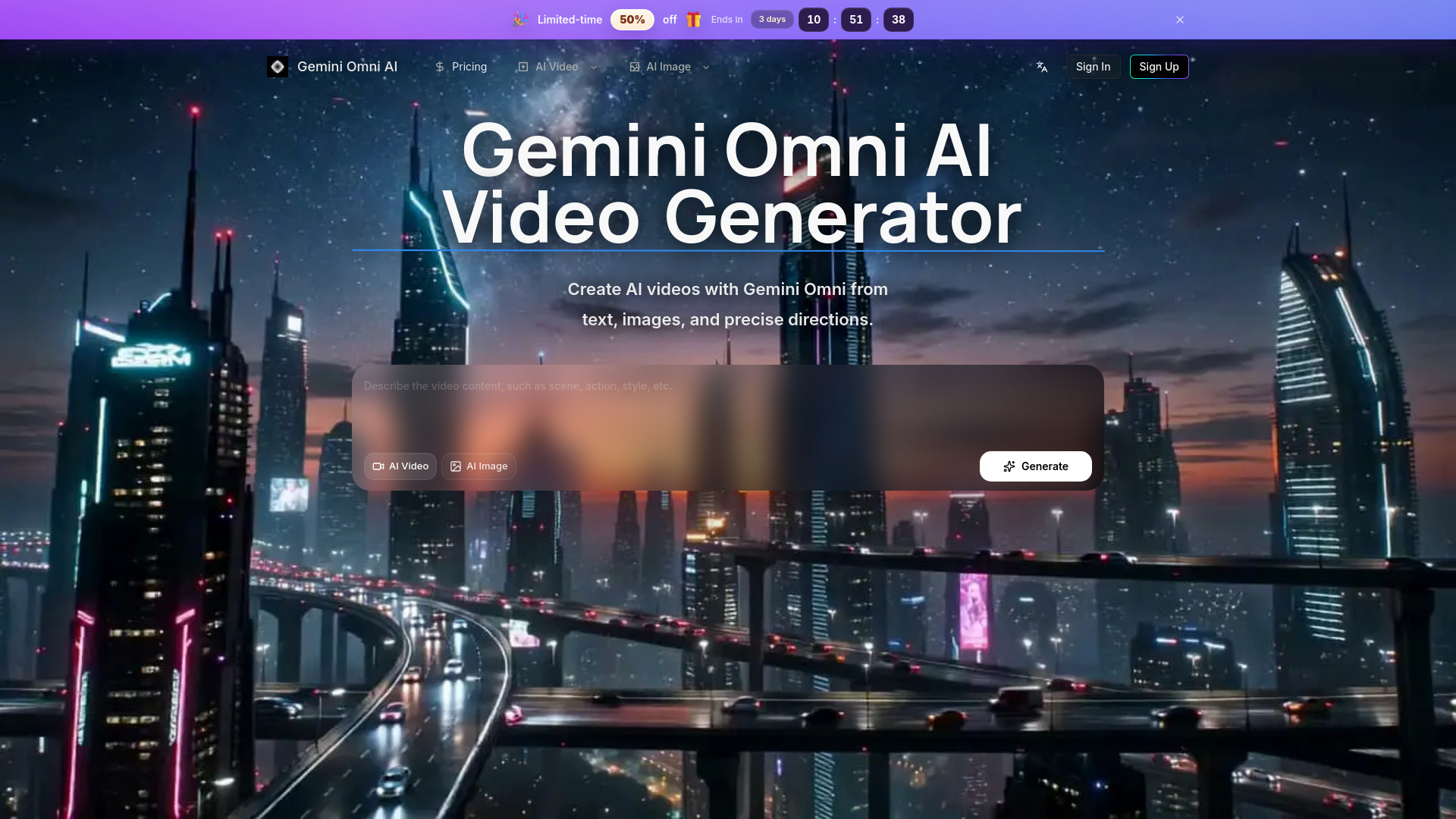
Gemini Omni AI Video Generator is a platform that allows users to create AI-generated videos using the Google Gemini Omni model. It supports various input methods including text, images, and reference-guided creation, all within a single workspace.
How to use Gemini Omni AI Video
- Describe the video content: Enter a description in the provided text area, detailing the scene, action, and desired style.
- Select input type: Choose between "AI Video" (text-to-video) or "AI Image" (image-to-video) options.
- Generate: Click the "Generate" button to create the AI video.
Features of Gemini Omni AI Video
- Text-to-Video: Create videos by describing the scene, camera motion, timing, and style.
- Image-to-Video: Transform reference images into motion, with options for planning direction for products, social clips, storyboards, and visual concepts.
- Reference-Guided Video Creation: Use still images as visual anchors for subject, style, or composition.
- HD AI Video Workflows: Supports high-definition output for video creation.
- Fine-grained Video Control: Allows detailed descriptions for camera movement, subject motion, timing, and transitions.
- Editing-Friendly Output: Designed for revision-heavy workflows.
- Example-Driven Exploration: Browse public examples to inspire prompt creation.
- Integrated Workflow: Manages prompts, references, and exports within a single platform.
Use Cases of Gemini Omni AI Video
- Creating cinematic motion from reference images for products and social clips.
- Developing storyboards and visual concepts.
- Generating videos based on detailed text descriptions including camera movement and subject action.
- Producing marketing assets with HD clarity.
- Testing visual concepts and generating matching clips.
Features of Gemini Omni AI Video
- Gemini Omni video workflow
- Text, image, and reference inputs
- Fine-grained video control
- Editing-friendly HD output
- Example-driven exploration
- Credits and history in one place
Testimonials
- Users appreciate the unified workflow, avoiding the need to switch between multiple tools for prompts, references, and exports.
- The platform allows for easy comparison of motion, stills, and image-based work without reconfiguring workflows.
- It streamlines the process from exploration to delivery, keeping generation history and pricing accessible.
- Users find it efficient for generating product visuals and testing ideas within a single environment.