What is Gemini Omni AI Video Editor
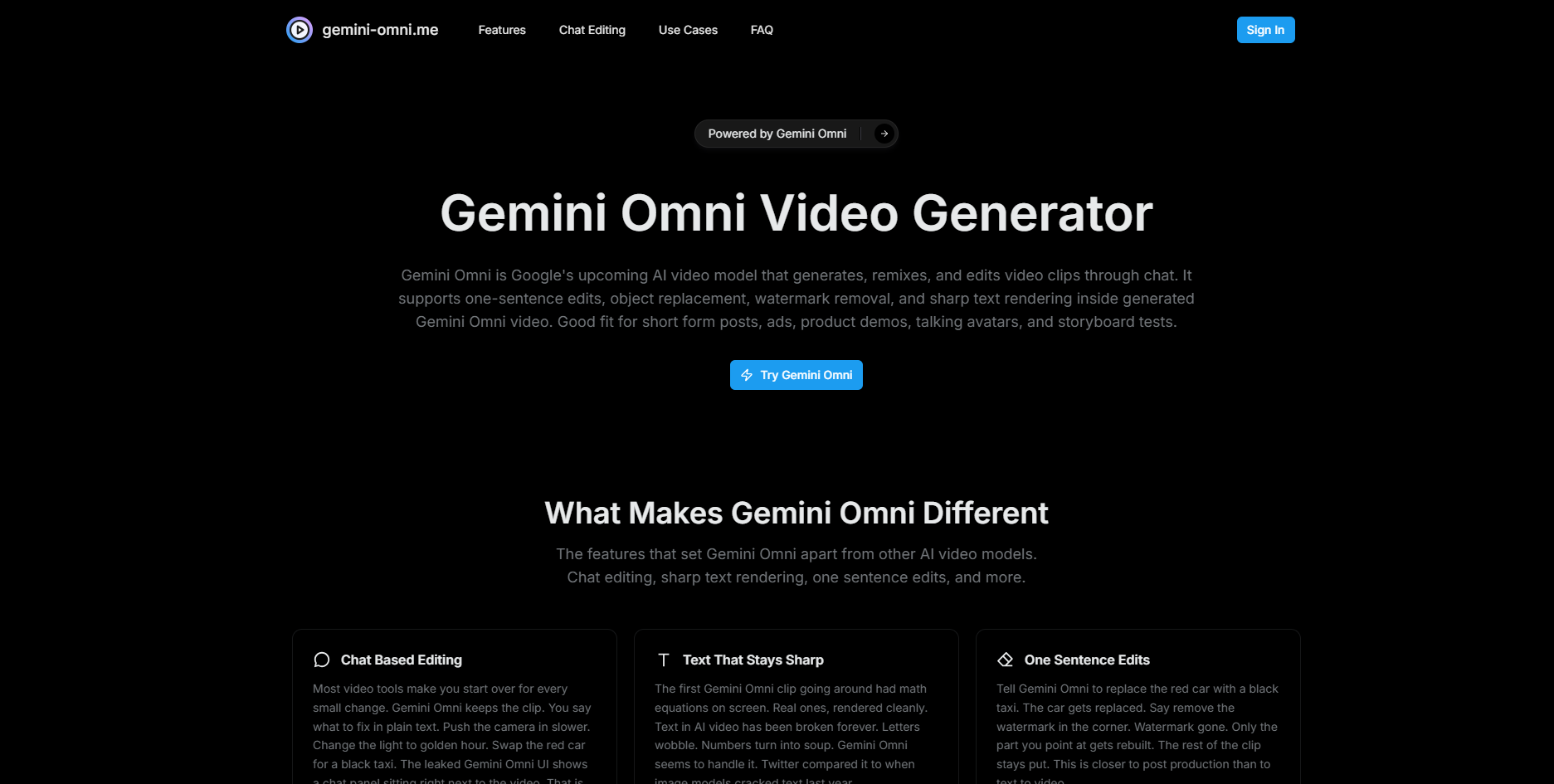
Gemini Omni is an AI video generator and editor that leverages Google's multimodal model to create, remix, and edit video clips through a chat-based interface. It is designed to offer advanced editing capabilities, including one-sentence edits, object replacement, watermark removal, and sharp text rendering within generated videos.
How to use Gemini Omni AI Video Editor
- Start: Begin by typing a prompt, uploading an image, or providing a video clip you already have. Short prompts are sufficient initially, with refinement possible through chat.
- Generate: Initiate the generation process. Gemini Omni will create the video frames, determine timing, and potentially incorporate audio.
- Chat to Refine: Use the chat interface next to the video to make edits. You can request changes like adjusting camera movement, swapping colors, translating text, or removing objects. Each chat interaction builds upon the previous one, allowing for iterative refinement without re-rendering the entire video.
Features of Gemini Omni AI Video Editor
- Chat-Based Editing: Edit video clips by providing instructions in plain text, allowing for iterative changes without starting over.
- Sharp Text Rendering: Capable of rendering text, including complex elements like mathematical equations, with high clarity.
- One-Sentence Edits: Modify specific parts of a video with simple text commands, such as replacing objects or removing watermarks.
- Remix Existing Video: Upload your own video clips and use chat commands to alter elements like the sky, background, or season.
- Object and Watermark Cleanup: Remove unwanted elements like logos or watermarks from video clips, with the AI filling in the missing content seamlessly.
- Better Prompt Adherence: Reportedly follows instructions more closely than other models, maintaining scene coherence and transition accuracy.
- Templates for Quick Starts: Offers pre-defined templates to simplify the creation process for users who prefer not to write detailed prompts.
Use Cases of Gemini Omni AI Video Editor
- Short Form Posts: Quickly generate and edit clips for platforms like TikTok, Reels, and Shorts, with a typical clip length of around ten seconds.
- Ad Iteration: Create multiple ad variations by modifying prompts and chat instructions, allowing for rapid testing of different concepts and styles.
- Product Demos: Transform product images into short video clips that showcase the product in use, with the ability to change colors or backgrounds via chat.
- Talking Avatars: Generate videos with lip-synced avatars that can be dubbed into different languages.
- Footage Cleanup: Edit existing footage to remove watermarks, stray objects, or correct text errors without extensive manual post-production.
- Storyboard Tests: Visualize storyboards by generating rough video clips, allowing for quick iteration on shots, blocking, and locations before production.
FAQ
- What is Gemini Omni? Gemini Omni is reportedly a new video model from Google, characterized by its chat-based editing capabilities for generated video clips. Information is based on leaks and early reports.
- Has anyone actually used it? A limited number of individuals have shared sample clips. Public, stable access has not been confirmed by Google.
- What is the chat-based editing? It allows users to edit existing video clips by providing text instructions, modifying specific elements without re-rendering the entire clip.
- Is the text rendering good? Early reports suggest Gemini Omni can render text clearly, a significant improvement over previous AI video models.
- How long are the clips? Metadata from leaks indicates clips are around ten seconds long, suitable for short-form content.
- Is there an API? An API has not been confirmed. Current reports focus on a chat interface within Gemini.
- Will it support audio? While not officially confirmed, it is highly likely to support audio, similar to other advanced video generation models.
- How does it compare to Veo 3.1? Early reports suggest Gemini Omni offers better prompt adherence, smoother transitions, and more coherent scenes compared to Veo 3.1.
- Can I use Gemini Omni outputs for commercial work? Commercial use is expected to be permitted based on Google's terms upon public release, with specific rules outlined in the Terms of Service.
- Do you allow NSFW content? No, NSFW content is not permitted and attempts to generate it may lead to account closure.
- Do I need editing skills? No, the chat-based editing feature is designed for users without traditional editing skills, allowing interaction in natural language.
- How do I cancel or get a refund? Cancellations can be managed in the account page, and refund requests can be sent to support@gemini-omni.me.