LogoTopAIHubs
icon of Gemini Omni AI Video Generator

Gemini Omni AI Video Generator

Unified Google-powered AI model for 4K video generation, editing, and audio synthesis.

Introduction

What is Gemini Omni AI Video Generator

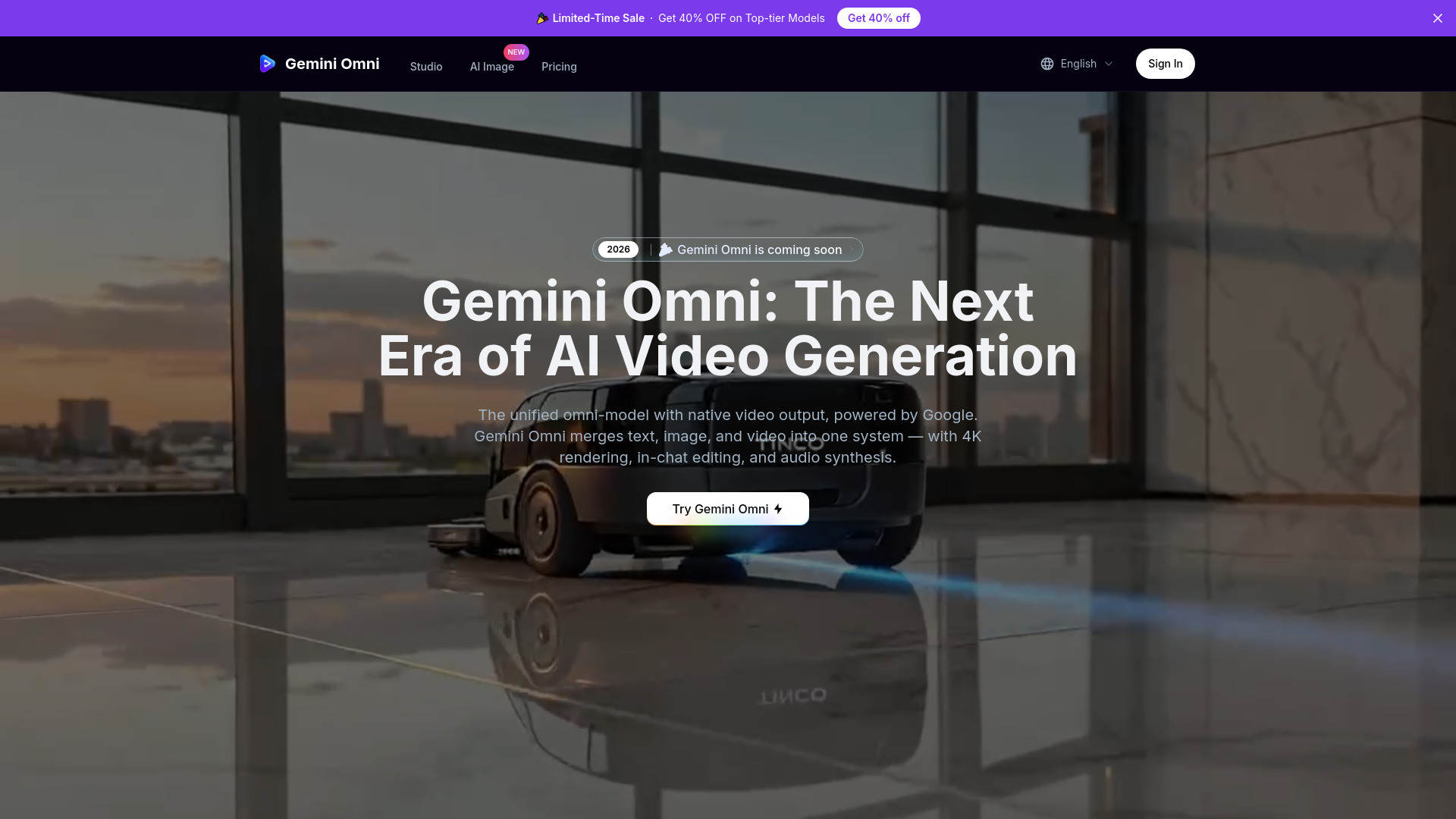
Gemini Omni is a unified omni-model with native video output, powered by Google. It merges text, image, and video creation into one conversational system, allowing users to generate, remix, edit, and rewrite scenes directly in chat.
How to use Gemini Omni AI Video Generator
  1. Upload Visual References: Drop in portraits, product shots, or storyboard frames. Gemini Omni preserves facial geometry and object details for consistent output.
  2. Describe Your Vision: Use natural language prompts to describe the video you want to generate. The system supports detailed shot composition, lens, genre, style, and camera motion prompts.
  3. Generate with Gemini Omni: The AI model creates video based on your prompts and references.
  4. Download in True 4K: Output is available in native 4K (3840×2160) resolution, with options for up to 120fps.
Features of Gemini Omni AI Video Generator
  • Unified Omni-Model: Integrates text, image, and video generation within a single architecture.
  • In-Chat Video Editing: Remix clips, swap objects, remove watermarks, and rewrite scenes using natural language commands.
  • Native 4K at Up to 120fps: Generates high-resolution video with smooth motion.
  • Persistent World-State Memory: Ensures visual consistency for characters, environments, and props across shots.
  • Integrated Foley & Dialogue: Synthesizes sound effects, ambient noise, and dialogue alongside visuals in a single pass.
  • Director's Mode: Offers control over virtual lens focal lengths, lighting setups, and camera paths, with post-generation motion adjustments.
  • Spatiotemporal Patch Diffusion: Models video as a continuous 3D volume for enhanced coherence.
  • Joint Spatial-Temporal Attention: Balances frame composition and motion for detailed output.
  • Gemini Foundation Semantic Layer: Deep language grounding maps professional cinematography terms to visual parameters.
Use Cases of Gemini Omni AI Video Generator
  • Commercial Advertising: Craft advertisements with cinematic scale and precise camera work.
  • Cinematic Storytelling: Capture emotional beats with nuanced character performance and dynamic pacing.
  • Anime Multi-Shot Narrative: Create fluid anime sequences with consistent visual continuity.
  • Action Cinematics: Choreograph high-energy performances with precise camera control and sync.
  • Creative Text Transitions: Animate stylized typography and blend kinetic text with visual effects.
  • Immersive Game Cinematic: Generate CG-quality game cutscenes with synchronized audio-visuals.
Pricing
  • Pro Plan: 700 credits/month, credits never expire, 1080p resolution, Text/Image to Video, Text/Image to Image, No Watermark, Private Generation, Reframe/Remix Video, Commercial License. Priced at $30/month (originally $59.9).
  • Hobby Plan: 400 credits/month, credits never expire, 1080p resolution, Text/Image to Video, Text/Image to Image, No Watermark, Private Generation, Reframe/Remix Video, Commercial License. Priced at $18/month (originally $39.9).
  • Pro Max Plan: 1500 credits/month, credits never expire, 1080p resolution, Text/Image to Video, Text/Image to Image, No Watermark, Private Generation, Reframe/Remix Video, Commercial License, Priority Support. Priced at $60/month (originally $119.9).
  • Pay as you go: Credits are available.
FAQ
  1. What is Gemini Omni and what can it do? Gemini Omni is a unified omni-model with native video output, powered by Google. It merges text, image, and video creation into one conversational system, allowing users to generate, remix, edit, and rewrite scenes directly in chat.

  2. How is Gemini Omni different from Veo 3.1 or Sora? Veo 3.1 is a dedicated video generator; Gemini Omni is a unified omni-model that handles text, image, and video in one system. It adds in-chat editing, native 4K at up to 120fps, Director's Mode with post-generation camera control, and persistent world-state memory — capabilities no standalone model offers today.
  3. Can I use my own face or product photos as references? Yes. Identity preservation is a headline Gemini Omni feature. Upload a portrait or product image and the model will reproduce those exact visual details — facial structure, brand colors, surface textures — consistently throughout the generated video.
  4. What is the maximum Gemini Omni video length? A single Gemini Omni render can produce up to 30 continuous seconds. For longer content, the scene-stitching engine chains clips into seamless sequences of up to two minutes with matched lighting and motion.
  5. Does it generate sound effects and dialogue? It does. Gemini Omni's audio module runs alongside the video diffusion process, outputting synchronized Foley, ambience, and dialogue in a single pass. No separate sound-design step needed.
  6. What prompt style works best? Anything from casual descriptions to detailed shot lists. Gemini Omni's Director's Mode lets you specify lens focal lengths, lighting setups, and camera paths — prompts like 'handheld tracking shot, golden-hour backlight, shallow DOF' translate directly into matching camera work.

Newsletter

Join the Community

Subscribe to our newsletter for the latest news and updates