What is gemini omni flash
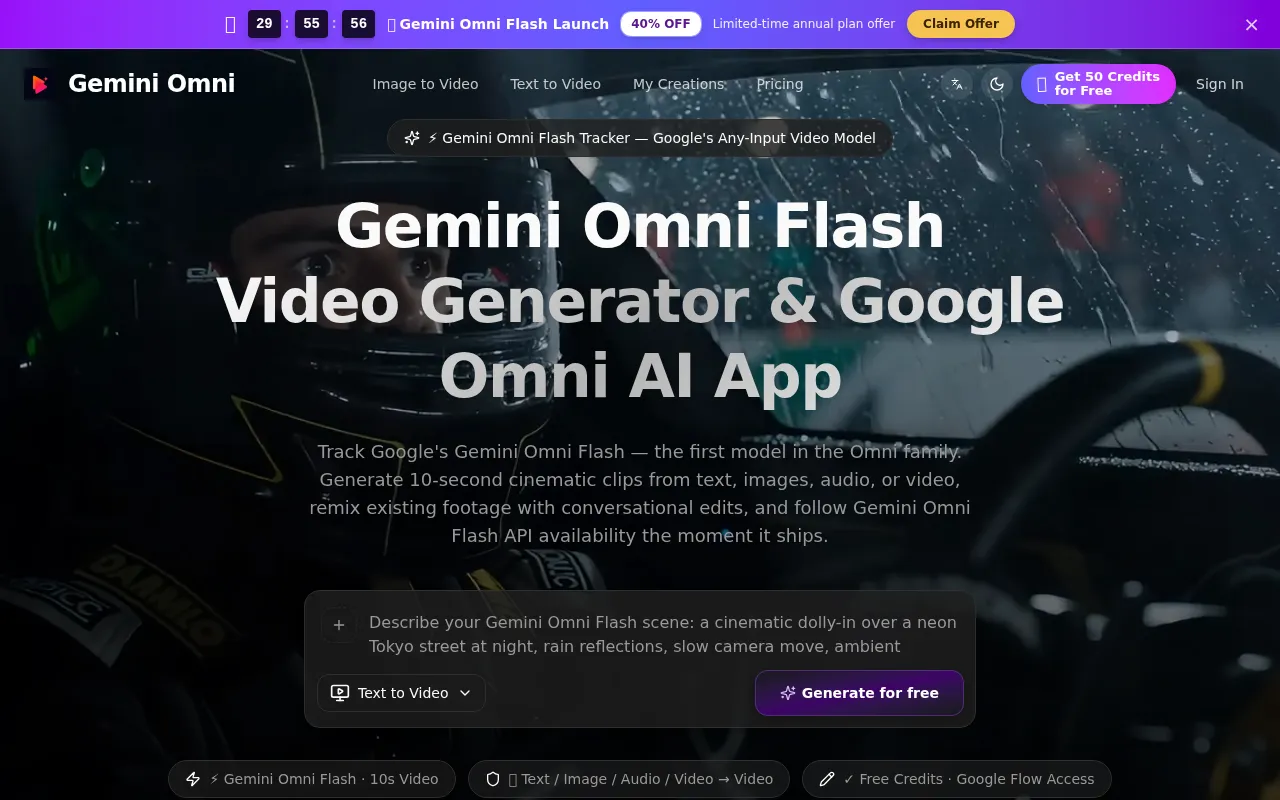
Gemini Omni Flash is Google's any-input AI video model. It is a browser-based AI video generator that creates cinematic clips from text, images, audio, and video references. It is the first model in the Omni family, accepting any combination of inputs to produce short cinematic videos with native audio.
How to use gemini omni flash
- Set the brief: Start with a prompt, still image, or reference clip. Define subject, camera movement, location, and lighting in one prompt.
- Generate in the Gemini Omni App: Choose text-to-video, image-to-video, or reference mode. Set resolution and aspect ratio, then let the workflow generate your first cut.
- Refine & Export: Adjust prompts or swap references, compare output versions side by side, and export when the result matches your creative brief.
Features of gemini omni flash
- Any-Input Video Generation: Accepts text, images, audio, and video references.
- Cinematic Clip Creation: Generates short, cinematic video clips.
- Multimodal Input: Fuses various input types into a single video generation.
- 10-Second Output: Currently outputs roughly 10-second clips with native audio.
- Video-to-Video Remixing: Allows remixing existing footage.
- Conversational Editing: Enables chat-based editing and refinement of scenes.
- Reference-Guided Consistency: Uses image references to maintain coherent character appearance, camera style, and visual tone across multiple clips.
- Storyboard-to-Video: Supports multi-panel storyboard-to-video conversion with visual consistency.
- High Resolution: Offers resolutions up to 1080p (1920x1080).
- API Integration: Provides developer access for automated generation.
Use Cases of gemini omni flash
- Social Media Marketing: Draft short-form video concepts for platforms like TikTok, Instagram Reels, and YouTube Shorts.
- E-commerce Product Videos: Turn product images into short video drafts to explore presentation styles.
- Video Production & Filmmaking: Storyboard ideas and create concept visualizations for pre-production.
- Business Presentations: Create video drafts for decks, training materials, and internal updates.
- Creative & Artistic Projects: Explore video art, music visualizations, and experimental concepts.
- Educational Content: Draft educational and explainer videos for learning content.
Pricing
Gemini Omni Flash offers various plans:
- Mini Plan: $9.00/month (billed annually at $108/year). Includes 500 credits/month, all resolutions up to 1080p, Gemini Omni model access, Image & Text-to-Video generation, and commercial usage rights.
- Standard Plan: $30.00/month (billed annually at $360/year). Includes 1000 credits/month, all resolutions up to 1080p, Gemini Omni model access, Image & Text-to-Video generation, priority Gemini Omni queue, and commercial usage rights.
- Plus Plan: $60.00/month (billed annually at $720/year). Includes 2500 credits/month, all resolutions up to 1080p, Gemini Omni model access, Image & Text-to-Video generation, top priority queue, advanced model access, commercial usage rights, private mode, and dedicated support.
FAQ
- What is Gemini Omni Flash? Gemini Omni Flash is Google's first model in the Omni family — an any-input-to-video multimodal generator that accepts text, images, audio, and existing video clips, and outputs short cinematic video. It launched on the Gemini app and Google Flow for AI Plus, Pro, and Ultra subscribers, with a free entry through YouTube Shorts and YouTube Create.
- How does Gemini Omni Flash generate video? It accepts any combination of text prompt, image, audio, and reference video. The Omni model fuses these inputs and produces a 10-second cinematic video with native audio. Workflows include text-to-video, image-to-video, audio-to-video, or video-to-video remixing.
- Is Gemini Omni Flash free? There is a free entry point through YouTube Shorts and the YouTube Create app. For longer clips, faster queues, and higher resolution, Google AI Plus, Pro, or Ultra subscriptions are needed. The tracker also offers free credits.
- When will the Gemini Omni Flash API be available? The API will be available to developers and enterprises in the coming weeks, according to Google's official blog.
- How do I try the Gemini Omni Flash app? Access paths include: Free (YouTube Shorts and YouTube Create), Paid (Google AI Plus/Pro/Ultra inside Gemini app and Google Flow), and Developer (official API once available).
- Can Gemini Omni Flash edit existing videos? Yes, it supports video-to-video, allowing users to remix style, extend duration, restyle characters, or restage scenes through conversational edits.
- Gemini Omni Flash vs Veo — which should I use? Use Gemini Omni Flash for multimodal input or conversational editing. Use Veo 3 for text-to-video with the longest, most photoreal single-take output.
- How much does Gemini Omni Flash cost? It's included with Google AI Plus, Pro, and Ultra subscriptions. YouTube Shorts and YouTube Create offer a limited free tier. Direct API pricing is not yet announced.
- What's the maximum video length Gemini Omni Flash can generate? Currently, it outputs roughly 10-second cinematic clips. Longer compositions are made by chaining multiple generations inside Google Flow's timeline.
- Is geminiomniflash.io affiliated with Google? No, it is an independent community tracker and toolset, not affiliated with, endorsed by, or sponsored by Google.