Newsletter
Join the Community
Subscribe to our newsletter for the latest news and updates

Create and edit looping GIFs from text prompts or photos with AI.
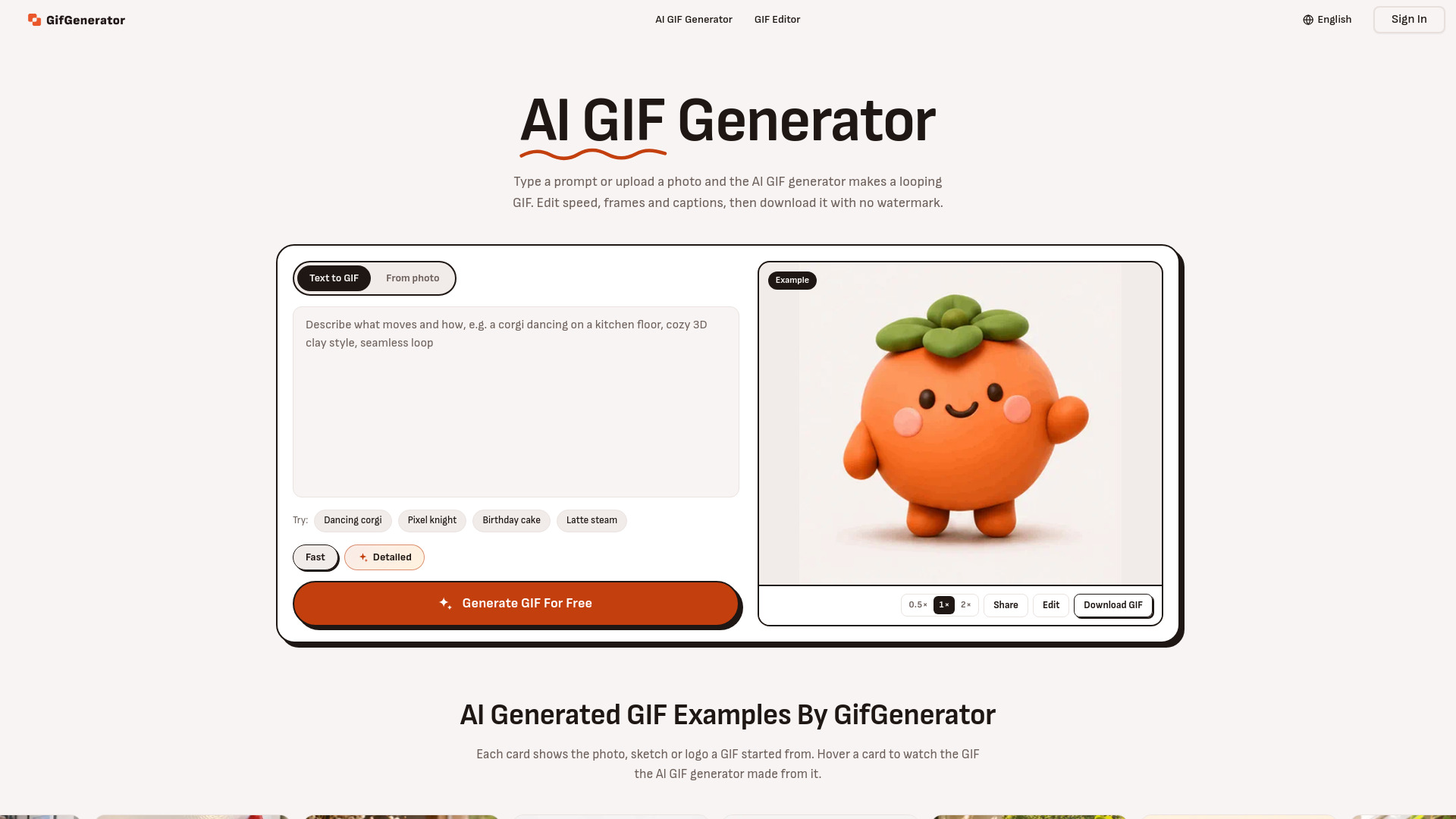
GifGenerator is a free AI-powered tool that creates and edits looping GIFs from text prompts or photos. It allows users to generate GIFs without signing up, without a credit card, and without watermarks. The tool also provides editing capabilities to adjust speed, frames, and captions.
GifGenerator is free to use without an account. A free account provides credits that refill daily. Paid plans and credit packs are available for additional credits. Commercial use of GIFs requires a paid plan or credit pack; GIFs made on the free plan are for personal use only.
Is the AI GIF generator free?
Yes. You can make GIFs for free without an account, and a free account gets credits that refill every day. Every GIF comes without a watermark. Plans and credit packs add more credits when you need them.
Can I make a GIF without signing up?
Yes. Make a GIF from text or a photo with no account and no credit card. Sign in to get free credits every day, use Detailed mode and keep every GIF you make.
How do I make a GIF with AI?
Open the AI GIF generator at the top of this page, type what should move or upload a photo, choose Fast or Detailed and press Generate. When the GIF is ready, you can edit it before you download.
Can I make a GIF from a photo?
Yes. Sign in, upload a JPG or PNG and describe the motion. The AI GIF generator keeps the subject and scene from your photo.
What can I change after the GIF is made?
Speed, frame order, loop direction and captions, instantly and for free. You can also mark spots on a frame and describe a change for each, and the GIF is redrawn with it.
What is the difference between Fast and Detailed?
Fast is the quickest and cheapest way to a GIF, at 512 px. Detailed takes a little longer, draws finer detail at up to 768 px and uses more credits.
How many frames can a GIF have?
2 to 16 frames at 512 px, or up to 12 frames at 768 px in Detailed mode. More frames make smoother motion and a bigger file.
Can the GIF have a transparent background?
Yes. A GIF can have a transparent background, so stickers, logos, emojis and characters sit cleanly on any website, chat or slide. The subject keeps clean edges in every frame of the loop, with no box around it.
Can it make video or GIFs with sound?
No. GifGenerator makes GIFs only. Downloads are GIF files; on the page they play as WebP so they load faster.
Can I use the GIFs commercially?
Yes, with any paid plan or credit pack. GIFs made on the free plan are for personal use. See our Terms of Service for details.