Newsletter
Join the Community
Subscribe to our newsletter for the latest news and updates
AI image generator and photo editor with GIF and SVG outputs
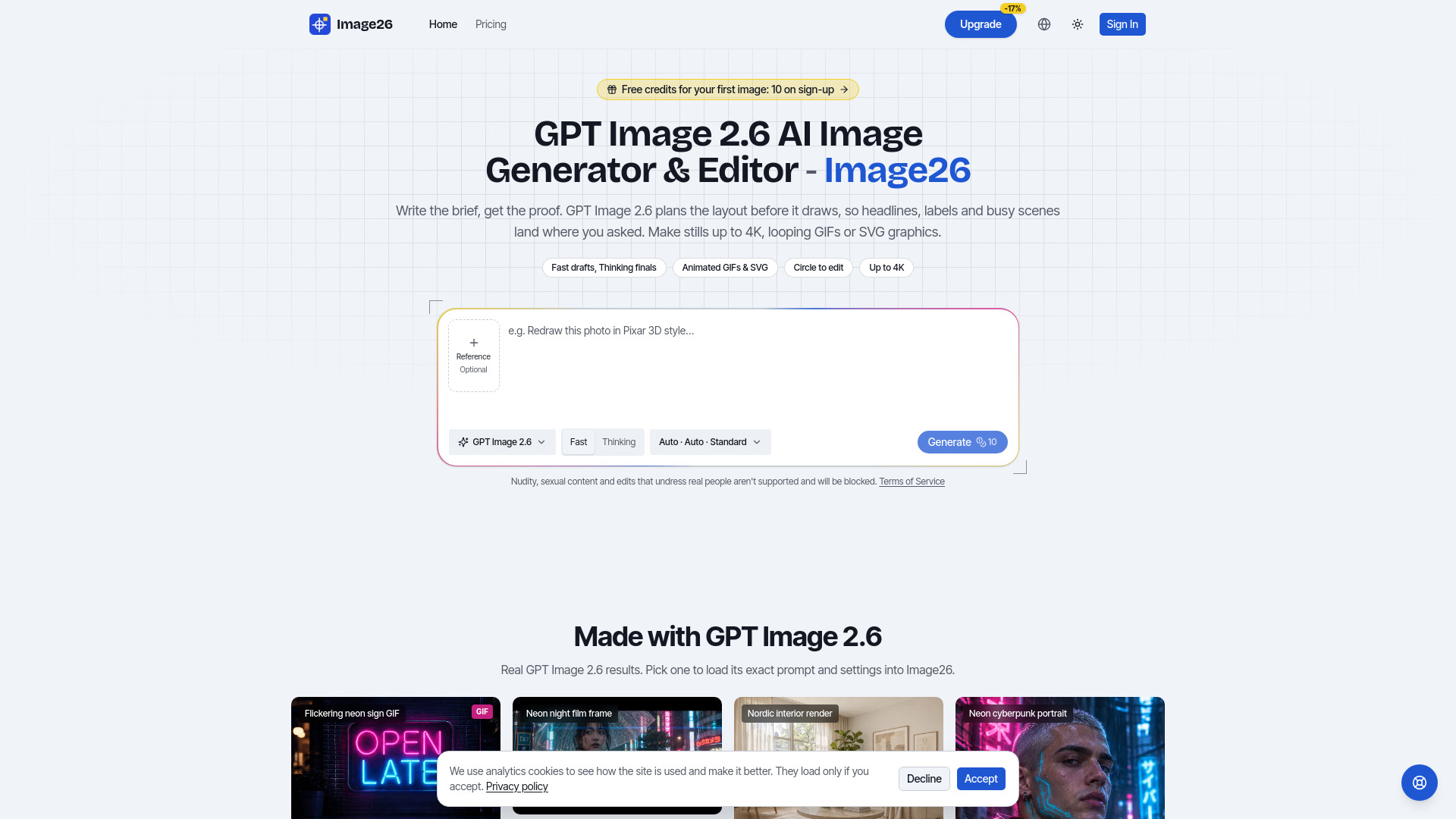
GPT Image 2.6 is OpenAI's image model released in November 2026, the one behind ChatGPT Images 2.6. It comes in two variants: Flare, built for speed (up to 50% faster than 2.5), and Sunburst, for fine detail and consistent edits. On Image26, these are called Fast and Thinking. New in 2.6 are looping GIFs, SVG graphics, and circle-to-edit markup. Image26 is an online image generator and photo editor running on GPT Image 2.6. You can write a description to create a new image, or upload a photo and describe the change you want. Image26 is run independently and has no affiliation with OpenAI.
Image26 offers free credits for new accounts to generate a first image. After that, you use credits from a plan or a pack. Every image shows its cost before you generate. Paid plans come with a commercial license. Pricing ranges from $0 to $499, with up to 17% savings with yearly billing. GPT Image 2.5 costs fewer credits at the Low and Standard tiers, while GIFs and SVGs require 2.6 (GIF costs the same as a still, SVG a few credits more).
What can I do with Image26? Image26 is an online image generator and photo editor running on GPT Image 2.6. Write a description to create a new image, or upload a photo and describe the change you want.
What is GPT Image 2.6? GPT Image 2.6 is OpenAI's image model released in November 2026, the one behind ChatGPT Images 2.6. It comes as Flare, built for speed (up to 50% faster than 2.5), and Sunburst, for fine detail and edits that stay consistent. On Image26 they are Fast and Thinking. New in 2.6: looping GIFs, SVG graphics, and circle-to-edit markup.
Should I use GPT Image 2.6 Fast or Thinking? Use Fast to explore ideas and for everyday images; it comes back quickly. Switch to Thinking for crowded layouts, small details, and edits that must be exact. Both cost the same, and you can change mode at any time.
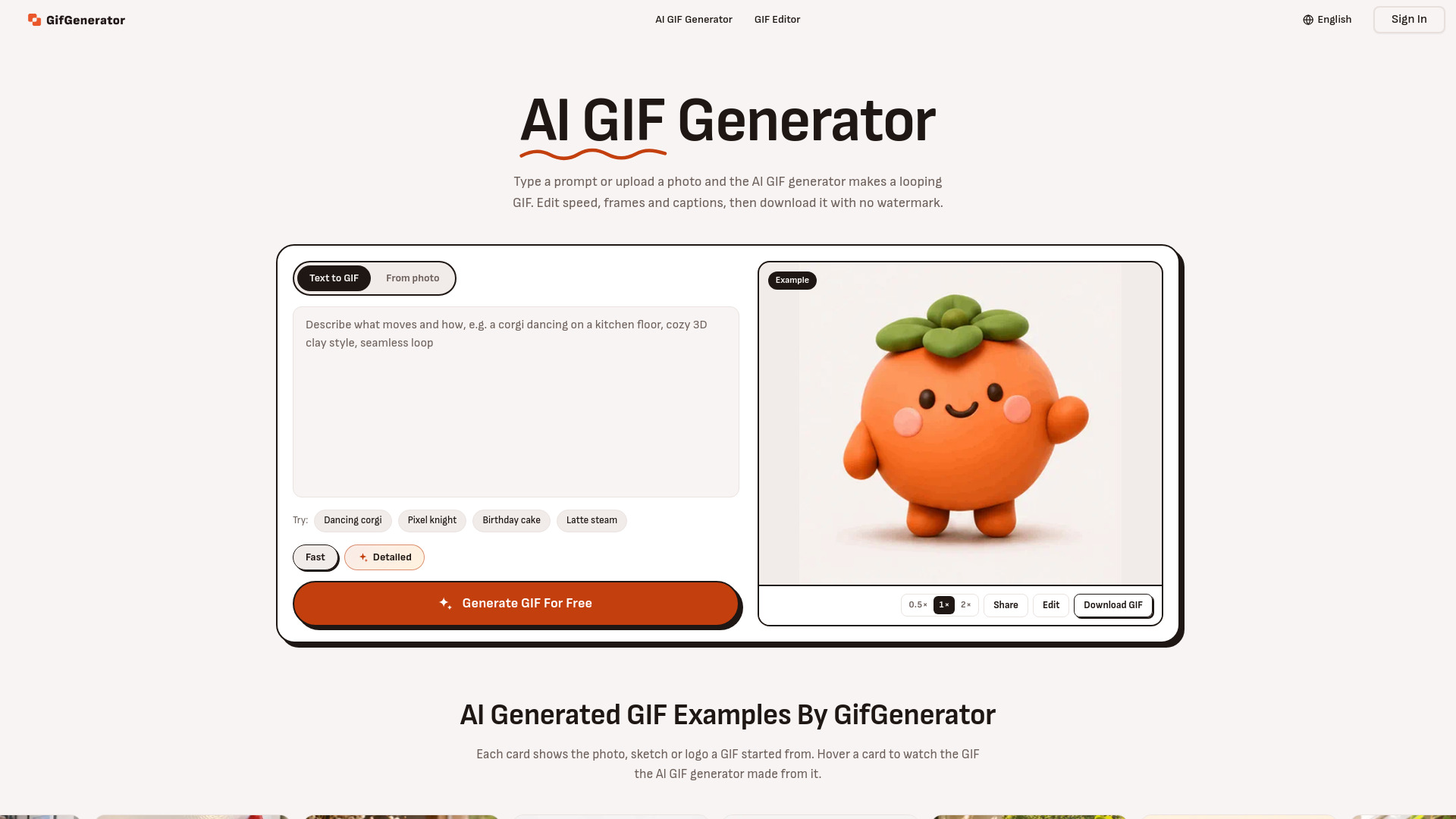
What are GPT Image 2.6 GIF and SVG outputs good for? SVG works best for logos, icons, badges, and other simple flat graphics: clean shapes, a few colors, and little or no text. It stays sharp at any size, but detailed illustrations and long lettering often come out distorted, so use a normal image for those. A GIF is a short loop of one simple motion, such as steam rising, a sign flickering, or a mascot waving, with the camera held still. Both are made from a prompt only and need GPT Image 2.6; a GIF costs the same as a still, an SVG a few credits more.
Can I still use GPT Image 2.5? Yes. GPT Image 2.6 is the default, and GPT Image 2.5 stays in the model menu in Fast and Thinking. It costs fewer credits at the Low and Standard tiers, so it suits quick drafts and large batches. GIFs, SVGs, and circle edits need 2.6.
Can I try GPT Image 2.6 on Image26 for free? Yes. New accounts receive free credits for a first image. After that you use credits from a plan or a pack, and every image shows its cost before you generate.
How well does GPT Image 2.6 handle text on posters, menus, and logos? Very good for headlines and short labels. Put the exact words in quotes in your prompt, and proofread the result before it goes to print.
Can GPT Image 2.6 combine several reference photos in one image? Yes. Add multiple images to a single request, such as a model plus a jacket for a try-on, or a handful of photos that set the style.
How do I write prompts for GPT Image 2.6? Describe the subject, the setting, the style, and any text you want, in plain words and in any language. Put exact wording in quotes. To adjust a result, attach it as a reference in Image26 and describe what to change.
Which sizes and resolutions does GPT Image 2.6 support? Fifteen aspect ratios, from 3:1 panoramas through square to 1:3 tall strips, at 1K, 2K, or 4K. Leave size and ratio on Auto and the model picks what fits the prompt.
Can I use GPT Image 2.6 images commercially? Yes, paid plans come with a commercial license for what you create. For large-scale publishing, also review OpenAI's usage policies.
Is Image26 made by OpenAI? No. Image26 is run independently and has no affiliation with, endorsement from, or sponsorship by OpenAI. It accesses OpenAI's GPT Image 2.6 through third-party model platforms. GPT and GPT Image are OpenAI trademarks.