What is GPT Image 2 - 3
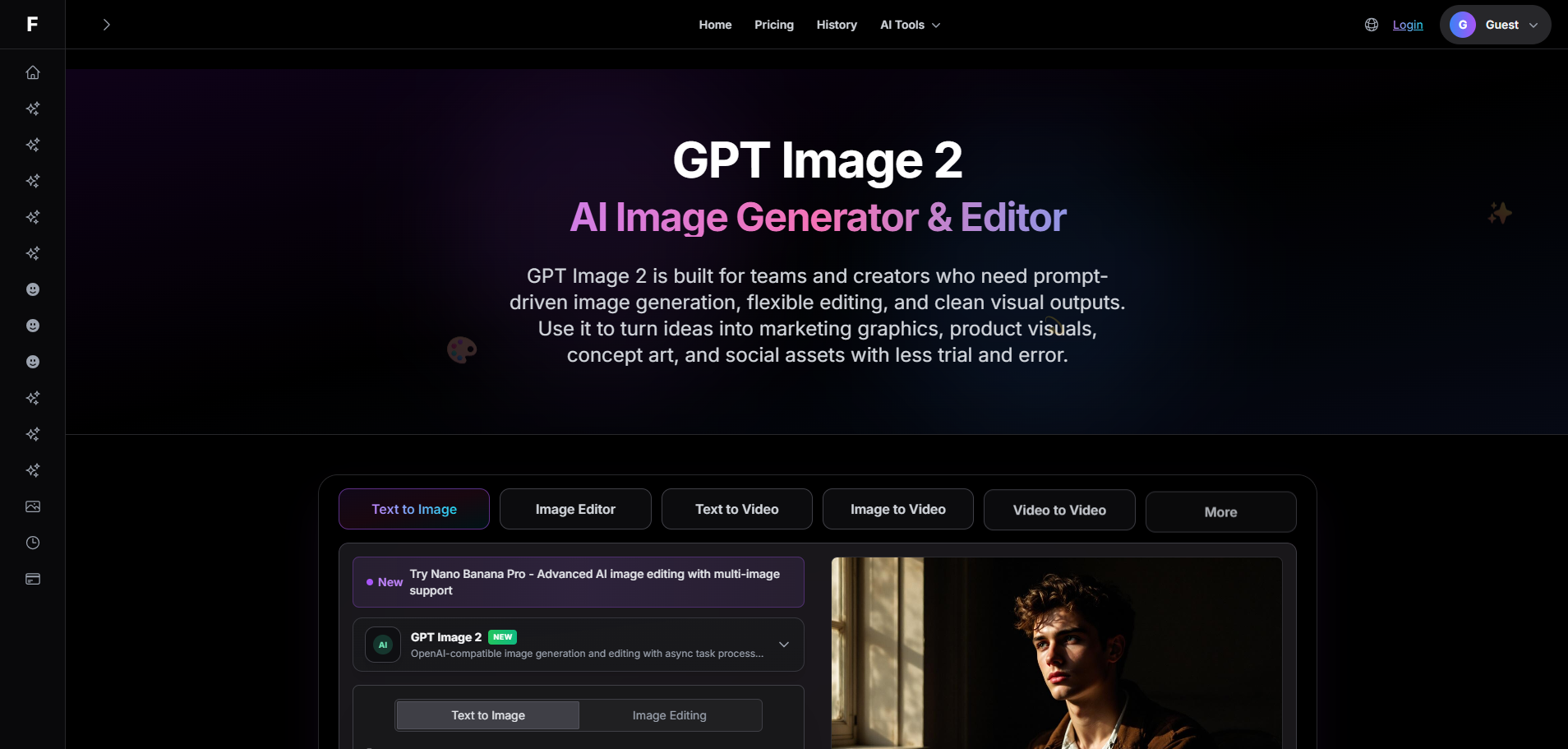
GPT Image 2 is an AI platform designed for prompt-driven image generation, editing, and the creation of professional visual assets. It allows users to describe scenes, styles, layouts, or brand directions in natural language to produce visual outputs efficiently.
How to use GPT Image 2 - 3
- Describe the Image Brief: Write what should appear in the image, identify the main subject, specify the desired style, and indicate where the image will be used.
- Add Constraints and Style Direction: Refine the prompt with guidance on composition, color palette, camera framing, mood, and elements to avoid for better control.
- Generate, Review, and Edit: Generate the initial result, assess what aligns with or deviates from the brief, and then use targeted edits to improve clarity, layout, or styling.
Features of GPT Image 2 - 3
- Prompt-Driven Image Creation: Generate visuals by describing them in plain language, incorporating style and composition details for clearer creative goals.
- Editing-Friendly Workflow: Use follow-up instructions to adjust backgrounds, objects, framing, mood, color direction, or overall style without starting from scratch.
- Fast Iteration for Teams: Quickly move from initial ideas to reviewable image concepts, beneficial for design exploration and campaign testing.
- Better Creative Control: Add details about lighting, camera angle, art direction, brand mood, and layout to ensure results align with requirements.
- Useful for Marketing Assets: Create social graphics, landing page visuals, blog illustrations, ad concepts, and product storytelling assets.
- Supports Polished Outputs: Achieve cleaner composition, stronger subject focus, and outputs that require less manual cleanup.
Use Cases of GPT Image 2 - 3
- Creating marketing creatives, product visuals, concept art, and social assets.
- Generating ad mockups, hero visuals, promotional graphics, and branded concept images.
- Producing social content and blog illustrations.
- Developing thumbnails and for fast design exploration.
FAQ
What is GPT Image 2 used for? GPT Image 2 is used for AI image generation and image editing. Common use cases include marketing creatives, product visuals, blog illustrations, thumbnails, concept art, and fast design exploration.
Is GPT Image 2 good for image editing? Yes. GPT Image 2 style workflows are useful when you want to keep the core concept and adjust specific parts of the image such as the background, subject details, color mood, or composition.
How do I get better GPT Image 2 prompts? Describe the subject first, then add style, lighting, camera angle, composition, and any elements to avoid. Short prompts can work, but clear constraints usually produce more reliable results.
Can GPT Image 2 help with marketing images? Yes. It is useful for ad mockups, hero visuals, promotional graphics, social content, and branded concept images where you need speed and multiple creative directions.
What makes GPT Image 2 useful for production work? The main advantage is faster iteration. You can move from brief to concept quickly, review options with a team, and refine the strongest direction instead of starting every variation from scratch.
Does GPT Image 2 work for both realistic and stylized images? Yes. Prompt-based image workflows can support realistic product scenes, portraits, editorial visuals, illustrations, and more stylized creative directions depending on the prompt and edit guidance.