What is GPT Image 2.0 Creator
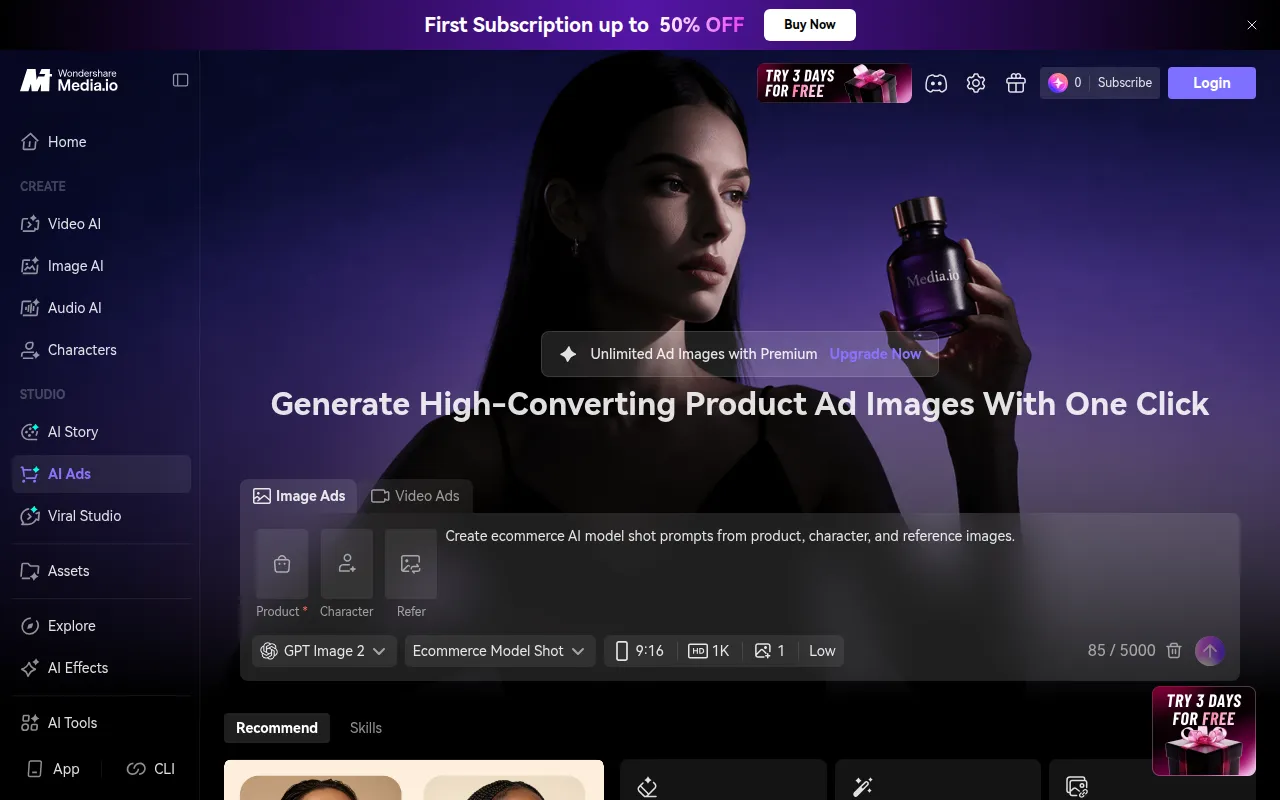
GPT Image 2.0 is an AI image model designed for creating production-ready visuals. It offers fast generation of high-detail images, supports precise text rendering for applications like UI and packaging, and enables reference-based edits to maintain consistency in subject identity, lighting, and style across a campaign.
How to use GPT Image 2.0 Creator
- Write a clear prompt: Describe the subject, style, lighting, and layout in plain words.
- Optional: Add a reference if needed: Upload a photo or a previous render to guide edits for stronger brand consistency. This step can be skipped for text-only generation.
- Generate and refine fast: Compare results, tweak the prompt, and regenerate until the image matches your brief.
Features of GPT Image 2.0 Creator
- Text-to-Image Generation: Create visuals from textual descriptions.
- Reference-Based Edits: Modify existing images while preserving key elements like subject identity, lighting, and style.
- Precise Text Rendering: Capable of rendering text accurately for UI elements and packaging designs.
- High-Detail Output: Generates visuals with up to 4K-class resolution.
- Flexible Aspect Ratios: Supports various aspect ratios suitable for different platforms (e.g., banners, product tiles, mobile ads).
- Fast Iteration: Enables quick generation and refinement cycles.
- Brand Consistency: Maintains brand elements and visual identity across multiple images.
Use Cases of GPT Image 2.0 Creator
- Creating production-ready visuals for marketing campaigns.
- Designing UI elements and packaging with accurate text rendering.
- Iterating on product mockups and advertising materials.
- Maintaining brand consistency across a series of images.
- Quickly generating visual concepts for creative testing.
FAQ
- What is GPT Image 2.0, and what can it do for my images? GPT Image 2.0 is an AI image model that supports text-to-image generation and image editing with reference inputs. It helps create visuals with strong composition, detail, and brand consistency, useful for product work.
- Can I try GPT Image 2.0 free online right now? Yes, you can try GPT Image 2.0 free online. The workflow allows for fast generation and refinement, focusing on clear prompts and optional reference images.
- Does GPT Image 2.0 support image edits using my reference inputs? Yes, GPT Image 2.0 supports image edits using reference inputs. You can upload an image and describe desired changes to maintain identity and composition, useful for brand consistency.
- What prompts work best with GPT Image 2.0 for product images? Short and specific prompts are best, including the subject, style, lighting, and layout. For text on packaging, describe the text style and placement. For product photos, specify "studio product photo" and background details.
- What aspect ratios and resolution can GPT Image 2.0 output? GPT Image 2.0 supports practical aspect ratios like 4:3 and 16:9, and can produce high-detail outputs with 4K-class clarity.
- How fast is GPT Image 2.0 generation and refinement? GPT Image 2.0 is designed for fast loops, with results often appearing within seconds to a minute, allowing for quick comparison and improvement.
- Why do people use GPT Image 2.0 for ads and mockups? It helps quickly answer if an image works for a campaign by allowing rapid creation and editing to match campaign styles and layouts, ensuring consistency.
- Where should I start when using GPT Image 2.0? Start by writing a clear prompt, add reference inputs if needed for brand match, then generate and refine. The site's generator is built for this flow.