Newsletter
Join the Community
Subscribe to our newsletter for the latest news and updates
Create, edit, and export Minecraft skins with AI
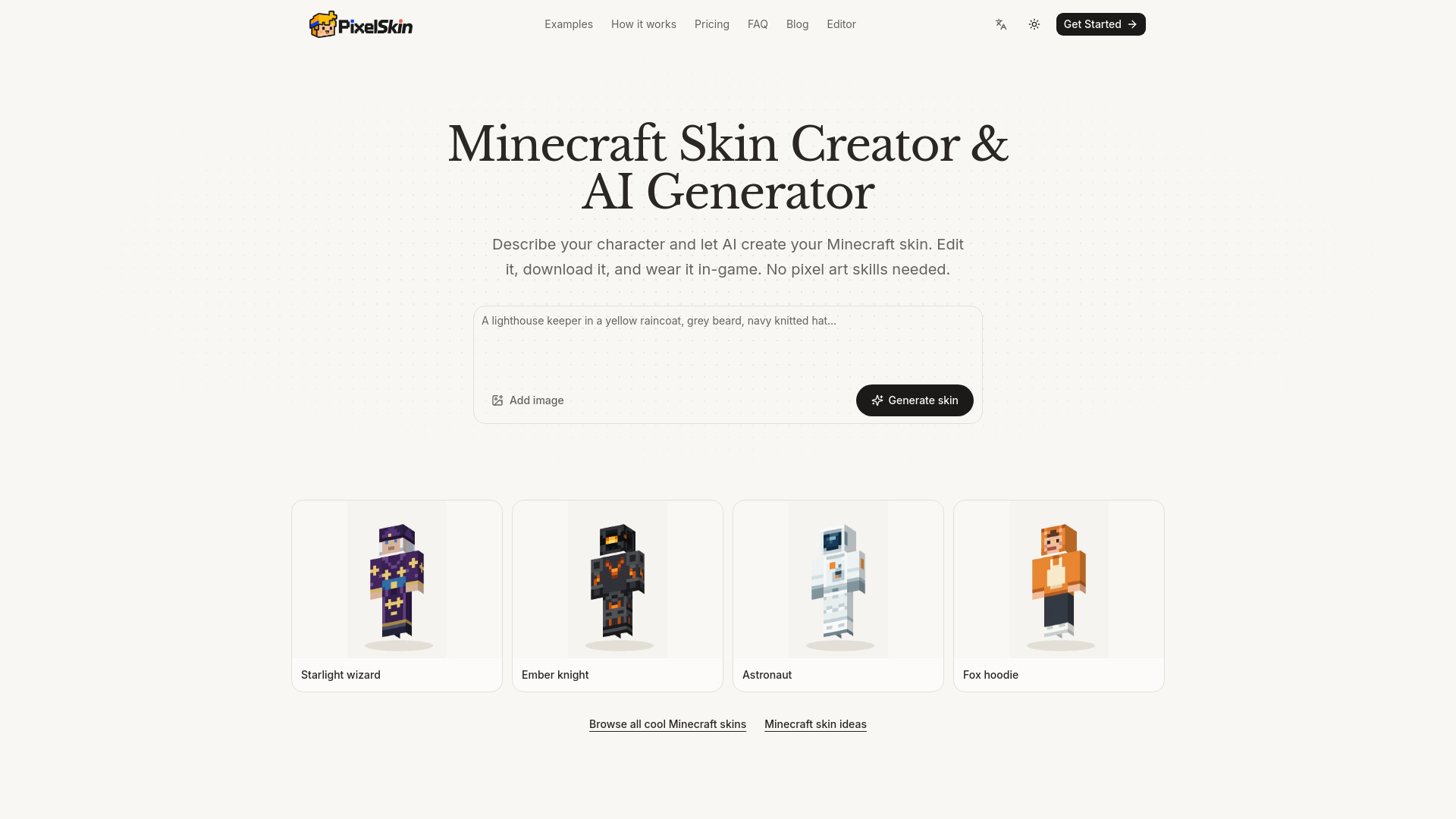
PixelSkin is a Minecraft skin creator and AI generator that lets you create, edit, and export Minecraft skins. It uses AI to generate skins from text descriptions or reference images, and includes a 3D editor for refining and previewing skins. The tool exports Classic 64×64 PNG skins compatible with Java and supported Bedrock devices.
Estimates include automatic reviews (5–15 credits per generation). Additional AI edits use credits. Manual editing is free.
Can AI generate Minecraft skins?
Yes. An AI Minecraft skin generator turns a description or a reference image into a 64×64 skin file. It paints the whole character, reviews the result from the front, back and both sides, and fixes clear mistakes. Small details such as faces and logos sometimes need a touch-up, which you can ask for in words or paint by hand.
What size is a Minecraft skin file?
A standard skin is a 64×64 PNG with transparent areas around the parts. Older skins used 64×32, which has no separate left arm or leg and no outer layer on the body and limbs. PixelSkin exports Classic 64×64 PNGs for Java and Bedrock devices that support custom PNG import. Bedrock consoles do not support that import flow.
How do I use the skin in Java or Bedrock?
Java: Minecraft Launcher → Skins → New Skin → Wide (Classic) → Browse → Save & Use. Bedrock: Dressing Room → Classic Skins → Owned → Import → Choose New Skin. Bedrock consoles cannot import custom skin files.
What is the difference between Classic and Slim skins?
Classic (Steve) arms are 4 pixels wide; Slim (Alex) arms are 3 pixels wide. Skins made here use the Classic model, so pick Classic or Wide when you upload, or a stripe of pixels on each arm will look wrong.
Can I edit a skin I already have?
Yes. Import a Classic 64×64 PNG skin texture, then change it with manual tools or ask the AI for edits. Slim textures need their arm artwork adapted; automatic model conversion is not supported.
Do I need an account?
Painting by hand, importing and exporting work without signing in, and your project is saved in this browser. Generating or editing with the AI needs an account.