Newsletter
Join the Community
Subscribe to our newsletter for the latest news and updates

AI workspace for generating and editing images
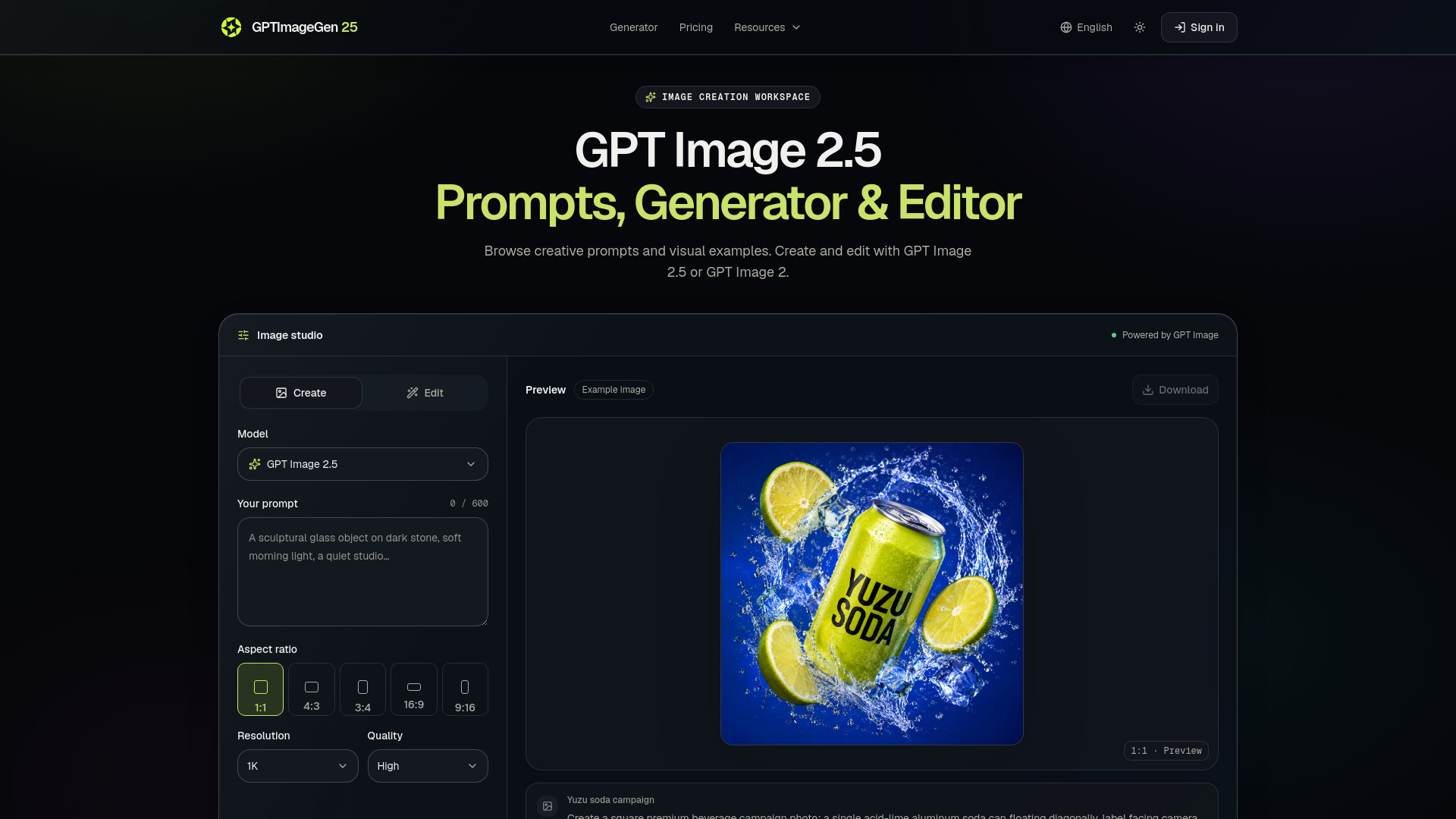
GPTImageGen25 is an independent browser-based workspace for creating and editing images using OpenAI's GPT Image 2.5 and GPT Image 2 models. It provides a text-to-image generator and an image editor, along with prompt examples and visual guides. The platform is not affiliated with OpenAI.
What is the difference between GPT Image 2.5 Flare and Sunburst? OpenAI positions Flare for rapid iteration and Sunburst for detailed creative work that needs tighter editing control and longer generation times. OpenAI reports 50% lower latency for Flare than GPT Image 2; this is a provider claim, not a GPTImageGen25 benchmark.
Is GPT Image 2.5 released? OpenAI released GPT Image 2.5 on September 8, 2026. The API offers Flare for fast everyday generation and Sunburst for precise editing. ChatGPT Images 2.5 also began rolling out across ChatGPT, ChatGPT Work, and Codex.
What can I make in this workspace? Create product photos, campaign concepts, editorial portraits, illustrated posters, and interior design studies. Start from a prompt or use reference images for an edit. The examples show different visual directions; select one to load its prompt, then replace the subject, colors, and composition with your own brief.
How do I generate my first image? Select Create and GPT Image 2.5, then describe the subject, scene, style, composition, lighting, and constraints in up to 600 characters. Choose an aspect ratio, resolution, and quality level before selecting Generate image. Sign in when prompted; the workspace saves your prompt and settings for your return.
Which model can I use right now? GPT Image 2.5 and GPT Image 2 are both available for image generation and editing. GPT Image 2.5 is selected by default; choose either model in the studio. Sign-in and account credits are required.
How do I edit an existing product photo? Choose Edit and add one to ten publicly accessible image links. Describe a specific change, such as replacing the background with a blue studio, and state what must stay unchanged: the product silhouette, label, camera angle, and crop. For multiple references, identify them by their numbered order.
Which aspect ratios and resolutions can I create? Choose 1:1 for square product tiles, 4:3 for landscape content, 3:4 for portrait layouts, 16:9 for widescreen visuals, or 9:16 for vertical creative. The resolution choices are 1K, 2K, and 4K, with High, Medium, and Low quality levels.
How can I improve text and product details? Put essential requirements first. Quote short headlines or label text exactly, specify where they belong, and ask for no additional wording. Describe visible materials, reflections, colors, and camera angles instead of relying on words such as premium or beautiful.
Is GPTImageGen25 an official OpenAI service? No. GPTImageGen25 is an independent product and is not affiliated with, endorsed by, or operated by OpenAI.