What is GrammarChecker
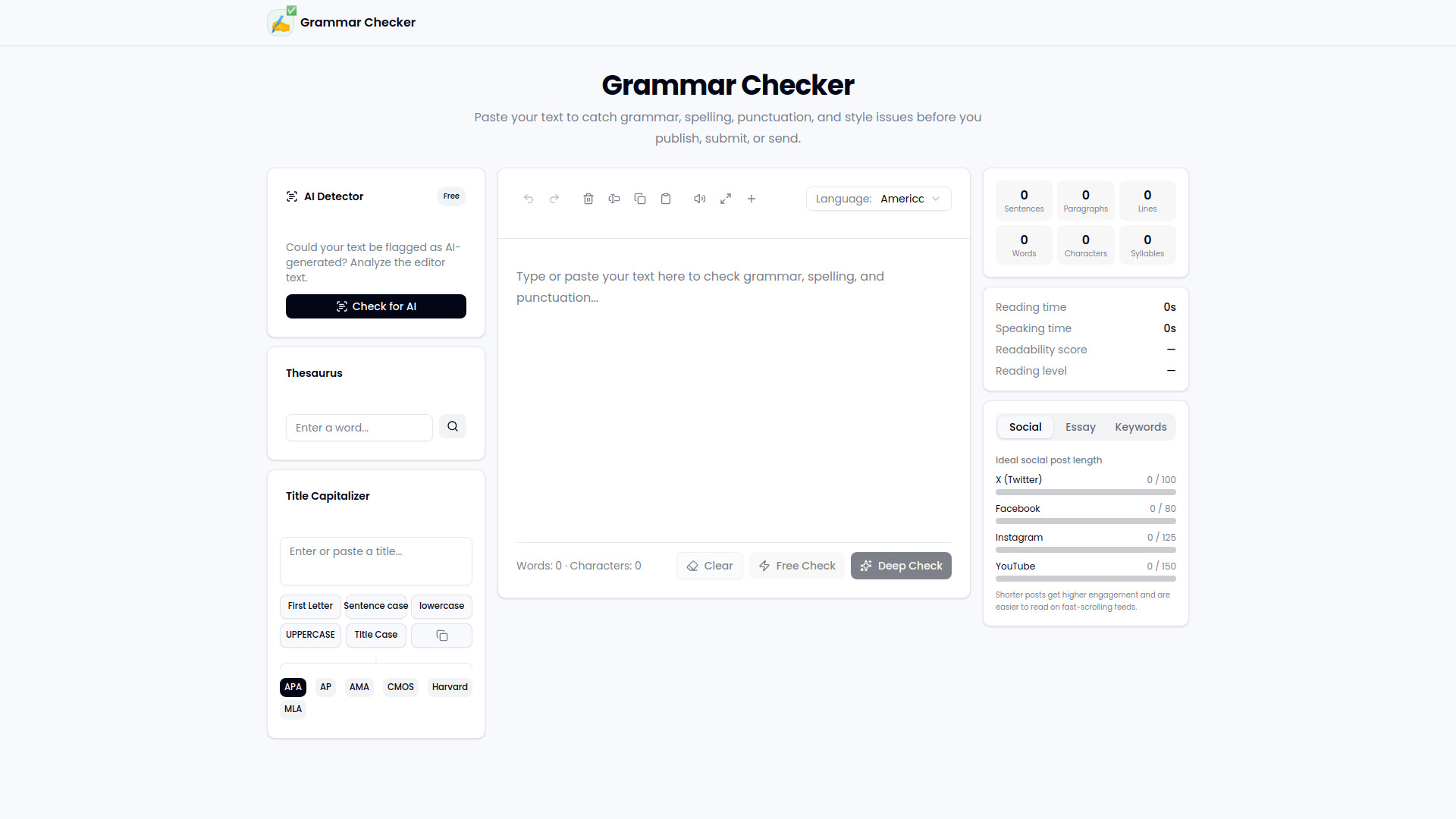
GrammarChecker is a free online writing tool that helps users catch grammar, spelling, punctuation, and style issues before publishing or sending text. It provides a text editor with real-time analysis, including word count, character count, reading time, and readability scores.
How to use GrammarChecker
- Paste or type text into the editor area on the main page.
- Select language from the dropdown menu to tailor checks to your language.
- Click "Free Check" to run a basic grammar and spelling check.
- Click "Deep Check" for a more thorough analysis of style and advanced issues.
- Review suggestions and apply corrections as needed.
- Use additional tools like the AI Detector, Thesaurus, and Title Capitalizer from the sidebar.
Features of GrammarChecker
- Grammar and spelling check – Identifies errors in grammar, punctuation, and spelling.
- Style suggestions – Offers improvements for writing style and clarity.
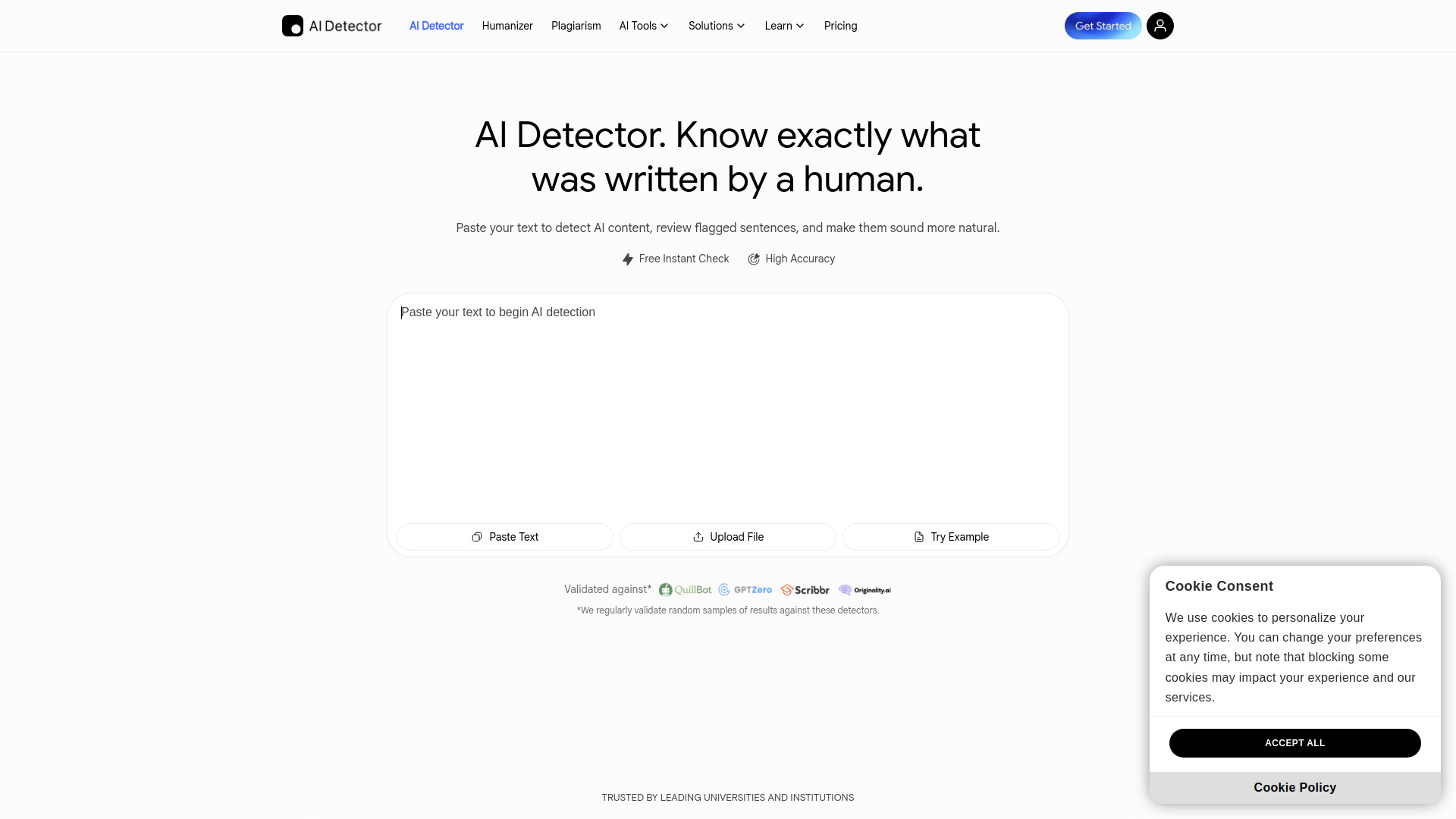
- AI Detector – Analyzes text to determine if it may be flagged as AI-generated.
- Thesaurus – Look up synonyms for any word.
- Title Capitalizer – Converts titles to various capitalization styles (APA, AP, AMA, CMOS, Harvard, MLA).
- Text statistics – Displays word count, character count, sentence count, paragraph count, syllables, reading time, speaking time, readability score, and reading level.
- Social post length checker – Shows ideal character counts for X (Twitter), Facebook, Instagram, and YouTube.
- Editor tools – Undo, redo, clear, select all, copy, paste, read aloud, wide mode, and more.
Use Cases of GrammarChecker
- Students – Proofread essays and assignments before submission.
- Professionals – Polish emails, reports, and presentations.
- Writers – Check blog posts, articles, and creative writing for errors.
- Social media managers – Ensure posts meet platform character limits and are error-free.
- Non-native speakers – Improve writing accuracy and fluency.
FAQ
Q: Is GrammarChecker free?
A: Yes, the basic grammar and spelling check is free. A "Deep Check" option is available for more thorough analysis.
Q: What languages are supported?
A: The tool includes a language selector, but the specific list of languages is not detailed on the page.
Q: Can I check AI-generated content?
A: Yes, the AI Detector feature analyzes text to see if it might be flagged as AI-generated.
Q: Does it work on mobile?
A: The page is responsive and works on mobile devices, though the layout adjusts for smaller screens.