


Seedance 2.5 Flash
Image to Video
Browser-based AI video generation, animation, and editing
Check pricingVisit site

Image to Video
AI video generation from text, images, and keyframes
Explore other tools in related categories.
Image to Video
Browser-based AI video generation, animation, and editing

AI Video Editor
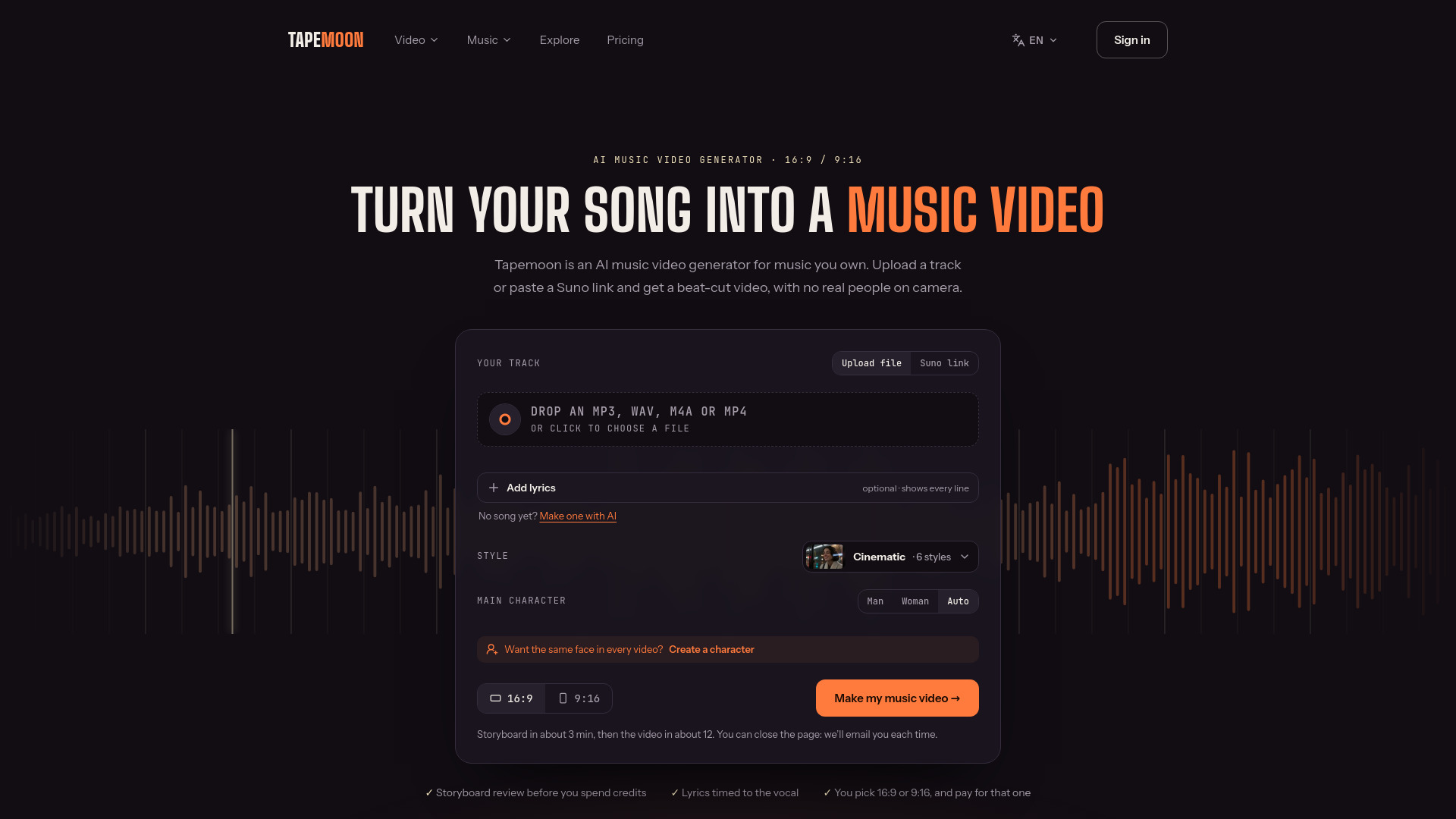
Turns songs you own into beat-synced AI music videos.


Image to Video
Bring old and cherished family photos to life as realistic 4-second videos. Simple, gentle animation with no sign-up and no recurring subscriptions.
Happy Wan is an AI video generator that creates videos from text, images, or keyframes. It allows users to animate a photo or storyboard, direct camera movement, plan cuts and sound, and turn a storyboard into a first take. The tool is designed for creating video content from various starting points, such as a line of script, a favorite still, or an opening and ending frame.
Happy Wan offers subscription plans and credit packs. The Starter plan is $14.99 per month (USD) and includes 100 credits (approximately $4.28 value). Yearly billing offers a 50% savings. Credit packs are also available for one-time purchase. Users can cancel anytime.
How do I keep two subjects distinct?
Give each reference a separate role. For example, specify that the passenger in the portrait enters the station in the location photo. Repeat the same labels across the shots.
Can I plan dialogue and background sound together?
In a Happy Wan video mode with audio, assign a short line to a speaker and describe the surroundings separately. For a quiet station conversation, ask for distant rail noise under the voices.
How can I continue a clip?
Use video continuation in a compatible mode. Start with the existing footage and describe the action immediately after its last moment. If you are working from a still, use the closing image as the opening frame for the next take.
How do I try a different look for an existing shot?
In a video editing mode, describe one change to the original footage. For example, ask Happy Wan to shift the scene from midday to dusk and specify which subject and action to keep.