
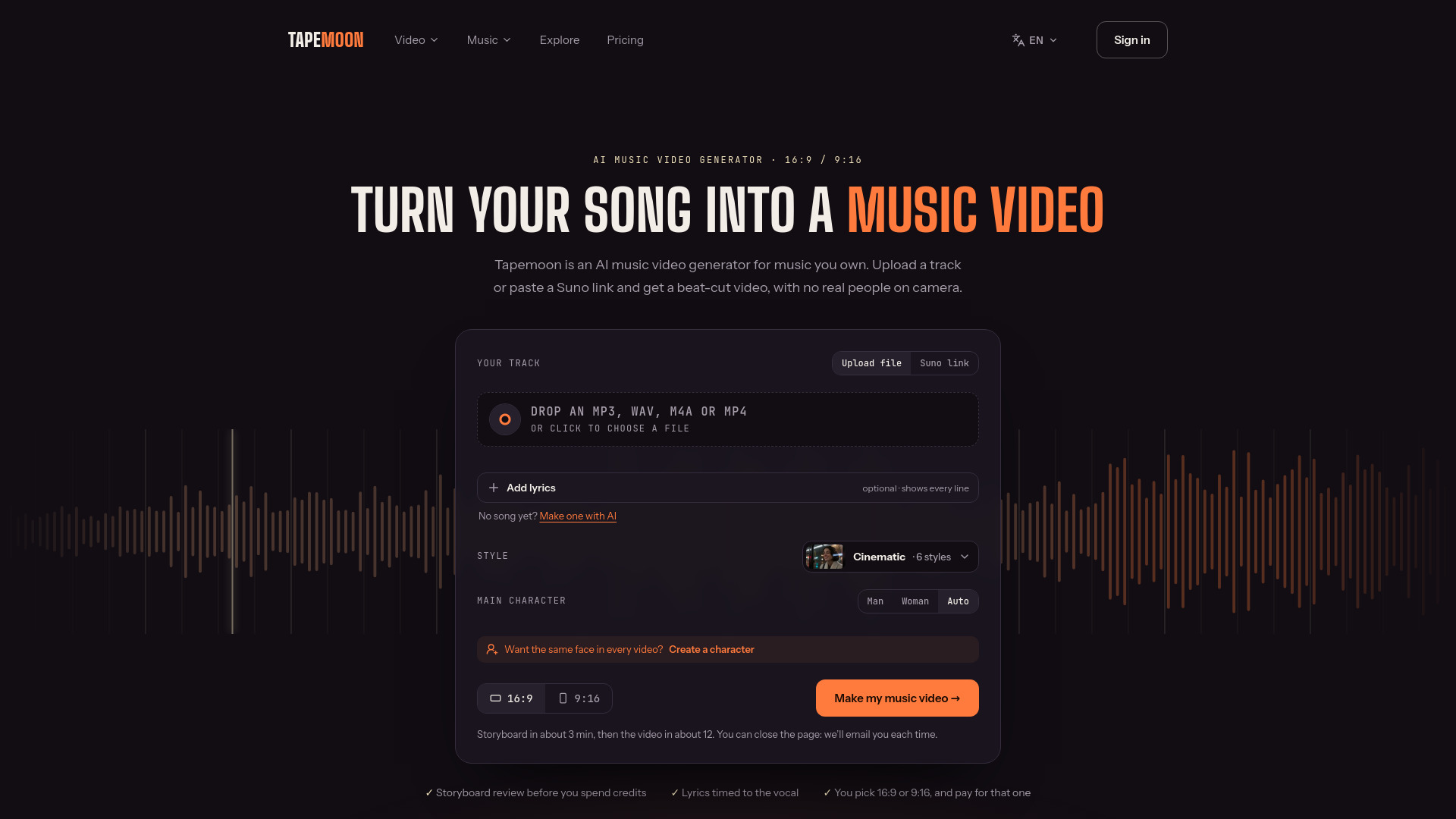

Tapemoon
AI Video Editor
Turns songs you own into beat-synced AI music videos.
Check pricingVisit site

Image to Video
Browser-based AI video generation, animation, and editing
Explore other tools in related categories.
AI Video Editor
Turns songs you own into beat-synced AI music videos.


Image to Video
AI video generation from text, images, and keyframes
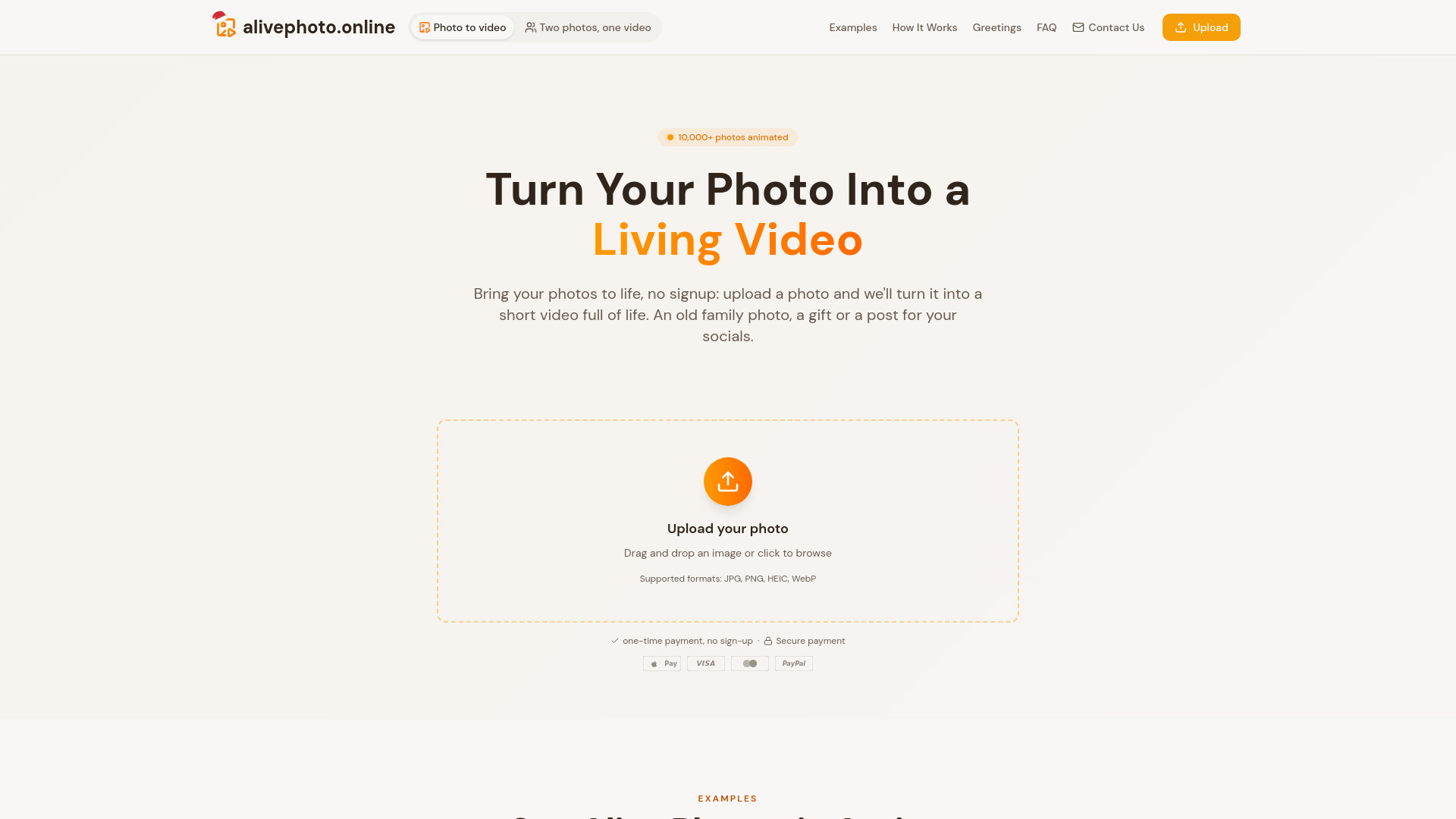

Image to Video
Bring old and cherished family photos to life as realistic 4-second videos. Simple, gentle animation with no sign-up and no recurring subscriptions.
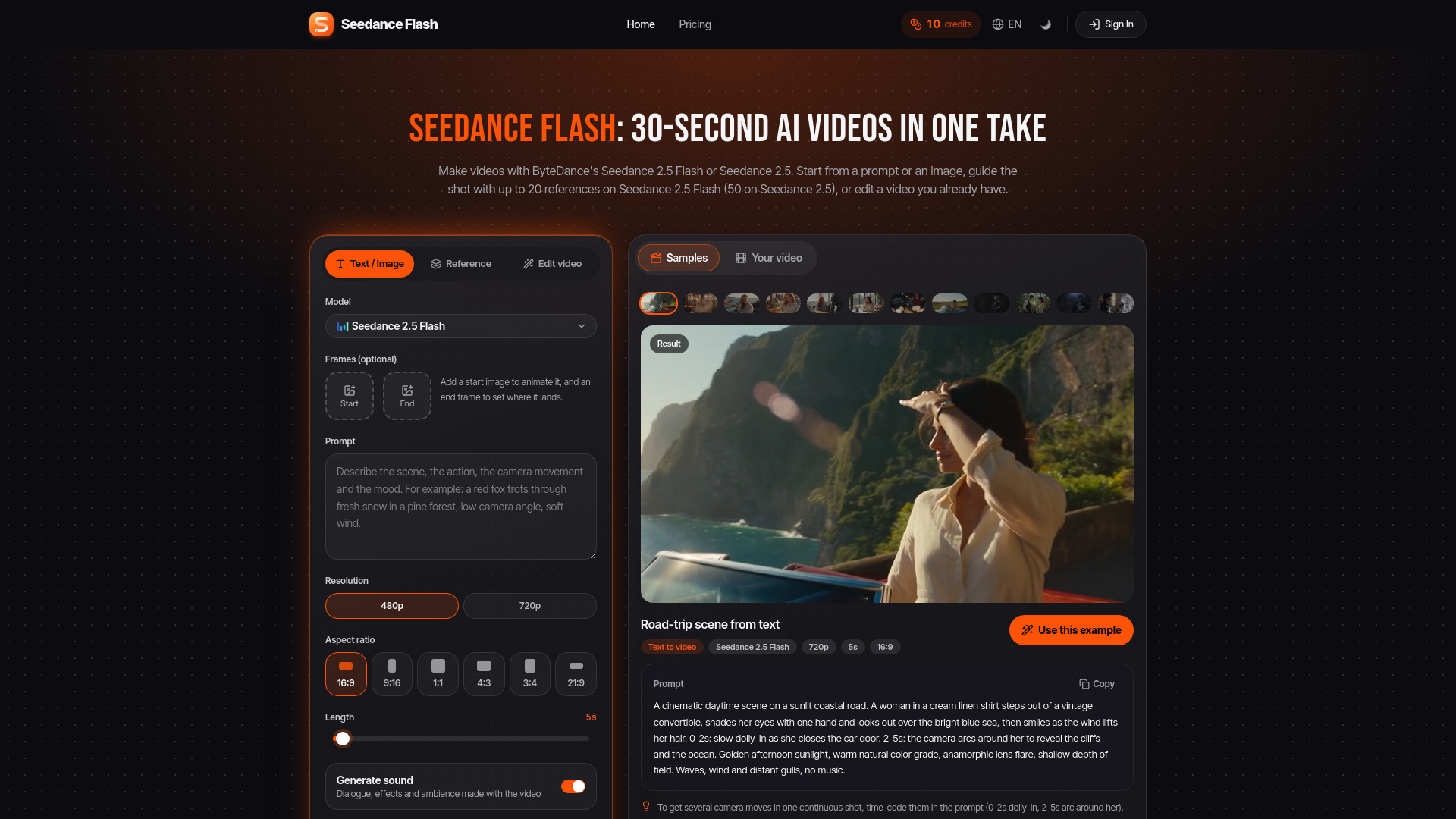
Seedance 2.5 Flash is a browser-based AI video generation tool from ByteDance that creates single-take videos up to 30 seconds long. It supports text-to-video, image-to-video, reference-guided generation, and in-video editing. The platform also offers Seedance 2.5, a more advanced model with higher reference limits and resolution.
Seedance 2.5 Flash operates on a credit system. Every visitor receives 10 free credits daily, enough for one 5-second 480p video with the free model Seedance 2.0 Mini. Seedance 2.5 Flash videos require credits from a plan or credit pack. For example, generating a 5-second 480p video costs 40 credits. Pricing plans range from $0 to $671, with 10 offer variations.
Is Seedance Flash free?
Partly. Every visitor gets 10 free credits a day, enough for one 5-second 480p video with the free model, Seedance 2.0 Mini. Seedance 2.5 Flash videos use credits from a plan or a credit pack.
How do I write a good Seedance 2.5 Flash prompt?
Describe the subject, one clear action, the camera movement, the light, and the sound. For several shots in one video, write one shot per line and start each new shot with "Cut to". Test a prompt at 480p first, then make the version you publish at 720p.
How do I use reference images, videos, and audio in Seedance Flash?
Choose the Reference tab, upload your files, and refer to them in the prompt by their tags, such as @Image 1, @Video 1, or @Audio 1. Seedance 2.5 Flash takes up to 10 images, 5 videos (30 seconds in all), and 5 audio files. Seedance 2.5 takes up to 30 images, 10 videos, and 10 audio files. Seedance 2.0 takes up to 9 images, 3 videos (15 seconds in all), and 3 audio files. Each second of reference video adds to the price.
Can Seedance Flash edit a video I already have?
Yes. Choose Edit video, upload an MP4 or MOV file up to 50 MB, and describe the change. Seedance 2.5 Flash edits at up to 720p and uses the first 30 seconds. Seedance 2.5 edits at up to 1080p and uses the first 30 seconds. Seedance 2.0 edits at up to 4K and uses the first 15 seconds. Editing uses credits per second of the source video.
Can I use Seedance Flash videos commercially?
Yes. Under the Seedance Flash terms of service, you may use the videos you create, including commercially, as long as the content follows the terms and the law where you live.