Newsletter
Join the Community
Subscribe to our newsletter for the latest news and updates

AI image and deepfake detector with MCP server integration for AI agents.
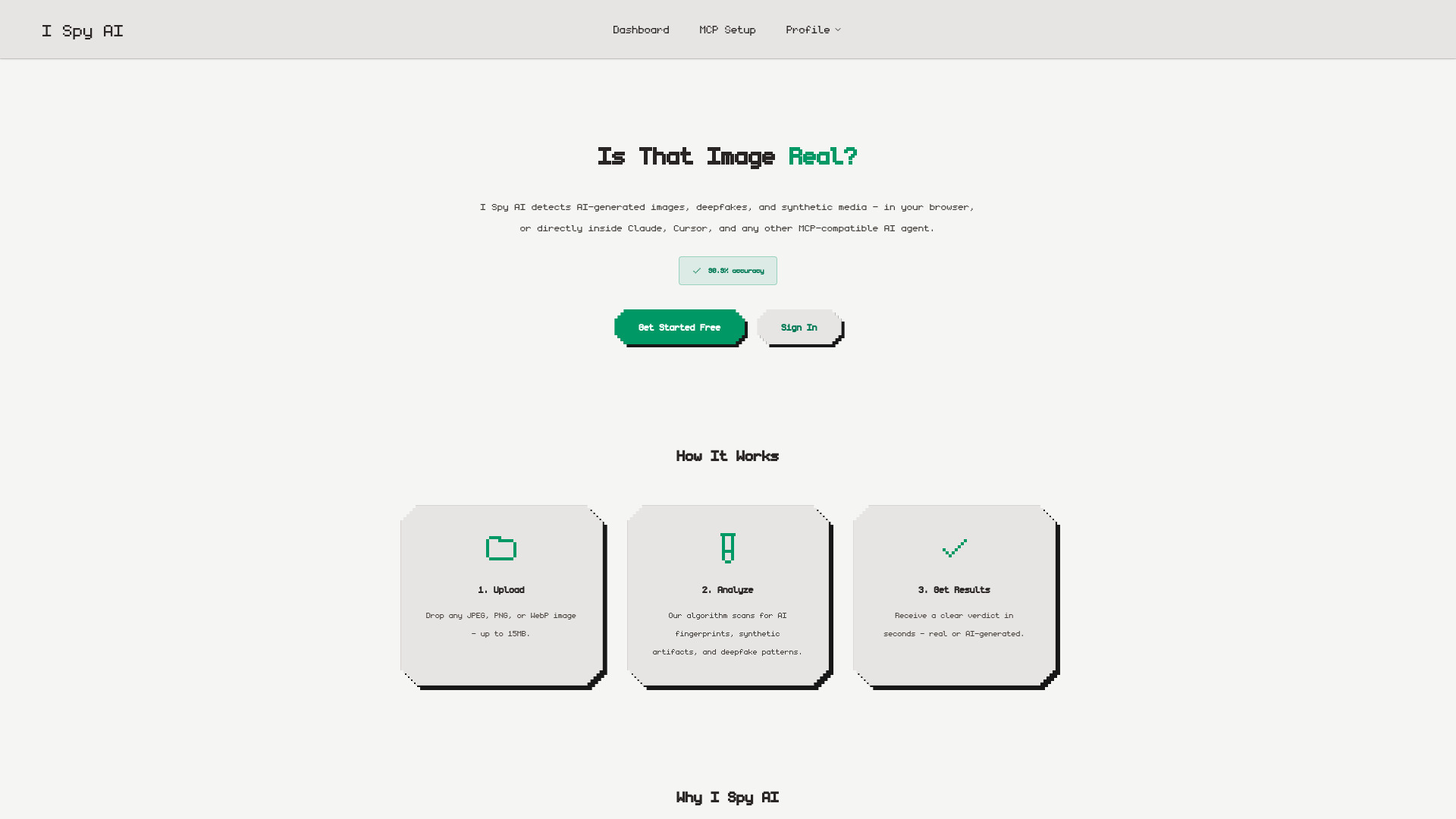
I Spy AI is a tool designed to detect AI-generated images, deepfakes, and synthetic media. It offers a high accuracy rate of 90.9% in identifying such content. The service can be used directly in a web browser or integrated with AI agents through its Model Context Protocol (MCP) server.
For AI agents, the MCP server can be integrated by adding a server entry to compatible clients like Claude Desktop or Cursor. This allows the AI agent to verify images before trusting them.
analyze_image tool for AI agents, accepting URL or base64 input.Q: How accurate is I Spy AI? A: I Spy AI boasts 90.9% accuracy in detecting AI-generated images, deepfakes, and synthetic media.
Q: What file types and sizes does I Spy AI support? A: The service accepts JPEG, PNG, and WebP image files, with a maximum size of 15MB.
Q: Is my uploaded data private? A: Yes, I Spy AI is privacy-first. Images are analyzed and immediately discarded, never stored or used for training.
Q: How can I integrate I Spy AI with my AI agent?
A: I Spy AI provides an MCP server. You can add a single MCP server entry to compatible clients like Claude Desktop or Cursor. The analyze_image tool can be used with a URL or base64 payload.