Newsletter
Join the Community
Subscribe to our newsletter for the latest news and updates
Generate, inspect, and export 3D models from images using AI.
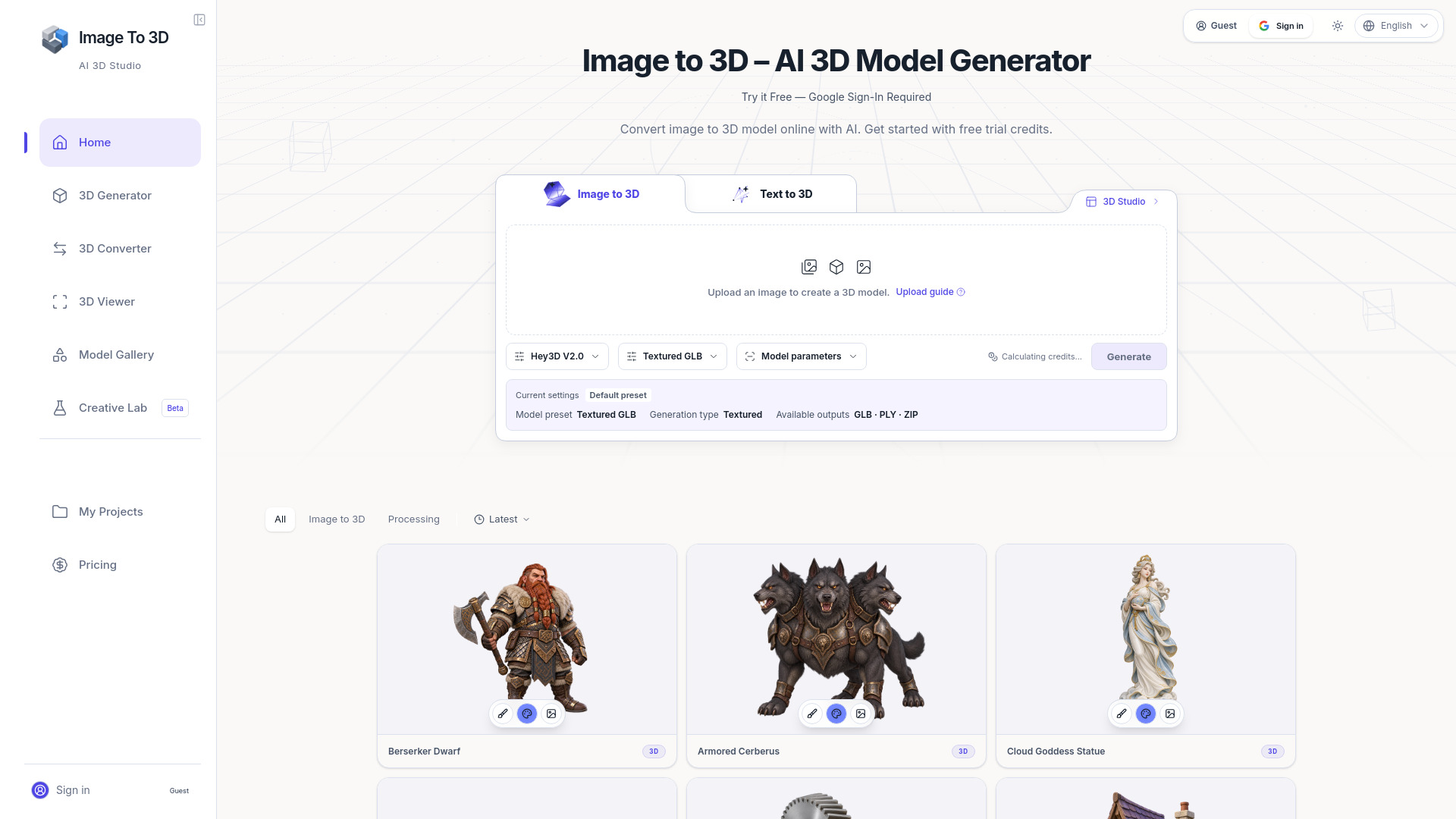
Image to 3D - studio is an AI-powered online tool that converts 2D images into 3D models. It allows users to generate, inspect, and export 3D models from a single image using artificial intelligence. The tool is designed for creators who need a starting point for 3D assets, such as game props, product visualizations, or 3D printing prototypes. It supports multiple export formats and provides a workspace for editing and conversion.
Image to 3D - studio offers a free trial with Google sign-in, which includes trial credits. Additional credits and plans are available; users can check the pricing page for current credit costs and subscription options. The tool uses a credit-based system where generation cost varies by provider and quality settings.
Can I convert a single image from 2D to 3D?
Yes. Image to 3D can infer a starting mesh from one clear reference. Unseen areas are estimated, so multi-view generation requires a provider that supports it; otherwise, use extra photographs as guides while editing.
Which images work best for image to 3D?
An image to 3D model benefits from a complete object, sharp edges, even lighting, and a simple background. Avoid motion blur, extreme perspective, heavy cropping, and transparent surfaces.
How long does photo to 3D generation take?
Timing varies with the provider, queue, geometry detail, and texture settings. Watch the project status rather than starting duplicate jobs. Begin with a draft and increase quality after checking proportions.
Which 3D file formats can I download?
Available exports depend on the provider and result. Your image to 3D model may offer GLB, OBJ, STL, FBX, USDZ, or other formats. Check the actual download options and use the converter if necessary.
Is picture to 3D model conversion suitable for 3D printing?
Yes, after checks and often some cleanup. An image to 3D model needs closed surfaces, correct scale, and sufficient thickness for printing. Repair gaps, remove intersections, and inspect sliced layers before printing.
Can generated models include textures and PBR materials?
Image to 3D can include textures when the chosen provider and mode support them. Inspect UV seams, stretched areas, and baked shadows. Normal, roughness, and metallic maps vary by output.
Can I edit an AI-generated 3D model?
Yes. Import a compatible image to 3D model into Blender or another editor to change topology, UVs, materials, scale, and origin. Rigging and production optimization may still require manual modeling.
Who owns the source image and generated 3D model?
For image to 3D, upload only source material you are allowed to use. Rights depend on the source, provider, plan, and current terms. Review the displayed cost and license before client work or commercial distribution.