What is NovaGen3D
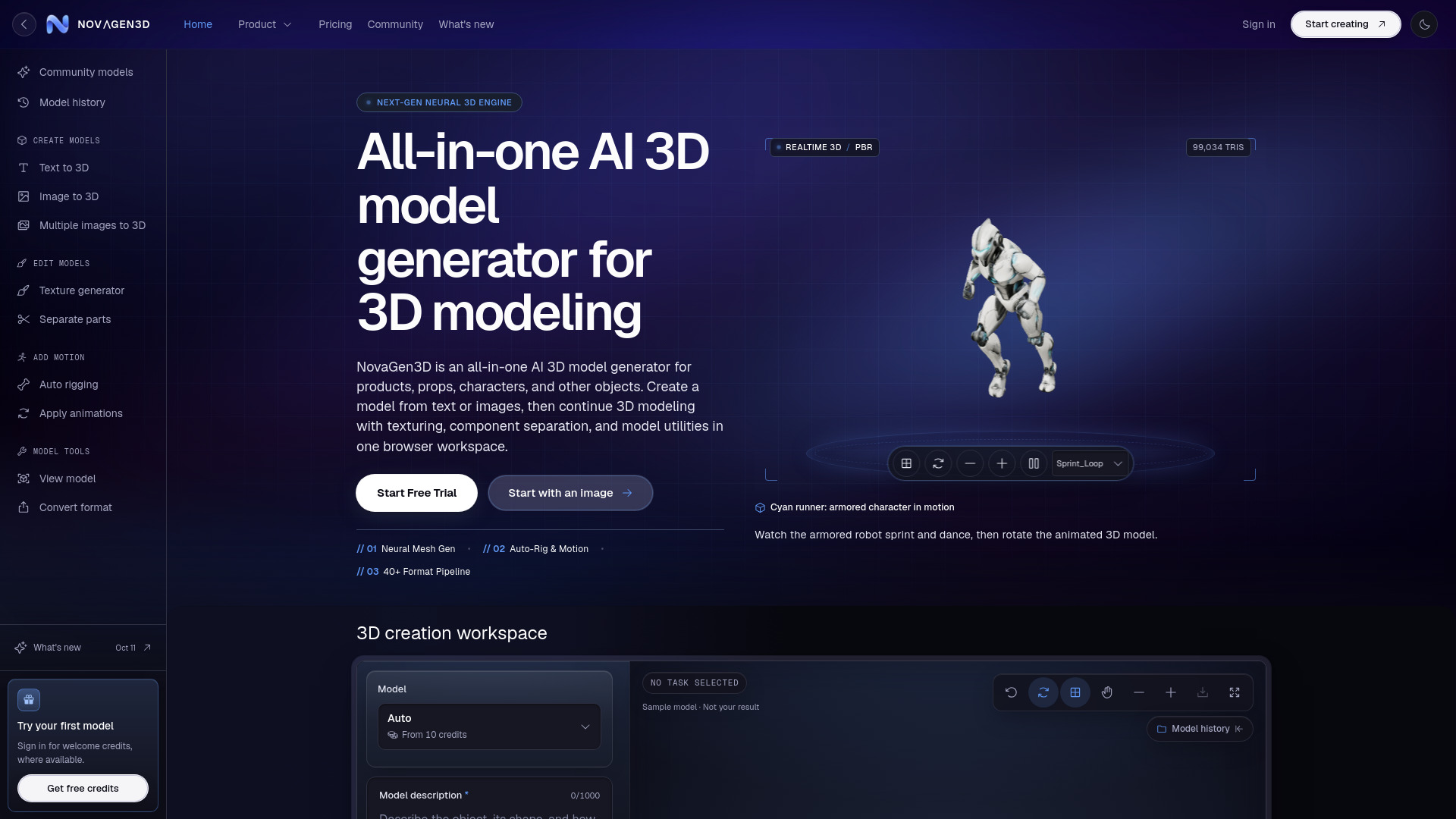
NovaGen3D is an all-in-one AI 3D model generator for products, props, characters, and other objects. It enables users to create 3D models from text or images, then continue 3D modeling with texturing, component separation, and model utilities in a single browser workspace. The platform supports multiple AI models, including Hunyuan 3D, Tripo, Rodin, Hitem3D, and Trellis, and offers tools for rigging, animation, viewing, and format conversion.
How to use NovaGen3D
- Choose your input method: Start with Text to 3D (describe an object in 1–1,000 characters), Image to 3D (upload one PNG, JPG, JPEG, or WebP), or Multi-view to 3D (provide 2–8 labeled views depending on the AI model).
- Select an AI model: Pick from Auto, Hunyuan 3D, Tripo, Rodin, Hitem3D, or Trellis, depending on the input type and desired output.
- Generate the model: Submit the task; the AI produces a GLB file. Processing time varies with model complexity and queue.
- Refine and edit: Use Texture generator to apply new materials, Separate parts to split components, Auto rigging to add a skeleton to humanoid characters, or Apply animations to add motion clips.
- Preview and convert: Inspect the model in the 3D Viewer (supports GLB, GLTF, OBJ, STL, PLY, FBX, 3MF, DRC) and convert GLB to GLTF, OBJ ZIP, STL, PLY, or static USDZ using the GLB converter.
- Download or share: Downloading models, exports, or screenshots requires a paid subscription; keeping results private also requires a paid plan.
Features of NovaGen3D
- Text to 3D: Generate 3D models from a written description (1–1,000 characters).
- Image to 3D: Create a 3D model from a single reference image (PNG, JPG, JPEG, WebP).
- Multi-view to 3D: Use 2–8 labeled views (front, back, left, right) for more accurate reconstruction.
- Multiple AI models: Choose from Auto, Hunyuan 3D, Tripo, Rodin, Hitem3D, and Trellis, each with different strengths and settings.
- Texture generator: Apply new appearances to an existing GLB using a reference image.
- Separate parts: Divide a GLB into selectable mesh components for individual editing.
- Auto rigging: Add a humanoid skeleton and skin weights to a GLB in A-pose or T-pose.
- Apply animations: Retarget up to 10 motions from 38 presets onto a static humanoid GLB.
- 3D Viewer: Inspect models locally (supports GLB, GLTF, OBJ, STL, PLY, FBX, 3MF, DRC) with up to 199 supporting files (total 200 MB).
- GLB converter: Convert GLB files (up to 100 MB) to GLTF, OBJ ZIP, STL, PLY, or static USDZ locally.
- Browser-based workspace: All tools accessible without installing modeling software; AI tasks run in the cloud.
Use Cases of NovaGen3D
- Product and prop design: Generate 3D models of products, props, and objects from text or images for prototyping or visualization.
- Character creation: Create humanoid characters and add rigging and animations for games or interactive scenes.
- Refining existing models: Use Texture generator or Separate parts to modify an existing GLB without starting from scratch.
- Multi-view reconstruction: Develop detailed props from several reference views, such as an expedition camera with metal, leather, and wood details.
- 3D printing preparation: Separate parts for individual editing, though print layout must be done in a slicer.
- Game asset development: Check topology, materials, scale, and deformation in the target engine before use.
FAQ
Is NovaGen3D only for characters or game assets?
No, it generates products, props, characters, and other objects from text or images. Auto rigging and Apply animations accept humanoid characters only.
Can I bring a model I already have?
Yes, you can continue the workflow from an existing GLB using Texture generator or Separate parts. Humanoid GLBs can also enter Auto rigging or Apply animations. The 3D Viewer supports GLB, GLTF, OBJ, STL, PLY, FBX, 3MF, and DRC; format conversion accepts GLB only.
What should I check before using a model in a game?
Check topology, materials, scale, and character deformation in the target engine. NovaGen3D does not certify a GLB as game-ready.
What should I check before 3D printing?
Check wall thickness, closed surfaces, supports, and assembly in an editor and a slicer. Separate parts does not lay out a print plate.
How does access work?
Local viewing and conversion need no account. AI tasks use account credits; keeping a result private or downloading models, exports, or screenshots requires a paid subscription.