What is Image to Image AI-
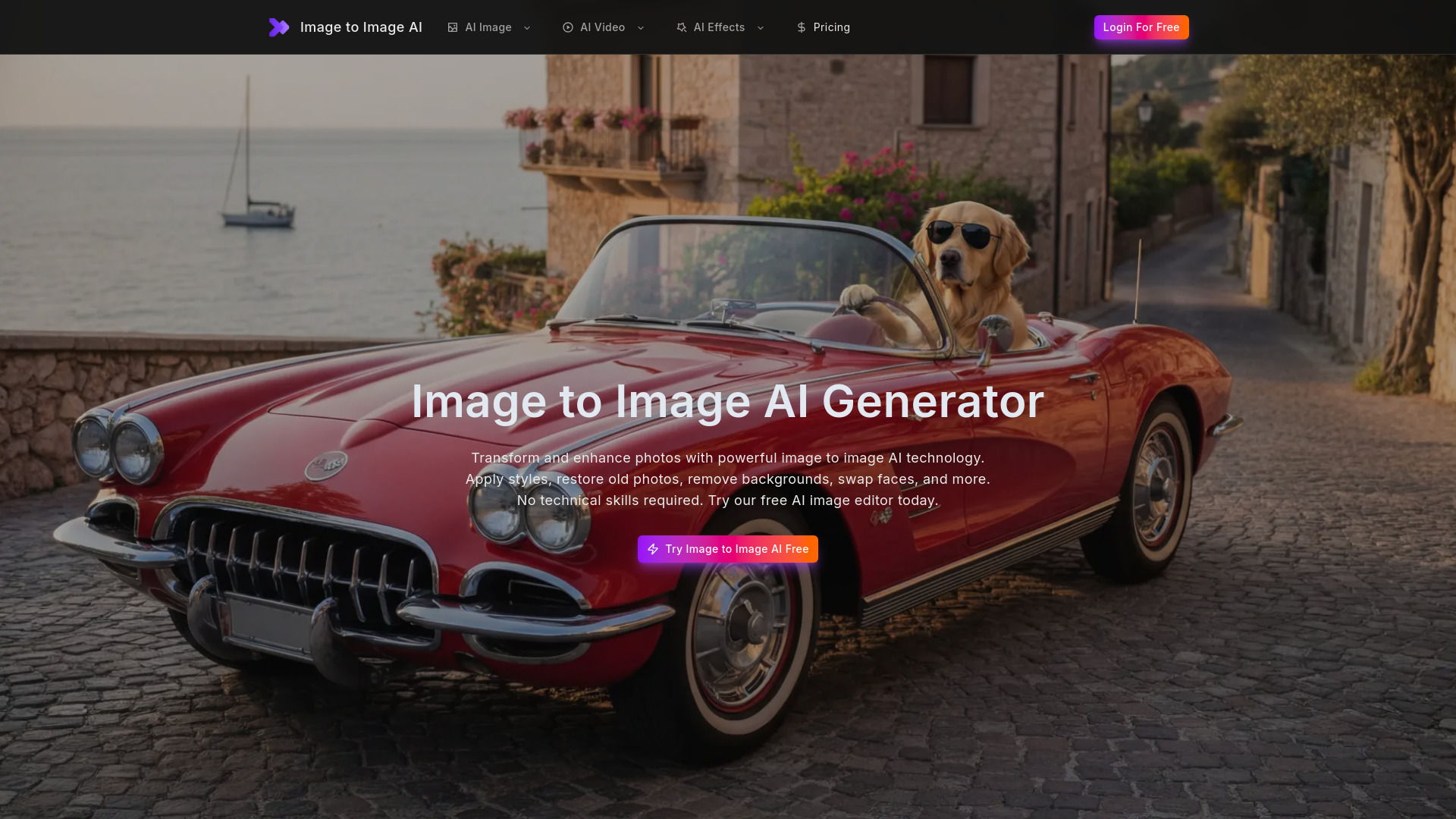
Image to Image AI is a free online AI image generator and editor that allows users to transform and enhance photos using advanced AI technology. It offers a suite of tools for various editing needs, including face swapping, photo restoration, background removal, upscaling, and professional photo enhancement.
How to use Image to Image AI-
- Upload Your Photo: Upload the image you wish to transform. The platform supports common formats like JPG, PNG, and WEBP.
- Select Transformation: Choose the desired AI feature, such as face swap, photo restoration, background removal, upscaling, or style transfer.
- Download Results: Preview the transformed image and download the high-resolution output for personal or commercial use.
Features of Image to Image AI-
- AI Image Enhancer: Automatically improves brightness, contrast, sharpness, and color balance.
- AI Style Transfer: Applies various art styles (e.g., oil painting, watercolor, cyberpunk) to photos.
- AI Face Swap: Swaps faces between two images for natural and realistic blends.
- Old Photo Restoration: Repairs scratches, fixes tears, sharpens blurry details, and restores colors in old photos.
- AI Image Upscaler: Increases the resolution of low-quality images to high-definition quality.
- AI Background Remover: Removes photo backgrounds with precise cutouts.
- AI Watermark Remover: Erases watermarks, logos, and text overlays from images.
- AI Object Remover: Removes unwanted people or objects from photos seamlessly.
- AI Photo Colorizer: Adds realistic colors to black and white photos.
- AI Portrait Retouch: Smooths skin, brightens eyes, and refines facial features in portraits.
- AI Anime Converter: Transforms photos into anime-style artwork.
- AI Cartoon Generator: Converts photos into cartoon illustrations.
Use Cases of Image to Image AI-
- Social Media Content: Creating realistic face swaps for posts or memes.
- E-commerce: Removing backgrounds from product photos for clean listings.
- Personal Memories: Restoring and colorizing old family photographs.
- Creative Projects: Applying artistic styles to photos or generating cartoon versions.
- Marketing: Enhancing images for advertisements and improving click-through rates.
- Print Media: Upscaling low-resolution images for high-quality prints.
FAQ
- Can I cancel my subscription? Information regarding subscription cancellation is not detailed in the provided content.
- Is my data safe and private? The provided content does not offer specific details on data safety and privacy policies.
- Can I use image to image AI for commercial projects? Yes, all transformed images are yours to use commercially for client work, products, marketing, and business purposes.
- What is image to image AI? It is a technology that allows for the transformation and enhancement of photos using artificial intelligence, enabling features like face swapping, restoration, and style transfer.
- How does image to image AI work? The provided content does not detail the underlying technical workings of the AI.
- Is there a free AI image to image generator? Yes, the platform offers a free AI image editor and generator, with options to upgrade for higher limits or batch processing.
- Can image to image AI restore old photos? Yes, it can restore old, damaged, or faded photos by repairing scratches, fixing tears, sharpening details, and restoring colors.
- What image formats does the image to image AI support? The platform supports JPG, PNG, and WEBP formats, along with most common image formats.