Newsletter
Join the Community
Subscribe to our newsletter for the latest news and updates

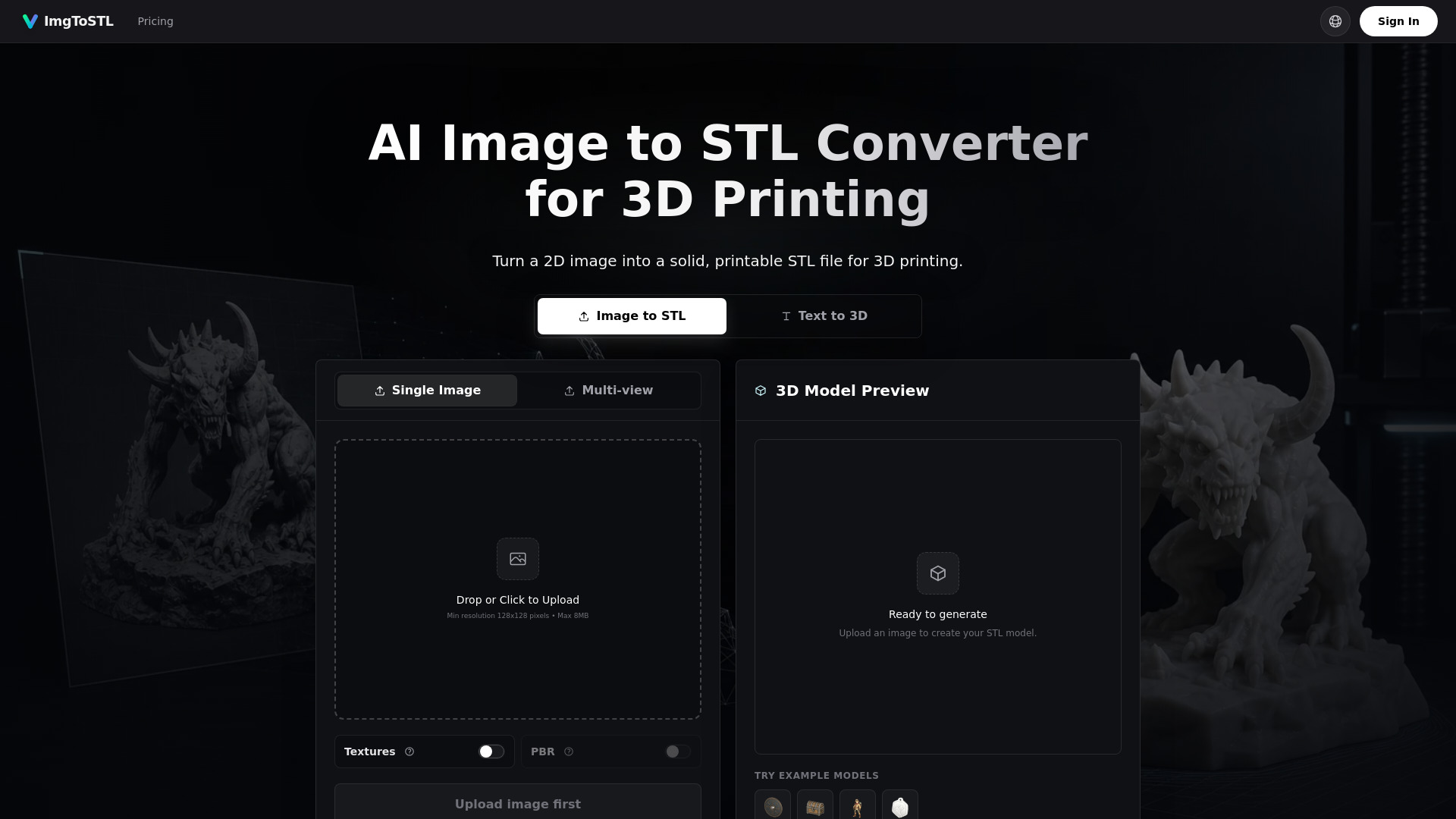
AI image-to-STL generator for 3D printing
Image to STL - 2 is an AI-powered online tool that converts 2D images into 3D printable STL files. It uses AI reconstruction to create solid meshes from photos, sketches, or product pictures, supporting JPG, PNG, JPEG, and WebP inputs. The generated STL models are designed for slicing and 3D printing, with options to preview before download.
Credit packs (no subscription required):
All packs include commercial license, access to all AI models, and credits valid for up to 1 year. Pro Standard and Max Value also include priority customer support.
Is this image to STL converter free? AI generation requires credits, so it is not unlimited free. You can upload an image and inspect examples before choosing a paid credit pack.
How do I turn an image into an STL file? Upload a clear JPG, PNG, JPEG, or WebP image, click Create STL model, preview the generated model, then download the STL file.
Can I convert JPG or PNG to STL? Yes, when the image has a clear subject, good contrast, and enough detail.
Does every image become a perfect printable STL? No. Clear single-object images with good lighting work best. Thin parts, busy backgrounds, flat logos, and low-contrast photos may need cleanup.
Can I use this for photo to STL or picture to STL? Yes, especially for product references, miniatures, simple parts, props, and prototype concepts.
Is this different from basic image to STL tools? Yes. Traditional converters extrude flat images or create heightmaps. ImgToSTL uses AI reconstruction to create a fuller 3D starting mesh.
Are the generated STL files ready for 3D printing? The converter aims to generate solid meshes ready for slicer review. Extremely complex details or low-contrast photos may still need cleanup in Blender, Meshmixer, or your slicer.