Newsletter
Join the Community
Subscribe to our newsletter for the latest news and updates

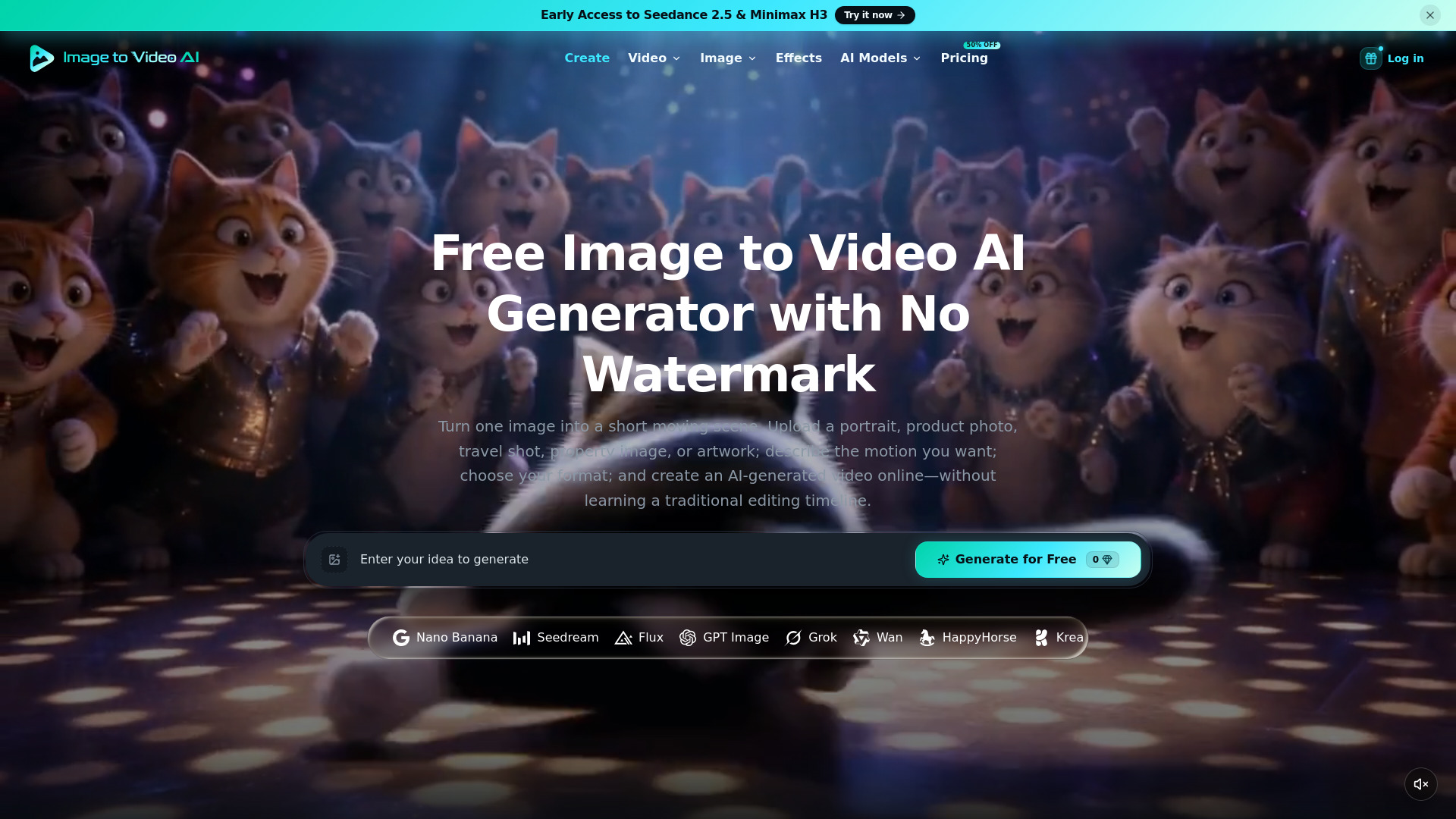
Image to Video AI is a free online AI video generator for turning still images into short, dynamic videos. Upload a portrait, product photo, artwork, travel image, property photo, or other visual, describe how you want it to move, choose your preferred video settings, and generate an AI video directly online. The platform offers a real free option rather than only a one-time trial. After signing up, users receive welcome credits, and Google sign-in users can get 3 free Video Fast 1.0 generations every day. No credit card is required, and videos created with the daily free generations can be downloaded without a visible watermark. Image to Video AI also provides access to multiple AI image and video workflows for users who need more models, settings, and generation capacity.
Image to Video AI is a free online AI video generator that transforms still images into short, dynamic videos. Users can upload a portrait, product photo, artwork, travel image, property photo, or other visual, describe how they want it to move, choose preferred video settings, and generate an AI video directly online. The platform offers a real free option rather than only a one-time trial. After signing up, users receive welcome credits, and Google sign-in users can get 3 free Video Fast 1.0 generations every day. No credit card is required, and videos created with the daily free generations can be downloaded without a visible watermark. Image to Video AI also provides access to multiple AI image and video workflows for users who need more models, settings, and generation capacity.
Image to Video AI offers a free tier with daily generations and welcome credits. For users needing more capacity, there are paid plans:
What is image to video AI, and how does it work? Image to video AI turns a still image into a short generated clip. Upload a source image, write a prompt describing subject or camera movement, choose output settings, and start a generation task. The model creates new frames from your image and prompt; results can vary, so preview the clip before downloading or publishing it.
What image formats and sizes can I upload? You can upload a JPEG, PNG, or WebP image up to 10 MB. A clear, well-lit image with a distinct subject gives the model more useful visual information. Avoid tiny subjects, heavy blur, crowded scenes, and images you do not have permission to use.
How do I write a good image to video prompt? Describe what should move, how the camera should move, and the pace or mood you want. For example: “The subject turns toward the camera as it slowly pushes in, with soft cinematic lighting.” Keep the direction focused; if the result drifts, simplify the motion or regenerate with a more specific prompt.
What video settings can I adjust? Available settings depend on the selected model. Different models may support different aspect ratios, resolutions, durations, frame rates, audio, or reference inputs. The workspace only shows settings supported by the selected model.
How long does video generation take? Generation time varies with settings, scene complexity, and service demand. The page shows progress while the task is processing; wait for the finished preview before downloading. Longer or higher-resolution clips usually take more time, so we do not promise a fixed completion time.
Can I create AI videos from images for free? Yes. Sign up to receive welcome credits. Continue with Google to get 3 free Video Fast 1.0 generations every day. No credit card is required, and generated videos have no watermark. Compare models and credit packs when you need more generation capacity.
Do free AI videos have a watermark? No. Videos created with free daily Video Fast 1.0 generations do not include a visible watermark.
What if the generated video is not what I expected? Try again with one clear motion instruction or a simpler scene. Each retry uses another free generation when available, or credits after free daily access is used. AI output may not preserve every face, object, text element, or physical detail exactly.
Can I use generated videos commercially? Subject to our Terms, your payment obligations, applicable law, and any relevant model policies, you may use generated videos for personal or commercial projects. You are responsible for having the rights and permissions for uploaded images, people, brands, and other protected material, and for reviewing each result before publishing or monetizing it.