Newsletter
Join the Community
Subscribe to our newsletter for the latest news and updates

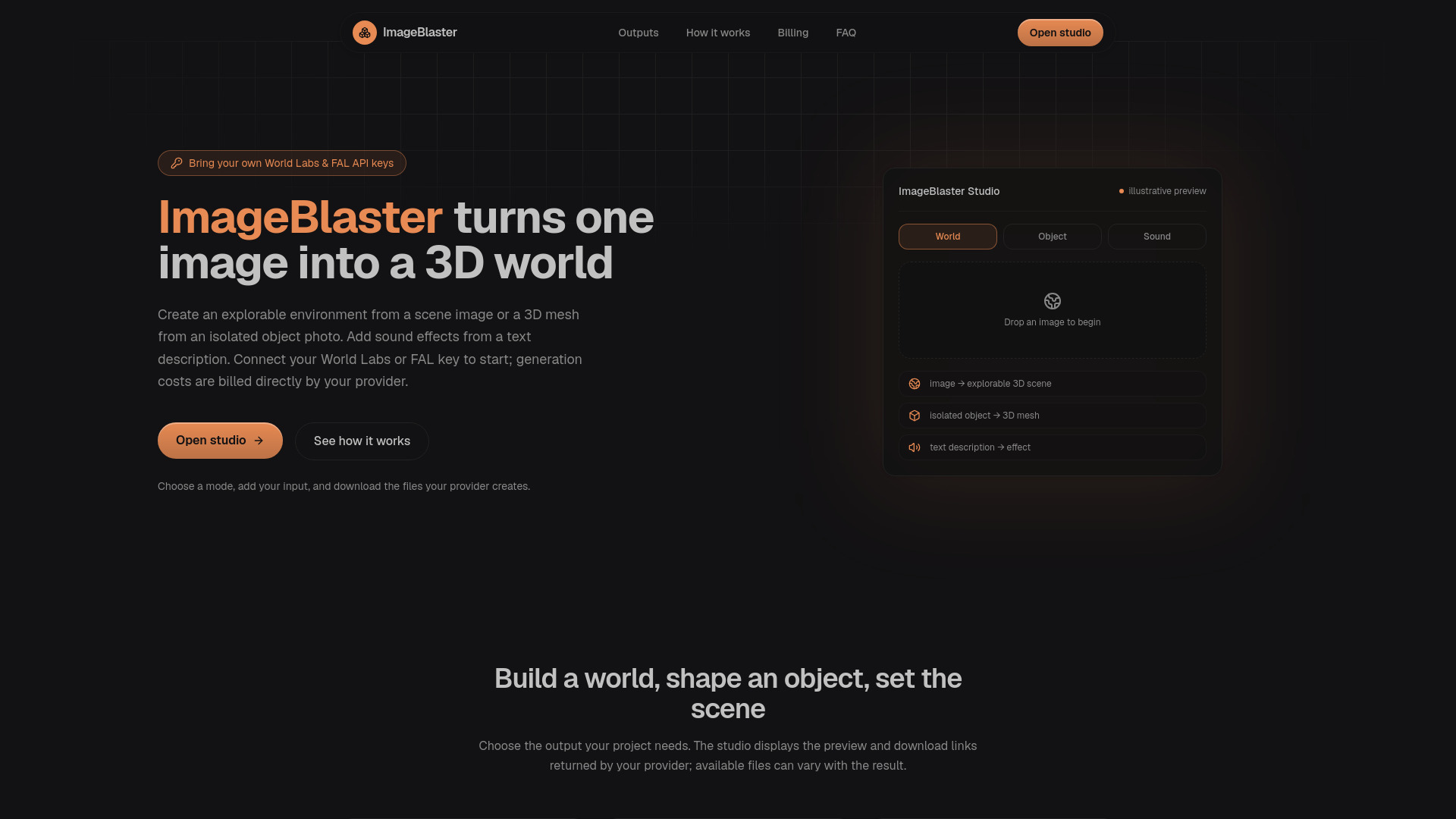
Turn images into 3D worlds and object meshes, and text into sound effects with your own World Labs and FAL API keys.
ImageBlaster is a browser-based workspace that turns images into 3D worlds and object meshes, and text into sound effects. It uses your own World Labs and FAL API keys, and providers bill you directly. It is an independent project, not affiliated with World Labs, FAL, ElevenLabs, or the original image-blaster.
ImageBlaster has no accounts, no login, and no hosted credits. You bring your own World Labs and/or FAL API key, and the provider bills your account directly for anything you generate. Provider accounts need sufficient credits. Review current rates and usage terms before generating; processing times and results depend on the model and queue.
What is ImageBlaster? ImageBlaster is a browser workspace that sends an image or text description to a specialized provider — World Labs, or FAL — and returns a downloadable 3D world, 3D object mesh, or sound effect. It is an independent project, not an official World Labs, FAL, ElevenLabs, or image-blaster product.
Do I need an account to use it? No. ImageBlaster has no accounts, no login, and no hosted credits. You bring your own World Labs and/or FAL API key, and the provider bills your account directly for anything you generate.
Where does my API key go? Your key stays in browser memory between requests. During generation and status checks, ImageBlaster handles it transiently on its server and forwards it only to the matching provider over HTTPS. The application does not save the key in logs, a database, a URL, or browser storage. Reloading clears the key.
Can I create a world, an object, and a sound in one click? No. World, Object, and Sound are three separate requests to three different provider endpoints, run one at a time. Each produces its own real, independent result — a world, a mesh, or a sound file — that you download on its own.
Why does generation take a while, and what if it fails? Processing time depends on the provider, model and queue. The studio checks status every few seconds. Temporary check failures are retried a few times; you can then resume with the operation ID. A failed connection during submission may still leave a billable job, so check your provider history before submitting again.
What image formats and sizes are supported? JPG, PNG, or WebP up to 3 MB. For the Object mode, use a single isolated object on a clean background — ImageBlaster does not automatically segment or cut objects out of a busier photo.