What is ImageHub
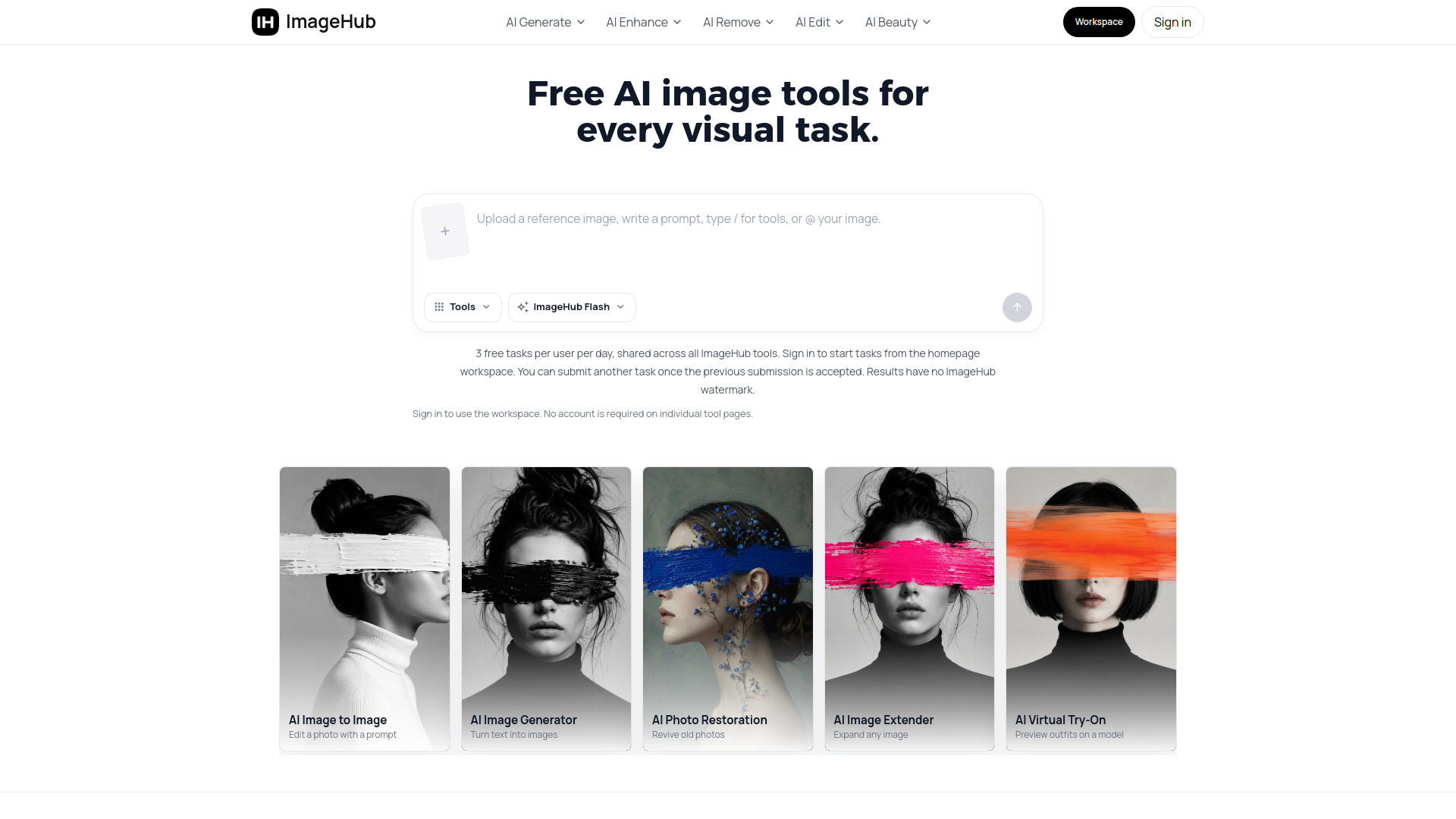
ImageHub is a free AI toolkit for generating, editing, and enhancing images. It offers a collection of web-based tools that allow users to create images from text prompts, transform existing images, remove backgrounds and objects, upscale photos, restore old pictures, and try on outfits online. All tools are accessible directly in the browser without installation.
How to use ImageHub
- Choose a tool from the navigation menu or the all-in-one workspace on the homepage.
- For most tools, you can start immediately without an account. However, tasks started from the all-in-one workspace require you to sign in.
- Upload an image or enter a text prompt, depending on the tool.
- Adjust any settings if available (e.g., select a model like ImageHub Flash).
- Click the generate or submit button to process your request.
- Download the result. Each tool hands its result to the next, so you can chain multiple tools together.
Features of ImageHub
- AI Image Generator: Turn text prompts into ready-to-use images.
- AI Image to Image: Transform an existing image with prompt direction.
- AI Anime Generator: Restyle portraits into anime-inspired artwork.
- AI Emoji Maker: Create custom emoji assets from photos.
- AI Background Remover: Remove image backgrounds and export clean cutouts.
- AI Object Remover: Erase distractions, people, and unwanted objects.
- AI Watermark Remover: Clean authorized images with visible marks or text.
- AI Image Upscaler: Increase image resolution for sharper exports.
- AI Photo Restoration: Restore faded, blurry, or timeworn photos.
- AI Image Extender: Expand a photo beyond its original frame.
- AI Background Changer: Combine a subject image with a new background.
- AI White Background: Create clean white backdrops for products and portraits.
- AI Character Swap: Replace a person with a reference character.
- AI Face Swap: Swap one face or selected faces in a photo.
- AI Virtual Try-On: Preview garments on a model image.
- AI Outfit Extractor: Extract visible outfit pieces from a person photo.
- AI Headshot Generator: Create polished profile portraits.
- AI Product Photography: Create product images for commerce.
- AI Art Generator: Turn photos into AI artwork.
- AI Image Enhancer: Improve clarity and detail.
- AI Unblur Images: Sharpen soft or blurred photos.
- AI Denoise: Reduce noise and grain.
- AI Shadow Generator: Add realistic shadows to product photos.
- AI Remove: Remove unwanted visual elements.
- AI Photo Editor: Edit and transform images.
- AI Blur Background: Add portrait-style depth.
- Multiple Face Swap: Map several face swaps in one group photo.
- AI Open Eyes: Fix closed eyes in portraits.
- AI Beauty: Enhance portraits naturally.
- AI Change Haircut: Try hairstyle and color ideas.
- AI Body Editor: Adjust body shape naturally.
Use Cases of ImageHub
- Generate custom images from text descriptions for creative projects.
- Remove backgrounds from product photos for e-commerce listings.
- Restore old or damaged family photos.
- Upscale low-resolution images for printing or web use.
- Create professional headshots from casual photos.
- Try on outfits virtually to preview clothing before purchase.
- Extract outfit pieces from photos for fashion design or resale.
- Swap faces in group photos for fun or creative purposes.
- Enhance portraits with natural retouching.
- Create emoji stickers from personal photos.
- Generate anime-style portraits from regular photos.
- Remove unwanted objects or watermarks from images.
Pricing
ImageHub is free to use. Every tool is free, and you can get results without paying anything. There is a limit of 3 free tasks per user per day, shared across all ImageHub tools. No watermark is added to downloads, and you can use the results commercially.
FAQ
Is ImageHub free to use?
Yes — every tool here is free to use. Start with the AI image generator or the background remover and get a result back without paying anything.
Do I need an account or to log in?
You do not need an account when you use a tool from its individual tool page. Tasks started from the all-in-one workspace on the ImageHub homepage require you to sign in.
Is there a limit on how many images I can make?
3 free tasks per user per day, shared across all ImageHub tools.
Do the images have a watermark, and can I use them commercially?
No watermark — your download comes back clean. And you're free to use the results commercially, so a generated visual or a white-background product shot is ready for your store, ads, or client work.
Do I need to install or download anything?
No — every tool works in your web browser, so there's nothing to install or keep updated. Pick a job from the tool map and it opens right on the page.
Can I use the same image across several tools?
Yes — that's the point of the toolkit. Remove the background, drop the cutout into the background changer, then upscale the final frame. Each tool hands its result to the next.
Does it work on low-quality or blurry photos?
It depends on your source image. AI tools build from what's in the upload, so a small or heavily compressed photo gives the model less to work with — run it through the AI image upscaler first, then try again for a cleaner result.