What is Imagesv2 Ai
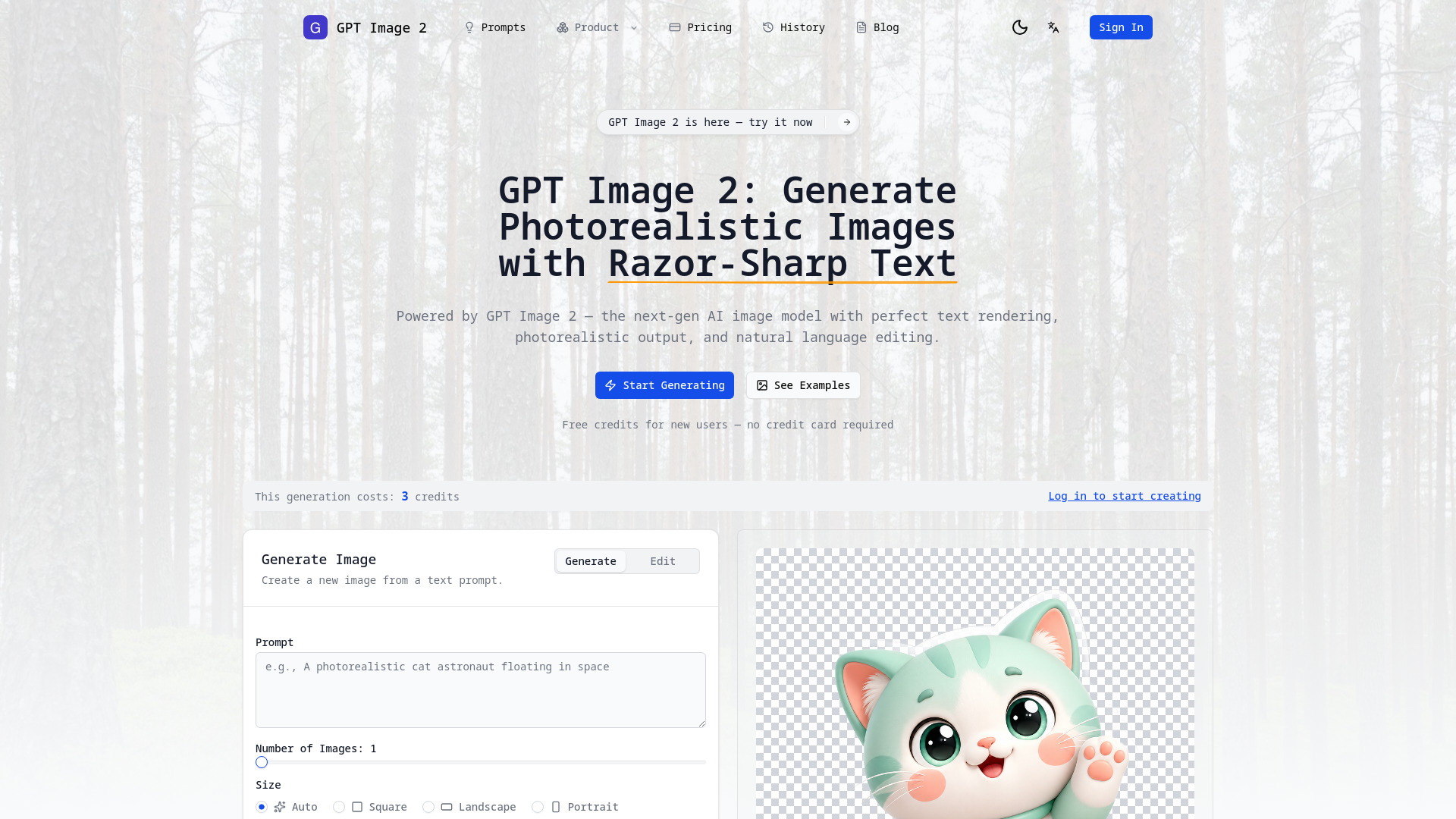
Imagesv2.ai is described as an AI visual toolbox, designed to assist users in completing specific visual tasks. It offers dedicated entry points for a wide range of functionalities, moving beyond simple image generation to provide specialized tools for various creative and professional needs.
How to use Imagesv2 Ai
While the content highlights the what Imagesv2.ai can do, it does not provide a step-by-step guide on how to use it. The description implies that users can select specific tasks or entry points within the tool to achieve their desired results.
Features of Imagesv2 Ai
- Generate transparent PNGs
- Create SVG icons
- Export posters as PSD files
- Illustrate articles
- Generate WeChat chat screenshots
- Create tweet screenshots
- Simulate Douyin/TikTok livestream rooms
- Make LinkedIn business portraits
- Generate personal style cards
- Create 360° panoramic images
- Generate photorealistic images
- Features razor-sharp text rendering
- Allows natural-language editing
Use Cases of Imagesv2 Ai
Imagesv2.ai can be used for a variety of tasks, including:
- Publishing articles with custom illustrations
- Designing covers for various media
- Delivering visual drafts for projects
- Updating profile photos
- Enhancing marketing plans with convincing imagery
- Creating social media content like tweet screenshots
- Generating visual assets for presentations and websites
- Producing 360° panoramic images for immersive experiences
- Analyzing and generating personal style guides based on photos
- Creating realistic AI-generated images with specific text elements
Pricing
New users are offered free credits upon sign-up, with no credit card required.
FAQ
This section is not available in the provided content.