Newsletter
Join the Community
Subscribe to our newsletter for the latest news and updates

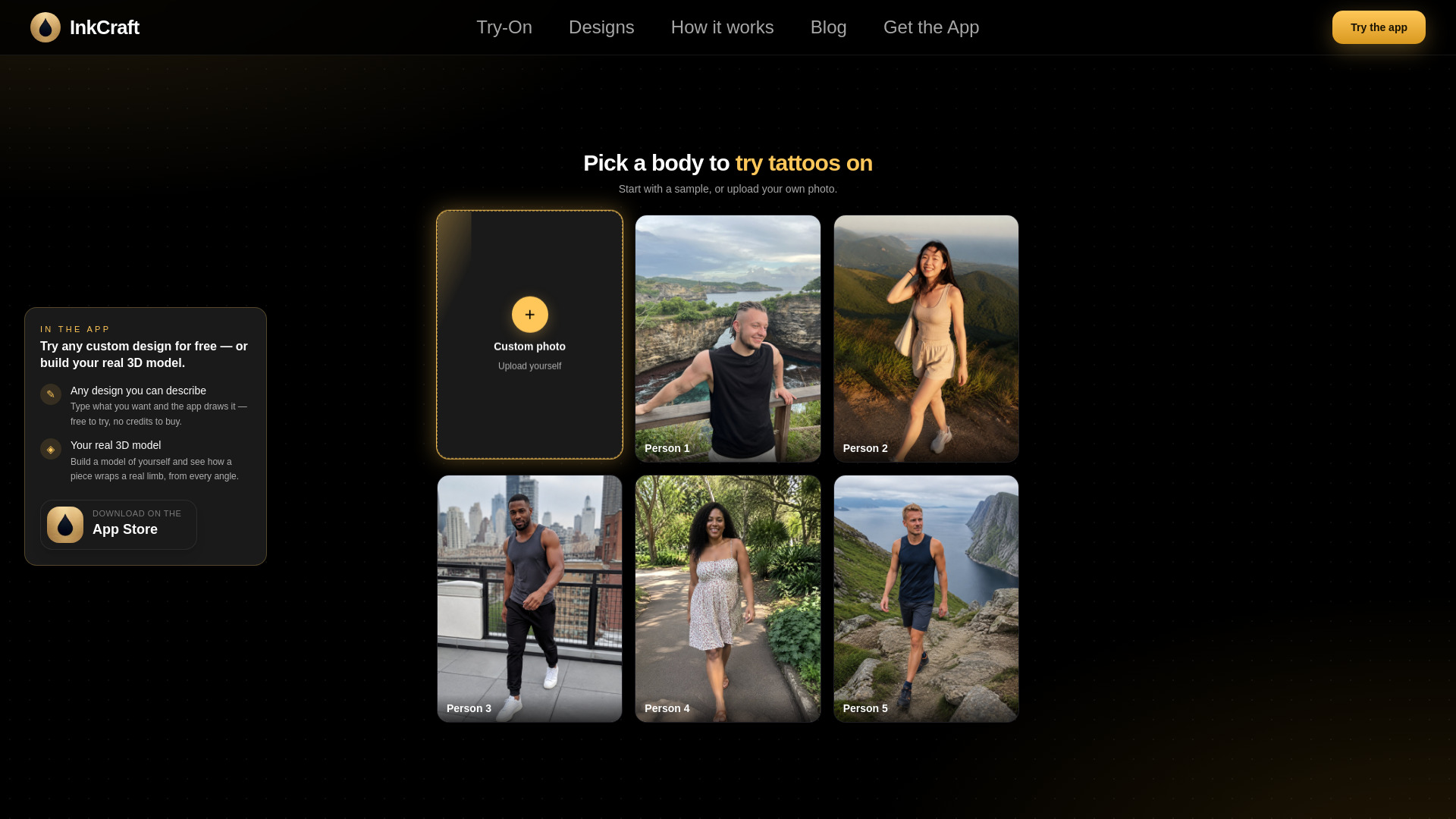
InkCraft lets you preview a tattoo on your own skin before committing to permanent ink. Upload a photo and the design wraps to the real curve of your body using a 3D model, so it follows your anatomy instead of sitting flat like a sticker.
InkCraft is a free, browser-based tattoo try-on tool that lets you preview a tattoo on your own photo before getting inked. It uses a 3D model to wrap the design around the curves of your body, so it follows your anatomy instead of sitting flat like a sticker. No app download or account is required.
InkCraft's web try-on is completely free. There is no account, no email, and no trial that expires. The exported image carries a small InkCraft mark in the corner. The iOS app has a paid tier (InkCraft Pro) for AI-generated designs, but the website does not sell anything.
Is there a website where I can try a tattoo on my photo without downloading an app? Yes, this one. Upload a photo, pick a design, and see it on your skin in your browser. Nothing to install, no account to create, and it's free.
Do I need to sign up or create an account? No. The web try-on needs no signup, no email, and no login. You'll pass a quick "I am not a robot" check before processing.
Is it really free? Yes. Placing a design and exporting the preview costs nothing. The exported image has a small InkCraft mark. The iOS app has a paid tier for AI designs, but the website doesn't sell anything.
Does it work in a browser on my phone? Yes. Safari on iPhone, Chrome on Android, and every modern desktop browser work. The only requirement is WebGL 2.
Can I upload my own tattoo design? Not on the website yet. You choose from the design library or arrive from tattoo idea pages. The iOS app lets you import any image.
How realistic is the tattoo preview? Closer than a flat overlay. The editor builds a 3D read of the body and wraps the design around it, following curves and lighting. It's a preview of placement, size, and proportion, not a promise of how an artist will execute it.
Is this a tattoo simulator? Yes. It shows a design on a real photo of a body, wrapped to the skin, so you can judge placement and size before anything is permanent.
Which body placements can I try? Any part your photo shows—forearm, wrist, upper arm, shoulder, chest, back, ribs, thigh, calf, ankle, hand, neck. You drag the design to where you want it.
Do you store my photo? No. Location and camera data are stripped in your browser. The photo is used only to build the preview and is deleted from server memory when the request ends. It's never written to disk, logged, or used for training.
Can I try a tattoo before my appointment? That's the point. Try sizes and spots, export the version you like, and bring it to the consultation. Artists prefer clients who know where and how big.
What's the difference between the website and the app? The website is the free browser try-on. The iOS app adds importing your own designs, AI design generation, lettering, saved previews, and a 3D model of your own body you can turn around.
Why does it sometimes take a moment before the editor opens? Your photo has to be turned into a 3D surface before a design can wrap around it. That runs on servers and usually takes a few seconds. Sample bodies open instantly.
Is there a limit to how many photos I can try? Five new photos every ten minutes per connection. No limit on designs per photo once it's ready.