What is Jobing AI
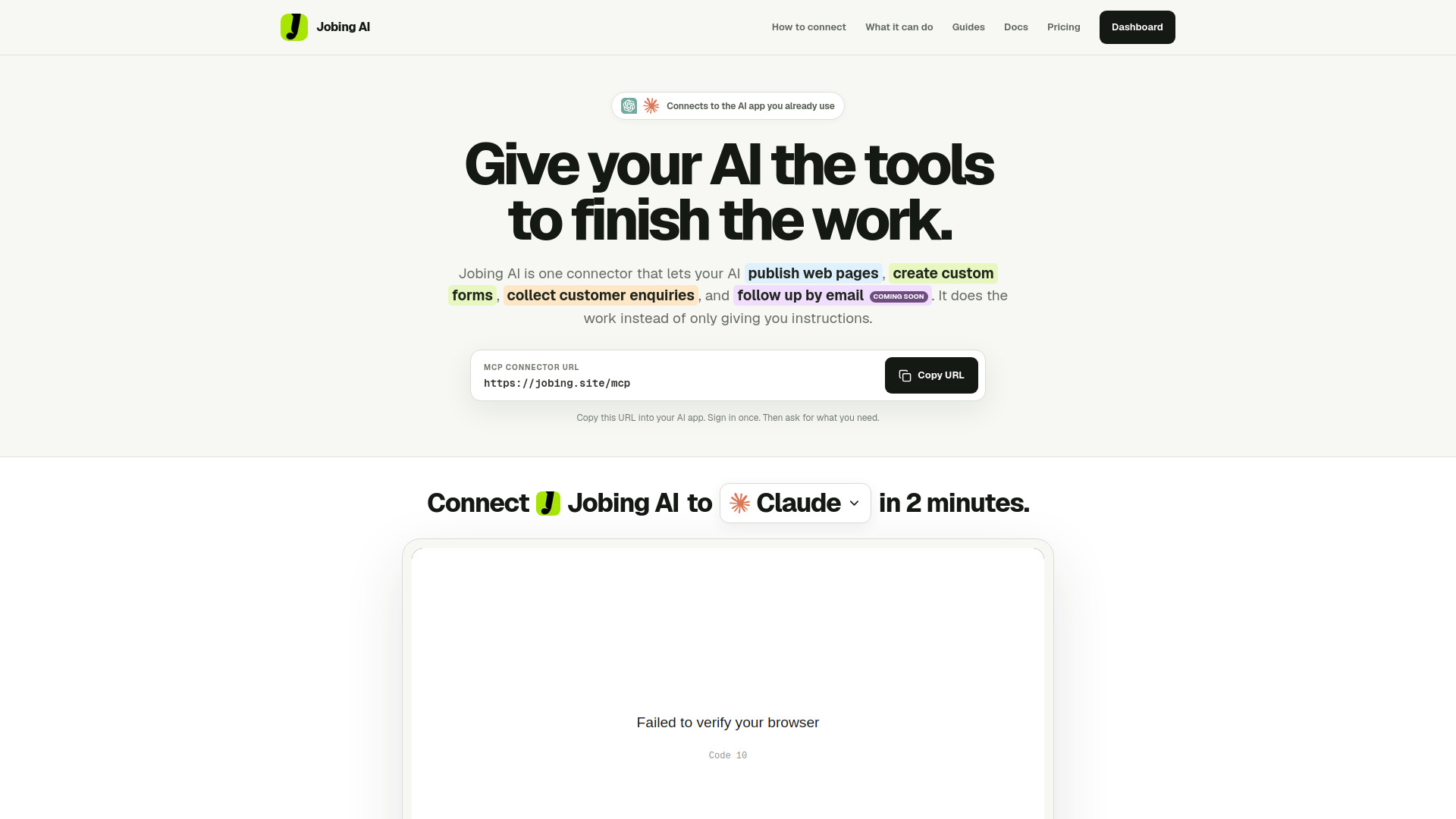
Jobing AI is a connector that lets AI assistants like ChatGPT and Claude publish web pages, create custom forms, collect customer enquiries, and manage responses—all from a single conversation. It provides an MCP (Model Context Protocol) connector URL that you paste into your AI app to enable these capabilities.
How to use Jobing AI
- Copy the MCP connector URL:
https://jobing.site/mcp - Open your AI app's connectors page (e.g., Claude's Connectors page).
- Add a custom connector and paste the URL.
- Sign in and allow access to Jobing AI.
- Enable Jobing AI in your chat and ask it to create or manage your work.
- Refresh the connector when new capabilities are added to load the latest tools.
Features of Jobing AI
- Publish web pages: Your AI can create and publish live web pages.
- Create custom forms: Build forms that match your page's design.
- Collect responses: Gather customer enquiries in an inbox.
- Manage responses: View and work with responses from one dashboard.
- Follow-up by email: Coming soon.
- Dashboard: Manage all pages and forms in one place.
- Works with ChatGPT and Claude: Compatible with AI apps that support remote MCP connectors.
Use Cases of Jobing AI
- Founders: Launch a landing page with a waitlist form quickly.
- Recruiters: Create application forms and collect candidate responses.
- Agencies: Build client pages and forms without switching tools.
- Organizers: Publish event pages and registration forms.
FAQ
What is the MCP connector URL?
The URL is https://jobing.site/mcp.
Which AI apps does Jobing AI work with? It works with ChatGPT, Claude, and other AI apps that support remote MCP connectors.
How do I refresh Jobing AI after updates? Open the Connectors page in your AI app, select the Jobing AI connector, and refresh or update its tools.
What can I do with Jobing AI? You can publish web pages, create custom forms, collect responses, and manage them from a dashboard.
Is email follow-up available? Email follow-up is coming soon.