What is Kaopu API
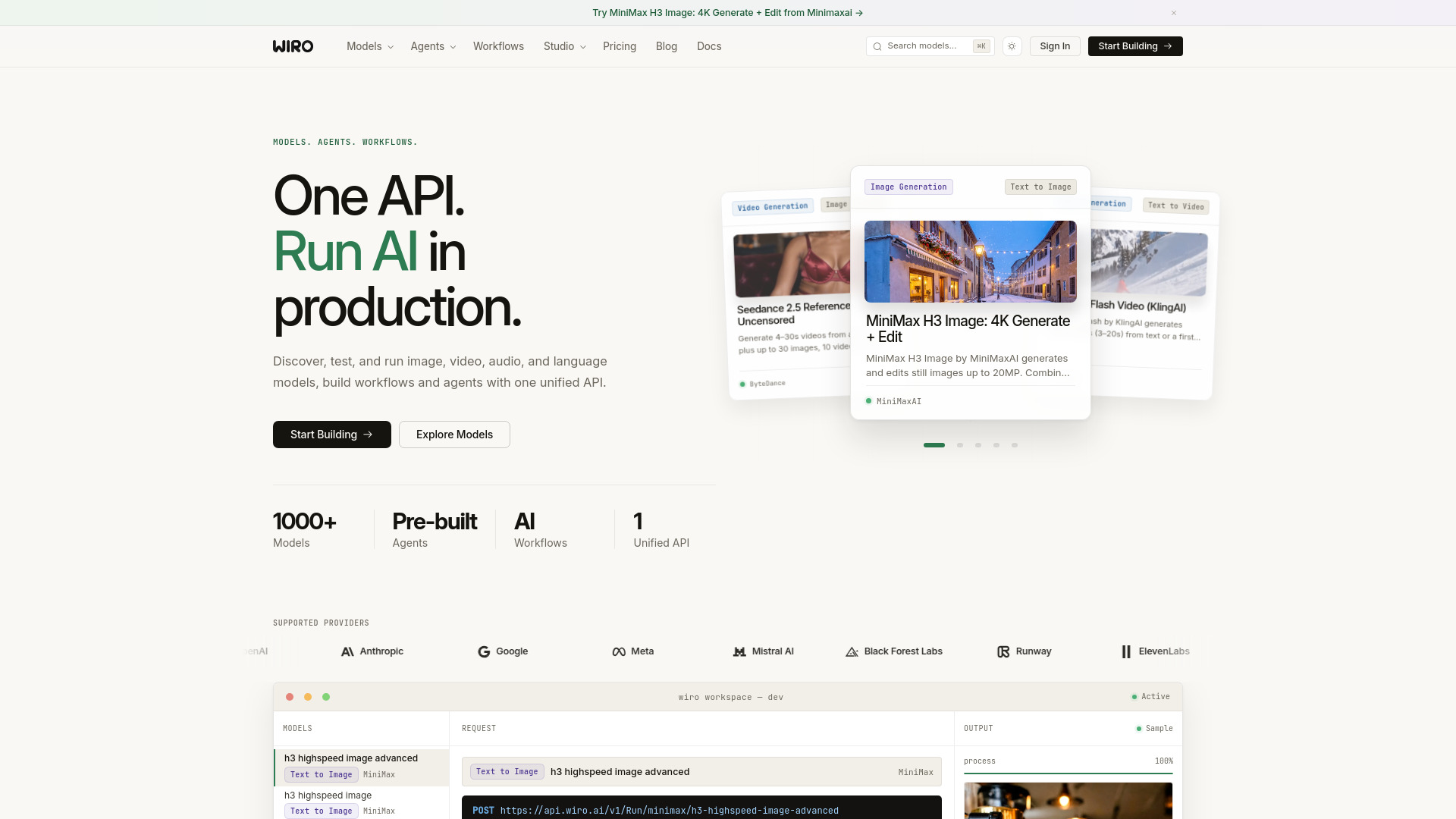
Kaopu API is a unified AI API gateway and admin dashboard that routes requests to multiple AI models. It provides a single endpoint for accessing various AI services, with an admin interface for managing API keys, usage, and model routing.
How to use Kaopu API
- Sign up for an account on the Kaopu API platform.
- Obtain an API key from the admin dashboard.
- Configure which AI models you want to route through the gateway.
- Make API calls to the unified endpoint with your API key.
- Monitor usage and manage settings via the admin dashboard.
Features of Kaopu API
- Unified API gateway for multiple AI models
- Admin dashboard for managing API keys and usage
- Model routing and load balancing
- Usage tracking and analytics
- Secure authentication via API keys
Use Cases of Kaopu API
- Developers who want to integrate multiple AI models without managing separate APIs
- Teams that need centralized control over AI API usage and costs
- Applications that require fallback or load balancing across AI providers
FAQ
Q: What is Kaopu API? A: It is a unified AI API gateway and admin dashboard for routing multiple AI models.
Q: How do I get started? A: Sign up, obtain an API key, and configure your models through the admin dashboard.