Newsletter
Join the Community
Subscribe to our newsletter for the latest news and updates

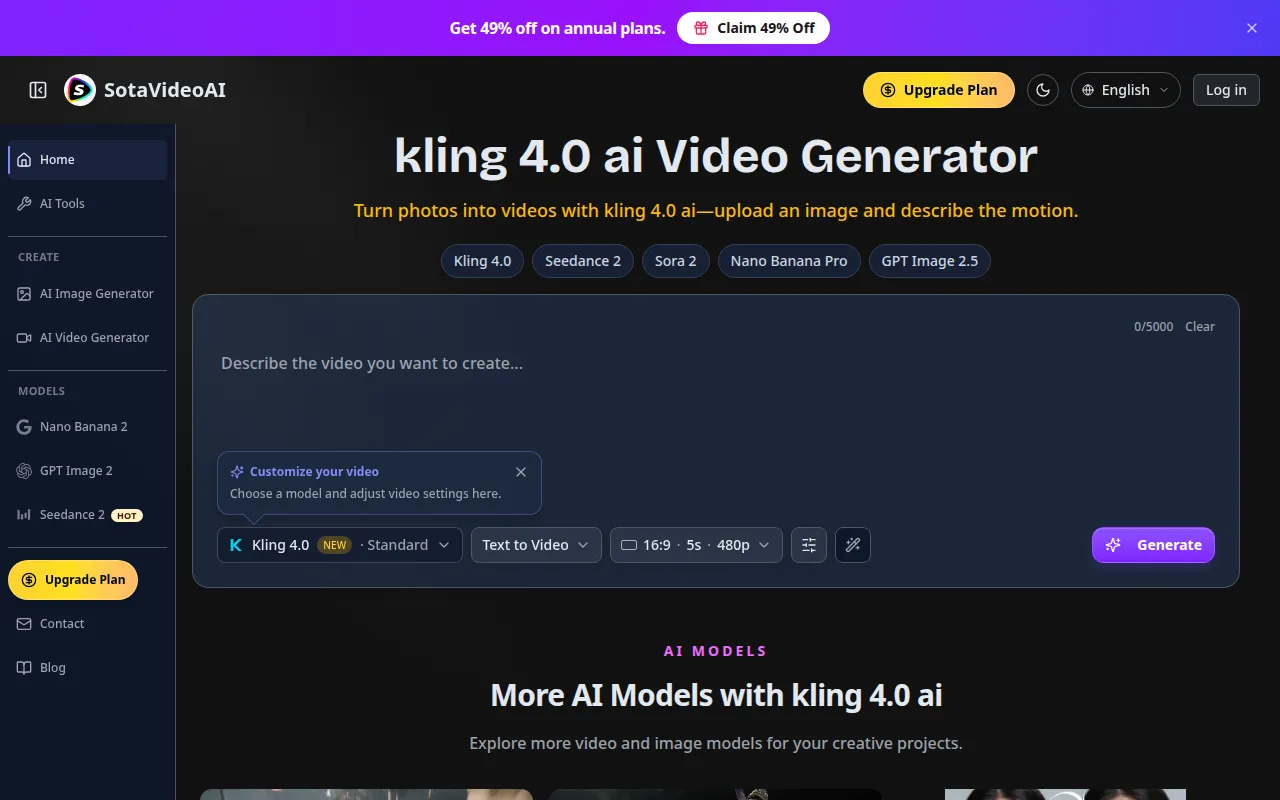
Bring still photos to life by describing motion, camera movement, and atmosphere to create short videos for creative projects.
kling 4.0 ai is a video generation model that allows users to bring still photos to life by describing motion, camera movement, and atmosphere to create short videos for creative projects. It is offered through the SotaVideoAI platform.
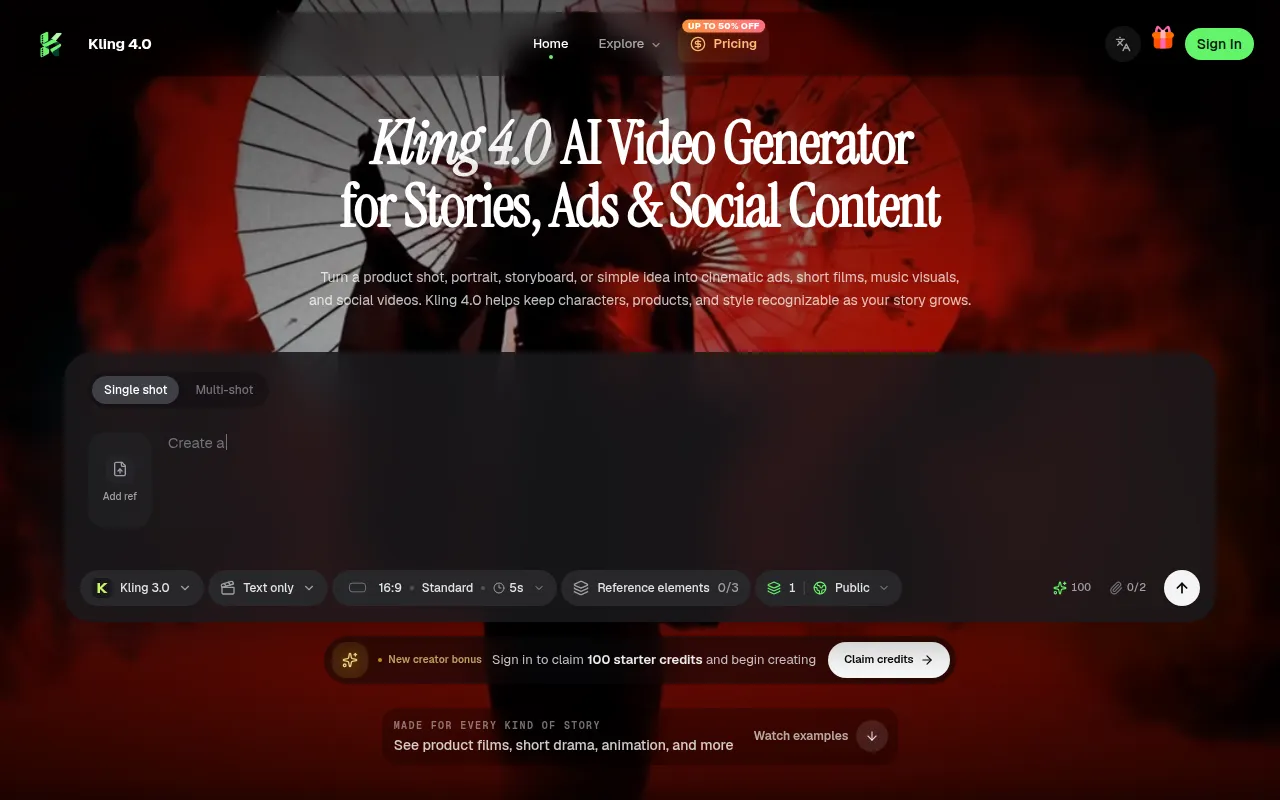
What is kling 4.0 ai? kling 4.0 ai is a video generation model. Its model introduction describes improvements to motion, camera movement, reference control, and continuous storytelling. Model announcements and the features available on this website may differ; check the current generator options before creating.
How do I turn an image into a video with kling 4.0 ai? Upload a starting image, choose kling 4.0 ai or another compatible model and select Image to Video mode, and describe the action, atmosphere, and camera movement. Select the available output settings, review the required credits, and generate your video. Preview the result and refine your prompt for another version.
How do I write a clearer video prompt? Describe the subject, action, setting, camera movement, and atmosphere. For example: a runner crosses a rain-soaked street while the camera follows from behind. When using references, explain which details should guide the result. Review the output and refine one or two details at a time.
What is the difference between text-to-video, image-to-video, and reference-based generation? Text to Video starts with a written scene description. Image to Video uses a starting image and a motion prompt. Reference to Video uses supported materials to guide appearance, action, or style. Choose among the modes currently available in the generator.
Which reference materials can I use with kling 4.0 ai? Image to Video uses a starting image. Reference-based modes can use additional materials where supported. Check the selected mode for available image, video, and audio inputs, along with format, size, count, and duration limits.
Can generated videos include audio and dialogue? Use generated audio when the selected mode offers it. Audio references guide the input; generated audio is part of the output. The model introduction also describes dialogue and lip-sync improvements, but their availability depends on the implemented mode and settings.
Can I edit or extend an existing video? When Video Edit is available, upload a source clip and describe changes to the setting, lighting, or style. When Video Extend is available, choose the extension direction and describe the added scene. Announced model-level continuation features do not automatically mean the same capabilities are available here.
What lengths, resolutions, and aspect ratios are available for kling 4.0 ai? Available video lengths, resolutions, and aspect ratios depend on the selected mode. Options can include widescreen, vertical, and square where supported. Check the settings shown in the generator before submitting.
Can I create reference images before making a video? Yes. Use Nano Banana Pro or GPT Image 2.5 in the image workspace to create or edit a product photo, illustration, or storyboard frame. Save the image, then upload it to kling 4.0 ai or another compatible image-to-video workflow.
How many credits does video generation with kling 4.0 ai cost? The credit cost depends on the model, duration, resolution, and other output settings. Some reference and editing workflows also account for input video length. Check the credit estimate shown before submitting, and visit the pricing page for subscriptions and one-time credit packs.
Can I try video generation for free? Eligible new users may receive trial credits after completing the required verification. Check your account for the credits granted and their expiry date, then choose a generation task that fits your available balance. Trial credits do not provide unlimited free generation.
How do I cancel my subscription? Yes. You can cancel at any time, with cancellation taking effect at the end of your current billing period. Open Billing in your account settings and use the customer portal to manage your subscription.
What is SotaVideoAI, and how is it related to kling 4.0 ai? SotaVideoAI is the brand of this website and its independent AI video and image creation platform. kling 4.0 ai is a model name, not our platform brand. SotaVideoAI provides the workspace, accounts, and credit system; model capabilities and availability depend on the services actually integrated. We do not develop the Kling model and are not its official website, affiliate, or endorsed platform. Model names and trademarks belong to their respective owners.