
gen.new
AI Music Generator
An AI workspace for chat, image, video, audio, and 3D creation.
Check pricingVisit site

AI Photo Editor
AI image generation and photo editing with text prompts and references
Explore other tools in related categories.
AI Music Generator
An AI workspace for chat, image, video, audio, and 3D creation.

AI Image Combiner
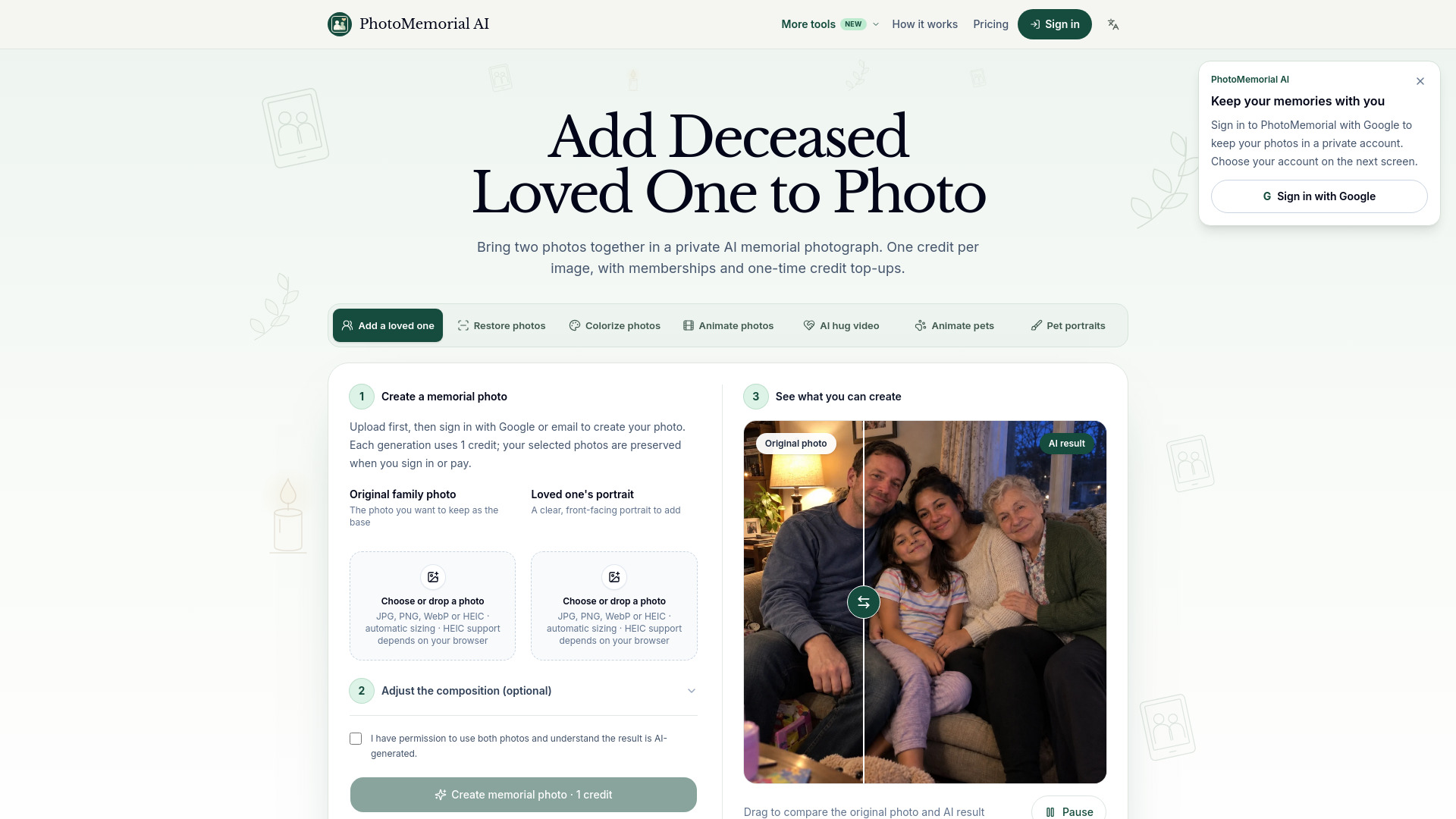
Animate a deceased loved one's photo from one portrait, or turn two separate photos into an imagined hug. PhotoMemorial AI also creates memorial family photos. All generations require sign-in and paid credits. Videos are silent, run about five seconds, and require Family or Legacy on current plans.

AI Ad Creative
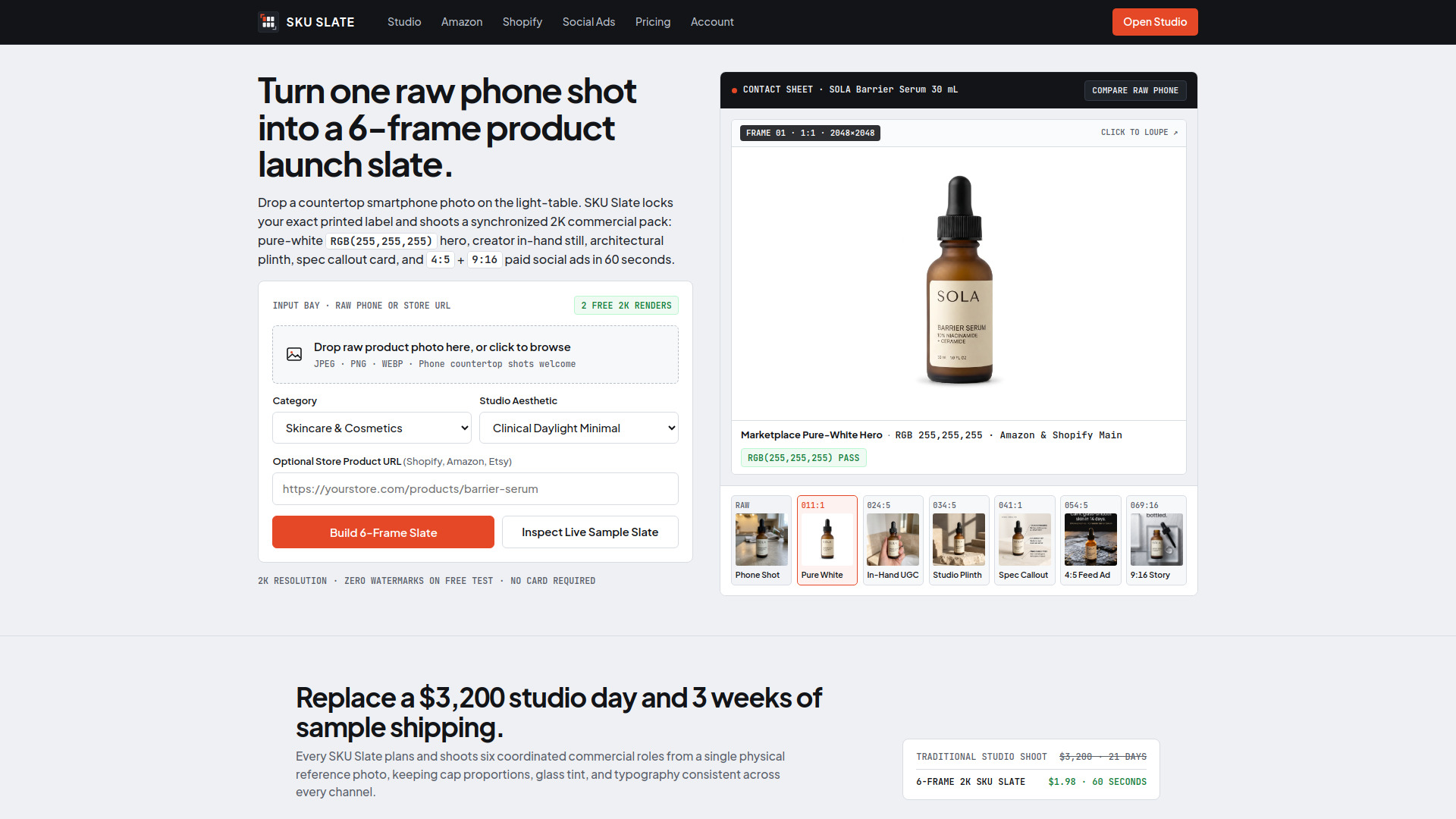
Turns one product photo into six coordinated 2K commercial images.
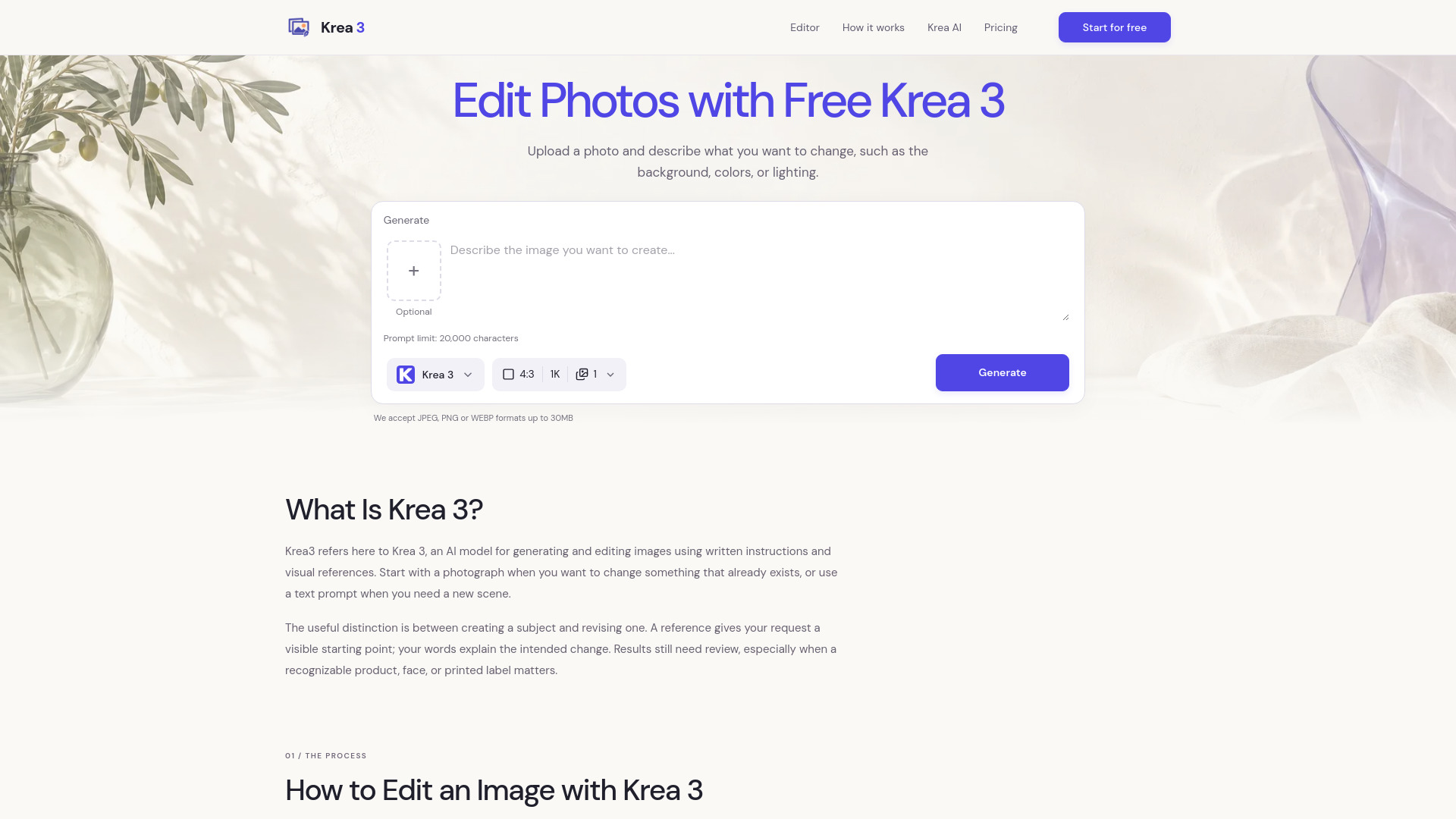
Krea 3 is an AI model for generating and editing images using written instructions and visual references. It allows users to start with a photograph to modify existing content or use a text prompt to create new scenes. The service is available through an independently operated platform that offers 100 free credits to try image generation and editing.
Krea 3 operates on a credit-based system. New users receive 100 free credits to try image generation and editing. Credit costs vary by model, output resolution, and the number of images requested; some models also charge for reference images. The editor displays the total credit cost before generation, allowing users to adjust settings to fit their balance.
Is Krea 3 free to try?
Yes, the platform currently offers 100 free credits to try image generation and editing. The number of images you can create depends on the model and settings you choose.
How many credits does each image cost?
Credit costs vary by model, output resolution, and the number of images requested. Some models also charge for reference images. The editor shows the total credit cost before you generate.
Is this the official Krea AI website?
No, this is an independently operated image creation and editing service. It is not affiliated with, endorsed by, or sponsored by Krea AI. Alongside Krea 3, the editor also offers other popular image models, including Nano Banana and GPT Image.
Can I use Krea 3 to generate images from text and edit photos?
Yes. Start with a text description to create an image, or upload a photo and describe your changes. For example: “Replace the background with a light gray studio setting, with light coming from the left. Keep the product’s shape and color.”
How many reference images can I upload?
Standard accounts can upload up to 3 reference images, and Pro accounts up to 8. Some models support fewer references. Give each image a clear purpose—for example, one for the product and another for the background or visual style.
What image formats and output resolutions are supported?
You can upload JPEG, PNG, and WebP images up to 30 MB each. Output options include 1K, 2K, and 4K, depending on the selected model, aspect ratio, and account access. The editor shows available options.
Can I change backgrounds or colors while preserving product details?
You can ask the model to change specific elements while preserving the rest of the product. Results may still alter small text, logos, textures, or proportions, so compare the output with your original before using it. Starting with one change at a time makes the result easier to check.