What is Lip Sync AI
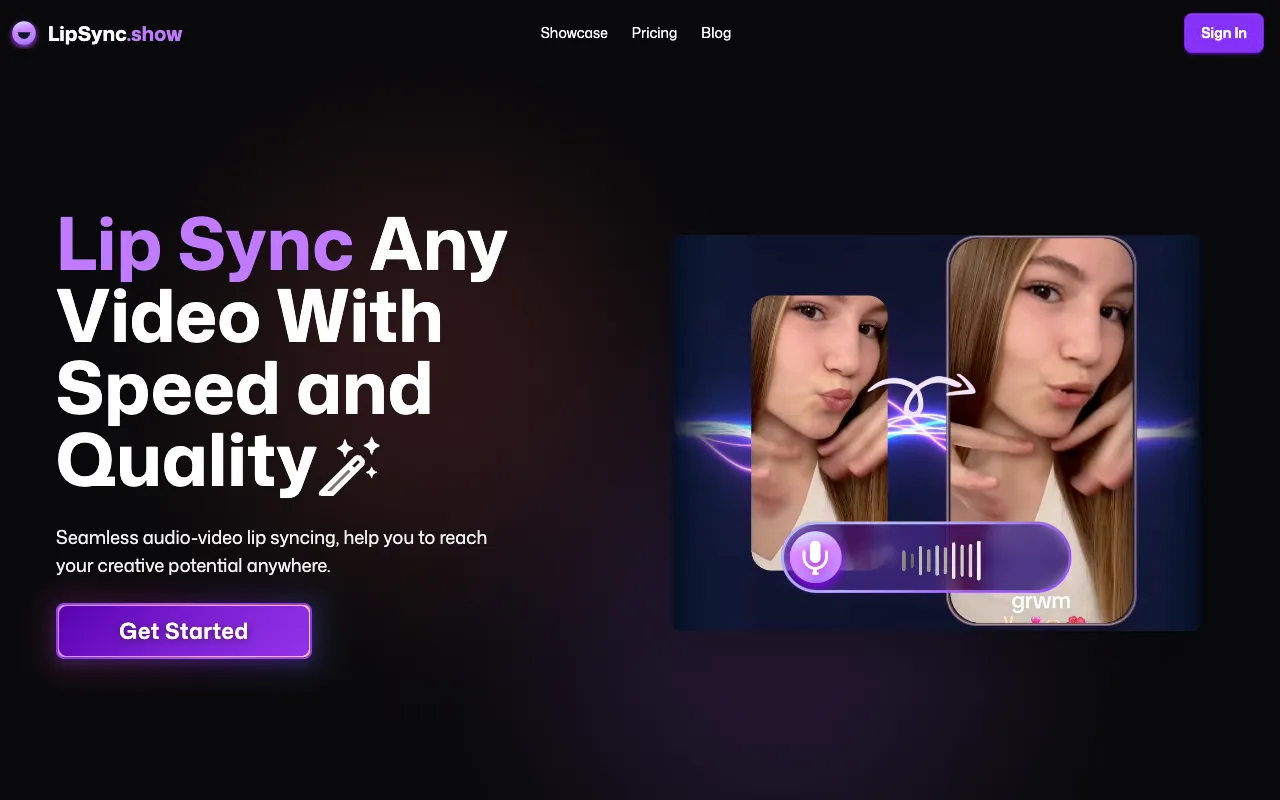
LipSync.show is a web-based AI tool that generates realistic lip-synced videos from any audio or text-to-speech quickly and easily. It allows users to lip sync any video with speed and quality, acting as an online lip sync maker and generator.
How to use Lip Sync AI
- Upload your source video file (containing a human face speaking) and the target audio file (containing another speech).
- Click confirm.
- Wait several minutes for the AI to process the video and generate a new video with the sound file content driving the lip sync.
Features of Lip Sync AI
- Generates realistic lip-synced videos from audio or text-to-speech.
- Web-based and easy to use.
- Supports AI Text to Speech generation.
- Includes microphone recording functionality.
- High-quality outputs with precise and natural lip sync.
- Fast syncing process.
- User-friendly interface.
- Supports common video formats: mp4, mov, webm, m4v, gif.
- Supports common audio formats: mp3, wav, ogg, aac, m4a.
- Mobile use is supported via browser.
Use Cases of Lip Sync AI
- Creating TikTok e-commerce videos.
- Producing YouTube short videos.
- Repurposing clips with AI lip sync.
- Generating promotional content.
- Creating product explainer videos.
Pricing
LipSync.show uses a "Free Premium" model. New registered users receive 20 points for free to try generating videos. Additional points can be purchased for further use.
FAQ
- What is LipSync? LipSync.show is an online lip sync tool that allows you to easily and quickly get a re-talking video.
- How to use LipSync? Upload your video file (with a human face speaking) and the sound file, click confirm, and wait for processing to get a new video with synchronized lips.
- What formats does video/audio file support? Video: mp4, mov, webm, m4v, gif. Audio: mp3, wav, ogg, aac, m4a.
- How long does it take to process a lip sync task? For a 1080p video under 5 minutes, it typically takes 5 to 8 minutes.
- What skills do I need to use LipSync? No technical video-editing skills are required; it is user-friendly and intuitive.
- Can I use LipSync for commercial purposes? Yes, videos created with LipSync can be used for commercial purposes.
- Is LipSync free to use? It offers a "Free Premium" model with initial free points for new users. More points can be purchased.
- What makes LipSync special to other alternatives? It uses an advanced AI model for a balance of speed and quality, and it supports mobile use via browser.