What is LiveFaceSwap AI
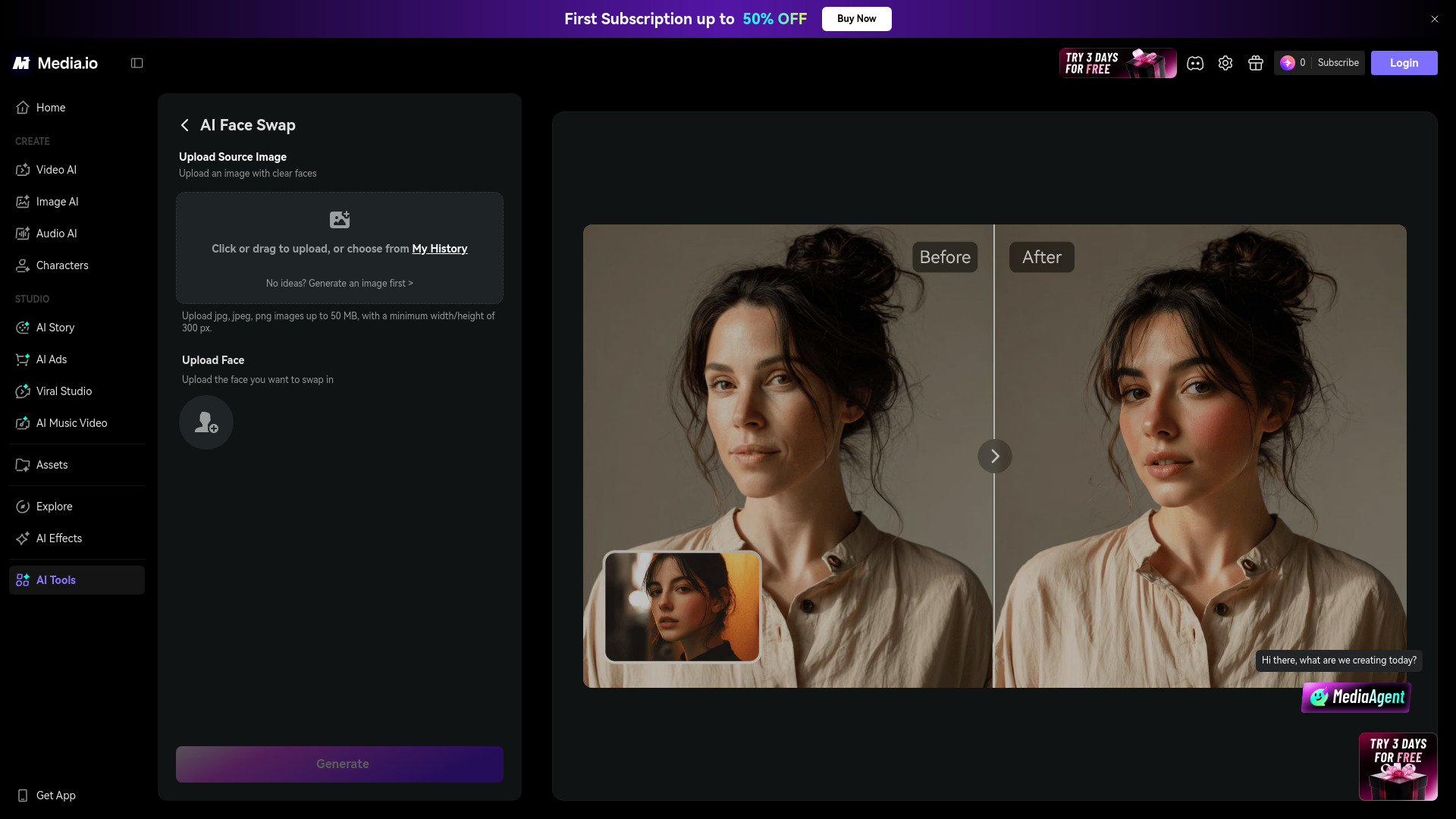
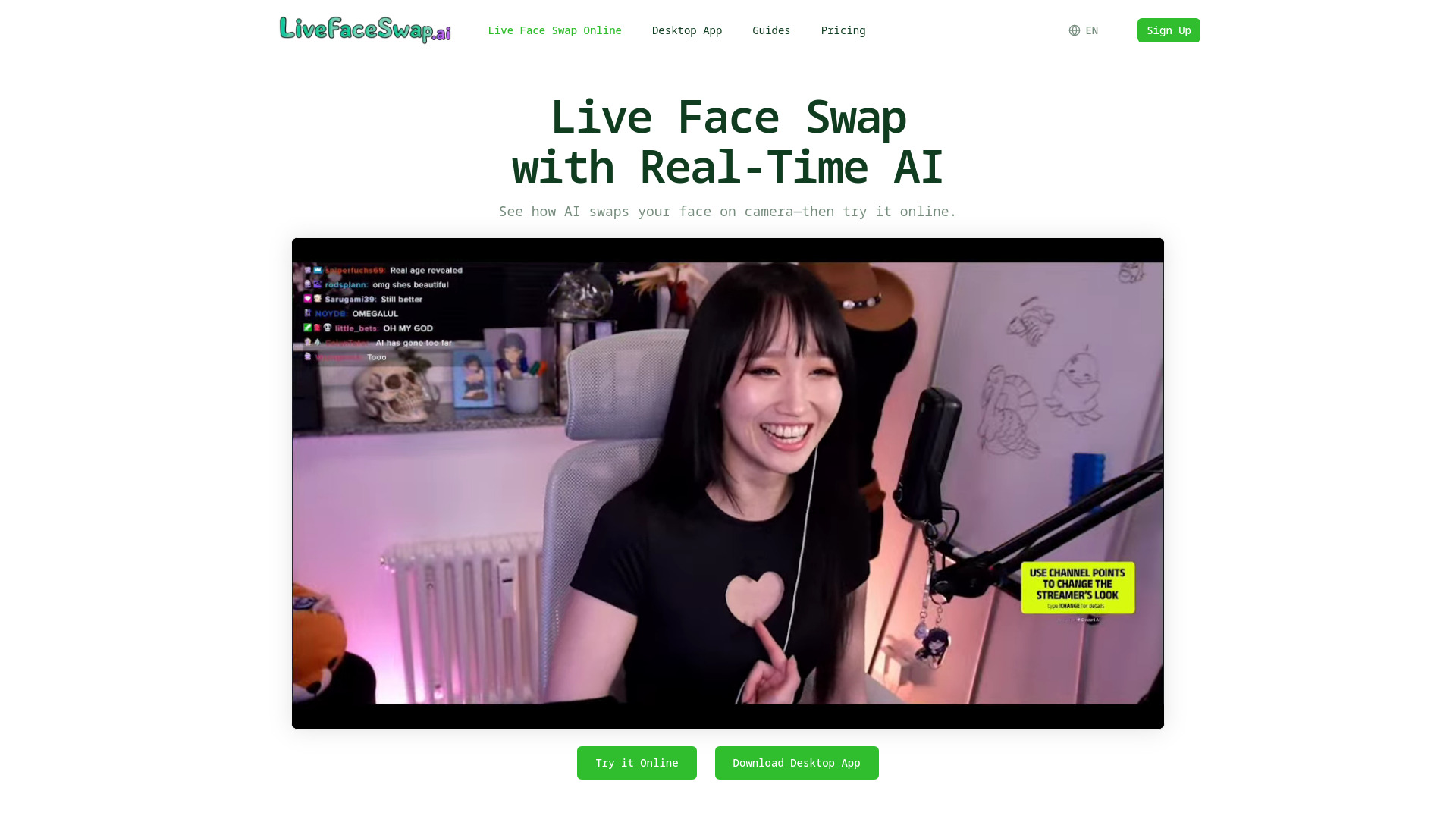
LiveFaceSwap AI is a real-time AI face swap platform that lets you apply face swaps to live camera video directly in your browser or through a desktop app. It supports webcams, streaming, and video calls, with no GPU required for the online version.
How to use LiveFaceSwap AI
- Choose a portrait reference: Upload a portrait you have permission to use, or select a preset. A clear, front-facing portrait gives the best results.
- Turn on your camera: Allow camera access, keep your face in view, choose an AI model, and start the live face swap.
- Review the swap result: Compare the output with your camera view, then adjust the reference image, lighting, position, or model if needed.
Features of LiveFaceSwap AI
- Real-time face swap: See AI swap your face on camera instantly.
- Multiple effects: Face Swap, Restyle, and Try-On modes.
- Model selection: Choose from models like XMAX-lite for different quality/speed trade-offs.
- Reference gallery: Upload your own images or pick from presets.
- Privacy assurance: Your camera feed is not saved and cannot be viewed by other users.
- Desktop app: For OBS, streaming, and video calls.
- Free trial: Sign up and get up to 180 seconds free.
Use Cases of LiveFaceSwap AI
- Livestreaming: Bring real-time face swap to OBS and compatible streaming apps.
- Video Calls and Meetings: Use AI-transformed video as your camera feed in compatible meeting apps.
- Creative Video Experiments: Explore real-time transformations, character looks, and roleplay ideas.
Pricing
Pricing details are not explicitly listed on the page, but the service uses a credit system (e.g., 0.3 credits/s) and offers a free trial of up to 180 seconds.
FAQ
Q: Do I need a GPU to use the online version? A: No, the online version works without a GPU.
Q: Is my camera feed saved? A: No, your camera feed is not saved and cannot be viewed by other users.
Q: What effects are available? A: Face Swap, Restyle, and Try-On modes are available.
Q: Can I use this for streaming? A: Yes, the desktop app supports OBS, streaming, and video calls.