What is Luo
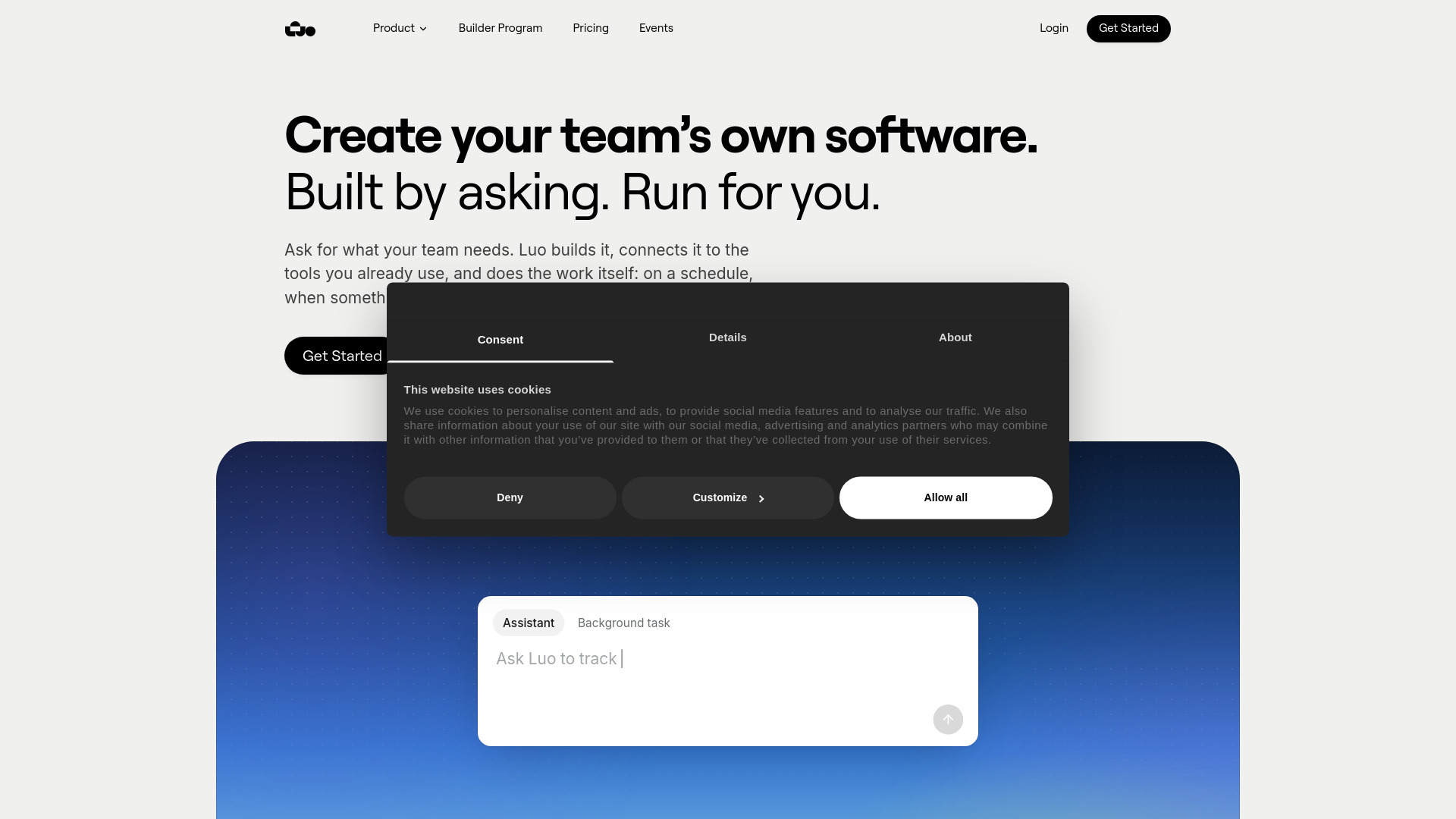
Luo is a platform that lets teams create their own software by describing what they need. It builds the tool, hosts it, and runs the work on a schedule, a trigger, or in Slack. Luo creates a workspace with pages, tables, and dashboards, connects to your existing tools, and automates tasks.
How to use Luo
- Describe the tool your team needs by asking Luo in natural language.
- Luo builds the workspace, including pages, tables, and dashboards.
- Connect your existing tools such as Slack, HubSpot, Gmail, and others securely.
- Invite your team to the workspace.
- Set up tasks to run on a schedule, when something happens (trigger), or on demand.
- Use the built-in knowledge base that automatically assembles information from your company's tools and docs, with every answer citing its sources.
Features of Luo
- Workspace creation: Pages, tables, and dashboards built for your team.
- Tool integrations: Connects to Slack, HubSpot, Gmail, Notion, Salesforce, Airtable, Asana, Google Drive, Google Calendar, and more.
- Task automation: Work runs in chat, on a schedule, or when something happens.
- Scheduled tasks: Recurring work runs automatically at set times (e.g., email briefs, weekly summaries).
- Workflows: Save multi-step tasks once and run them by name anytime.
- Triggers: Tasks run automatically when something happens in your tools (e.g., new HubSpot lead triggers research and notification).
- Private knowledge base: Automatically assembled from your company's tools and docs, with source citations and stays up to date.
- Builder Program: Build AI tools without code, publish them to the Builder Hub, and share them.
- Solutions library: Ready-made solutions like EasyRenewal, People Ops Starter Kit, Product Visuals Generator, SimpleCaller, SimpleRFP, SimpleSupport, Startup HRIS, and TinyATS.
Use Cases of Luo
- Finance: EasyRenewal – upload vendor contracts, extract renewal terms, compute cancellation deadlines, and flag contracts before windows close.
- People Operations: People Ops Starter Kit – track hires, onboarding checklists, probation dates, and software access with Slack and Gmail reminders; Startup HRIS – keep employee records, lifecycle work, leave, reviews, and payroll preparation in one workspace.
- Creative Operations: Product Visuals Generator – turn one product image into on-brand variations, save visual style presets, and generate batches.
- Sales: SimpleCaller – upload a CSV, filter contacts, dial through them, and automatically email those who don't pick up; SimpleRFP – extract buyer questions from RFPs, draft answers from the Knowledge Base, and finalize a downloadable PDF.
- Customer Support: SimpleSupport – turn a support inbox into a focused queue, triage requests, and reply in the original Gmail thread.
- Hiring: TinyATS – track applications from inbox, AI reads resumes, interviews land on calendars, and blind scorecards are chased automatically.
FAQ
What is Luo?
Luo is a platform where teams build and run their own tools with AI: describe what you need, invite your team, and let Luo run the work.
How does Luo run tasks?
Tasks can run on a schedule, when something happens (trigger), or in Slack.
Can Luo connect to my existing tools?
Yes, Luo connects securely to tools like Slack, HubSpot, Gmail, Notion, Salesforce, Airtable, Asana, Google Drive, and Google Calendar.
Is there a knowledge base?
Yes, Luo assembles a private knowledge base from your company's tools and docs, with every answer citing its sources.
Can I build and share tools?
Yes, the Builder Program lets you build AI tools without code, publish them to the Builder Hub, and share them with anyone.